
Decoding the meaning of LED indicators on Dell Enterprise Physical Drives (PD) ?
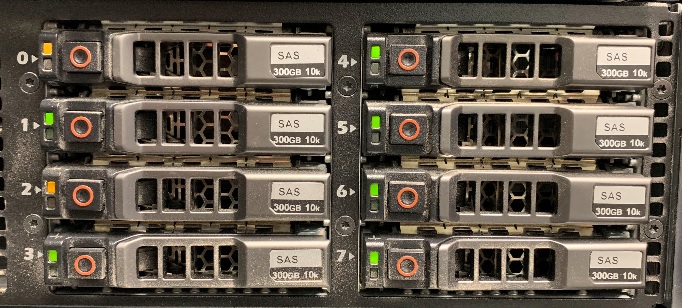
Before you scratch your head out, note the meaning of the LED indicators on Dell Enterprise drives.
On hotswap drives, the backplane provides two LED indicators per drive that transmit light to the top of their respective caddies.
- The light on the left is managed by the drive itself and indicates activity on the drive.
- The indicator on the right is controller by the backplane in conjunction with the storage controller and is used to indicate drive status.
This article explains the differents states possible of the physical drive:
| 1 . physical disk activity indicator 2 . physical disk status indicator 4 . physical disk eject button |
| Drive-status indicator pattern (RAID only) | Condition |
| Blinks green two times per second | Identifying drive or preparing for removal. |
| Blinks green, amber, and turns off | Predicted drive failure |
| Blinks amber four times per second | Drive failed |
| Blinks green slowly | Drive rebuilding |
| Steady green | Drive online |
| Blinks green three seconds, amber three seconds, and turns off six seconds | Rebuild aborted |
| Off | Ready for insertion/removal or not detected |


