
Rack Power Cabling
These cables supply standard AC power from a power source to the server's power supply units (PSUs). servers often use specific power cords that are designed for their rack and tower form factors. **Best practices for rack power cabling.** Picture this, You come across a situation where you have different classes of servers with power supplies and storage systems in different spots, and yes these will require different types of power cables. Always, if you can, do the following. - **::** Bundle your cables either by branch (if you have A/B power). - **::** Label your cables (Either on the plug or on the PDU) so you know what you're unplugging. - **::** Don't run your AC power cables on the same side of the rack as your ethernet cables. **Where you have PDUs, these are our observations:-** Horizontal PDUs are a mess -You can bundle your cables neatly down the side of your rack, but when you get to the PDU they fan out into a rat's nest. For vertical ("Zero-U") PDUs you can acquire custom-length power cables (they're available from various suppliers, usually in the same assortment of lengths you can get ethernet cables in - 1' 3' 5' 7' 14' etc.). The cables can then be bundled and tucked into the side of the rack the same way you would with ethernet cables - I use velcro ties to hold mine to the side of the rack so they don't trap server exhaust. Cabling can be more than just network and power cables, and good cabinet layout is more than just cabling. - **::** Think about where you will site your servers,storage, tape libraries and switches in a cabinet and plan around good access to those. (don't forget to keep tape libraries at a convenient height for changing tapes!) - **::** Don't forget to leave space for a KVM box plus monitor tray if you need one - and room to run cables for it of course. - **::** Make use of both sides of the cabinet - switches should go at the back of the cabinet. - **::** Whatever you do, remember airflow - cool air should come in
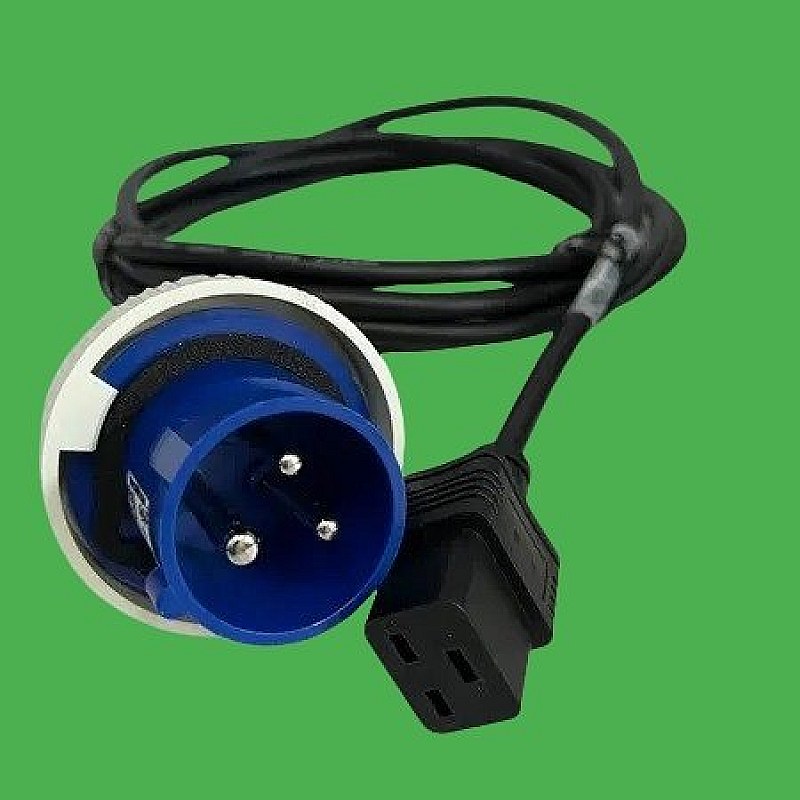
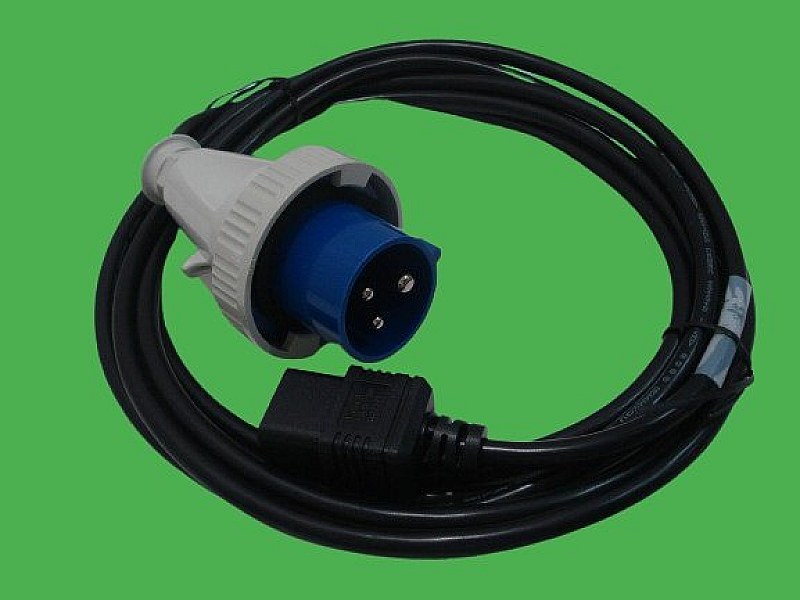
Cisco 20A 13FT Shielded Power Cable IEC309 To C19 Part #: 72-2103-01,CAB-AC-2500W-INT. Brand: : Cisco. Part #(s): 72-2103-01, CAB-AC-2500W-INT. Specs:-. :: Type: Power Cord Cable. :: Connector A: IEC309. :: Connector B…
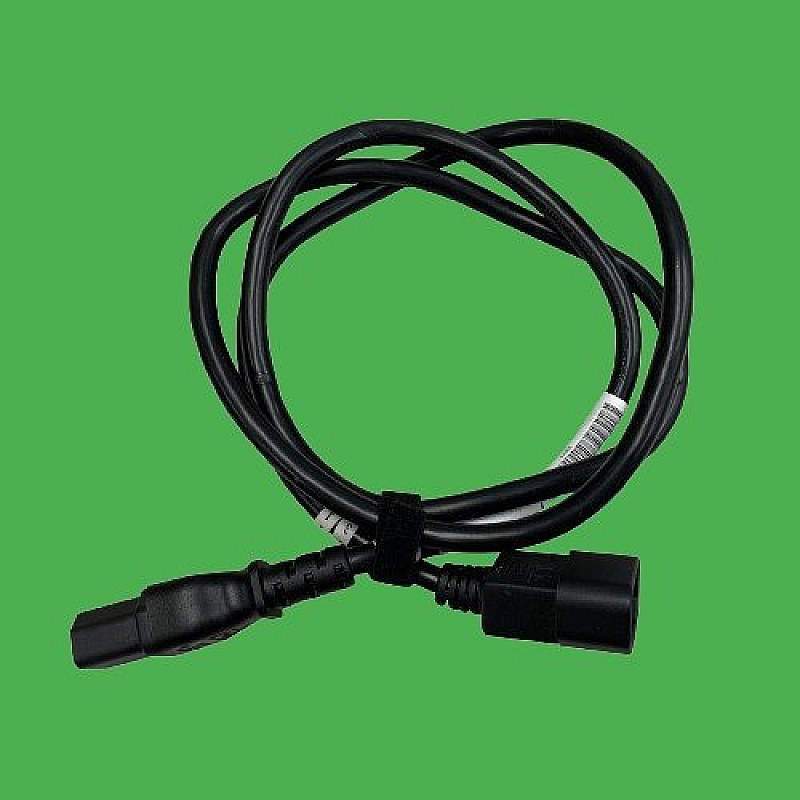
HPE IEC C14 to IEC C13 10A AC Power Distribution Unit (PDU) Power Cord (Black) HPN: 142263-006. Brand: HP. Part #: 142263-006. Specs:-. :: Type: PDU power cables. :: Connector Gender: Male-to-Female. :: Maximum Input…
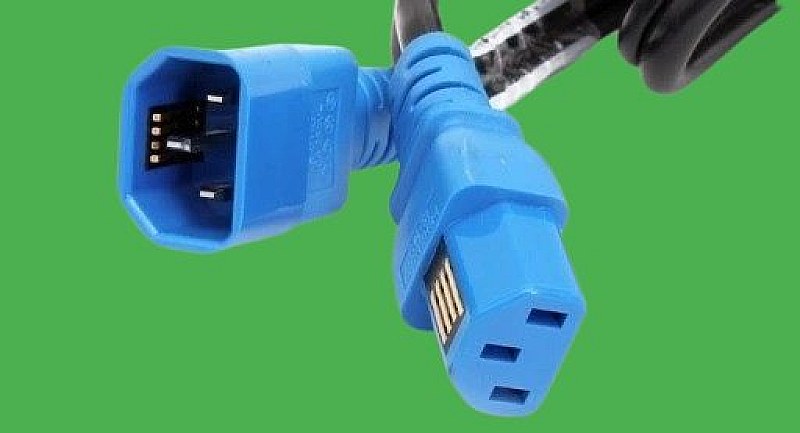
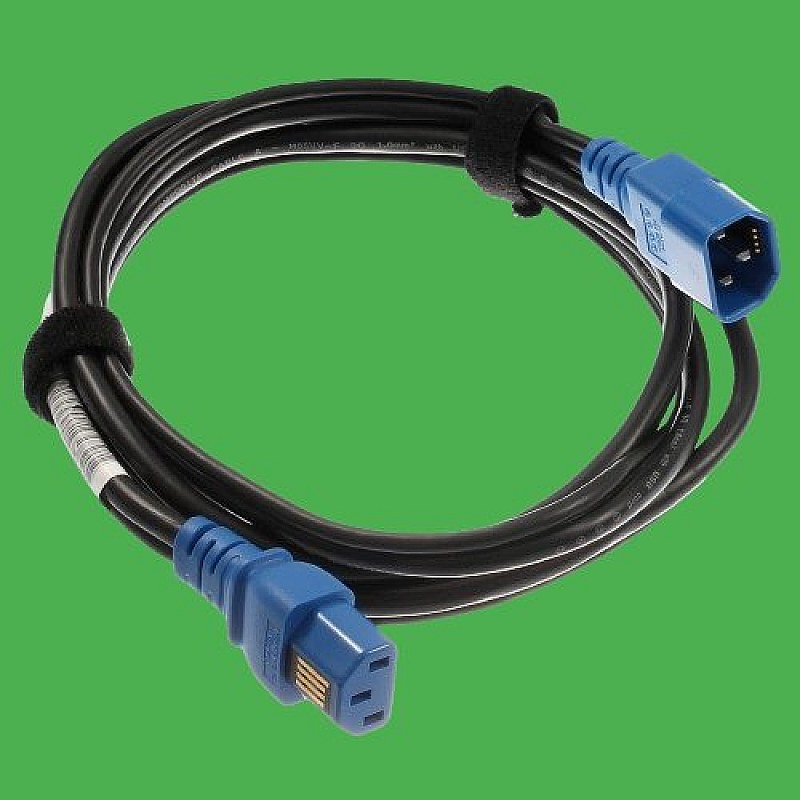
HPE C13 to C14 PLC (Power Line Communication) 2M Power Cord HPN: 530762-003. Brand: HP. Part #: 530762-003. Specs:-. :: Type: Power Line Communication (PLC) rack power cables. :: Description: HP PLC power cable 250V 10A…