
Data Domain Storage PSU
It is important to consider your needs before you buy a power supply unit - if it cannot meet the requirements of the system, it can cause performance issues, or even a failure of the system. We have various types and kinds of Data Domain power supplies in our selection. We offer a wide selection of Data Domain power supplies at Tekmart Africa and below we have provided some general notes on these DD power supplies and how to troubleshoot when in doubt; before you decide to buy replacement units.. The Data Domain Operating System queries iDRAC (integrated Dell Remote Access Console) to determine the status of the power supplies, PSU 1 and PSU 2. When this communication is interrupted, the status of the PSUs cannot be reliably determined and will post an alert that both power supplies are absent. The system will remain in the same state until the condition is resolved. **For Data Domain Operating System (DD OS) 4.9 and later versions, follow these steps:-** 1. Verify the PSU alert is for one of the system controller power supplies. The autosupport alert contains the sensor ID of the affected PSU. - Sensor 0x31 indicates PSU 1 on the system controller - Sensor 0x32 indicates PSU 2 on the system controller 1. Verify the status of each power supply. The outputs list the PSUs individually so you can determine the status of each PSU in the enclosures. A status of OK indicates the PSU is functioning properly. You can use one or all of the following methods to check the PSU status: **LED Indicator Table** Take particular note on below led indicators and their meanings:: **LED StatePSU BehaviourSolid Green** PSU is fully functional **Solid Amber** PSU is plugged in but has no AC power Blinking Green System is turned off but the PSU is still plugged in to a live power source Blinking Amber PSU has failed, but still has power Not Lit PSU has no power 1. Verify the power cord is plugged into a live circuit. The LED should be lit if it has AC power. 2. If the LED's
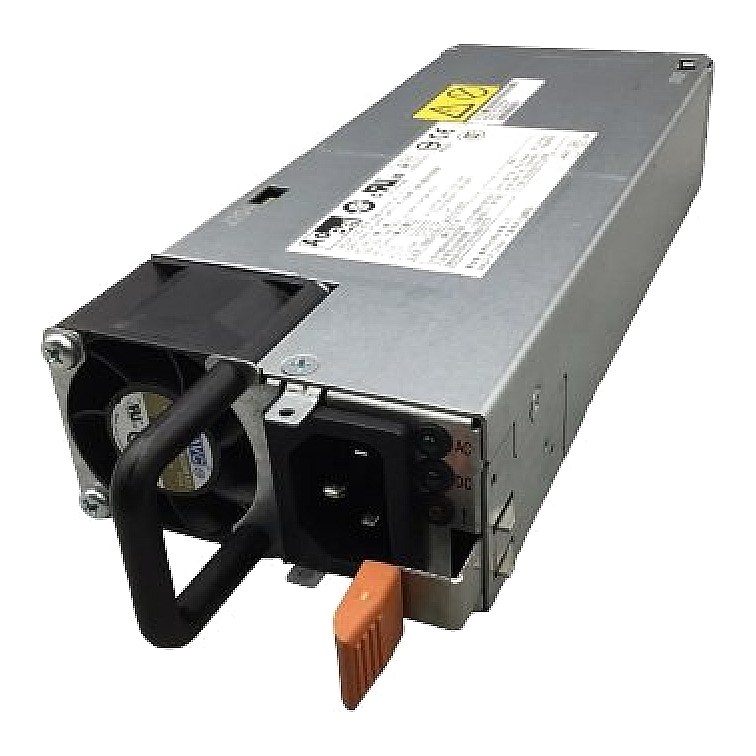
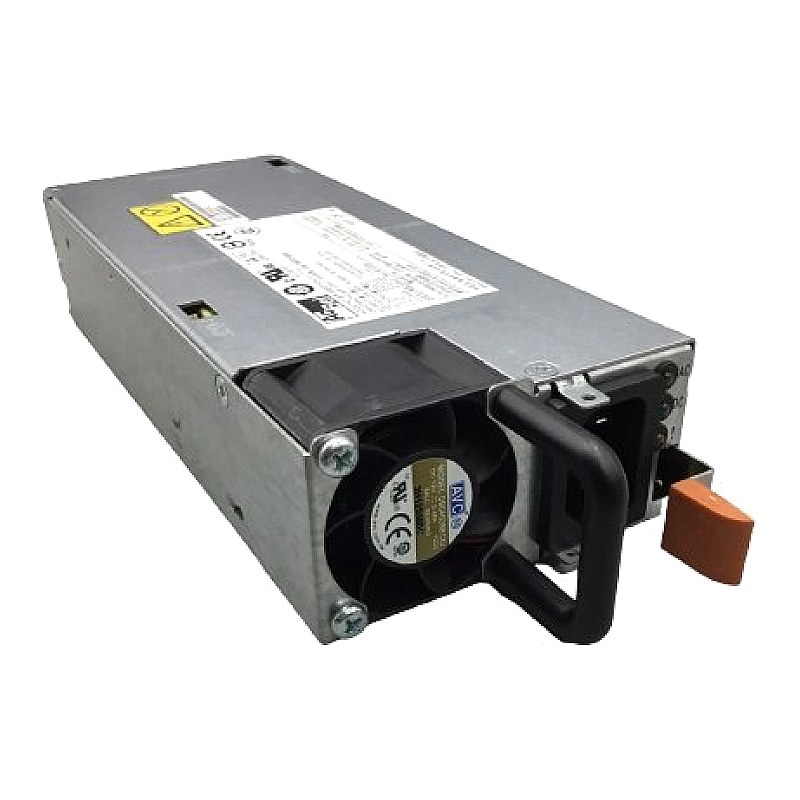
EMC SPE Power Supply 800W 12V Part #: 071-000-555-01. Brand: EMC. Part #: 071-000-555-01, FS9024. Manufacturer: AcBel. Model: FS9024. Specs:-. :: Type: Server / storage power supplies. DC Output…
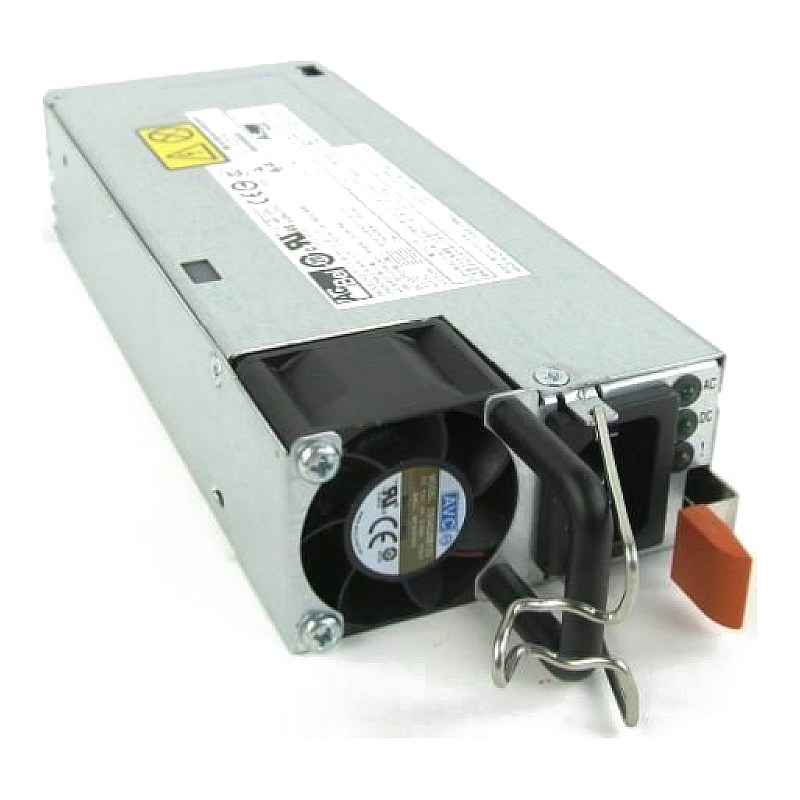
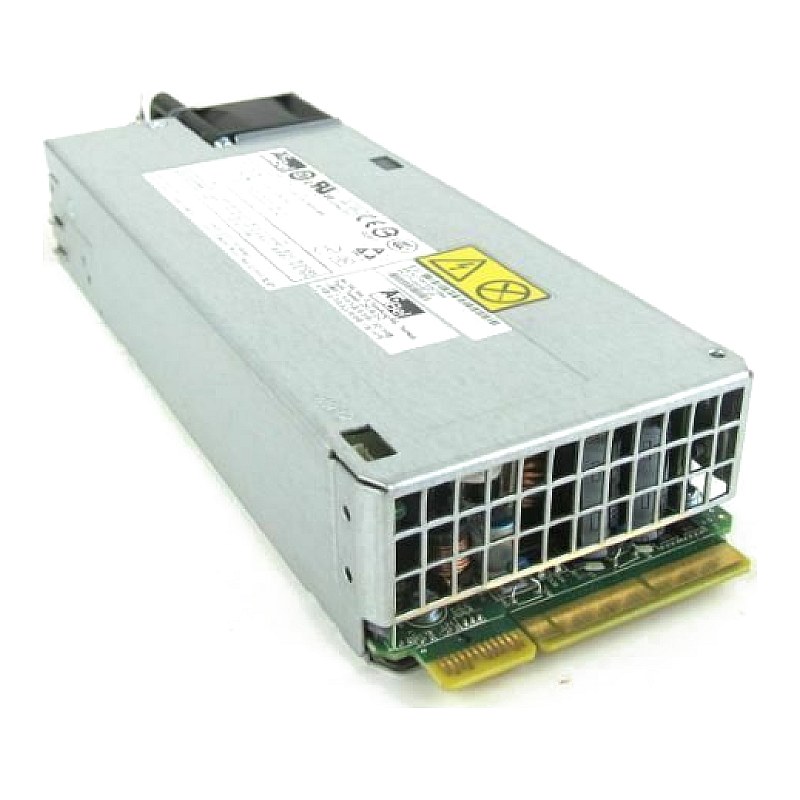
EMC 800w Power Supply for DD2500-1E30 Data Domain NAS Server Part #: 071-000-597-00. Brand: EMC / Data Domain. Part #: 071-000-597-00. Specs:-. Type: NAS Server Power Supply. Rating: 800W. Compatibility: EMC DD2500-1E30…

Dell Data Domain Dd670 Power Supply 1100w DPN: 03H7TN. Brand: Dell. Part Number: 3H7TN, Model: X-2UA-PS. Specs:-. Device Type: Power Supply. Rating: 1100W. Input: 100-240v. Connections: Modular. Compatibility DATA…

EMC D60079-009 Data Domain DD880 1570W Power Supply. Brand: EMC / Data Domain. Part # :D60079-009. Model: DSP-1570BB. Specs:-. Type: Server / Storage Power Supply. Rating: 1570W. Compatibility: Data Domain DD880 1570W…