
Huawei Transceivers
## **Tekmart Support-Checking the Optical Module** ### **Procedure** 1. Check whether the firewall supports the optical module based on the model of the optical module inserted into the interface and hardware description in the product documentation. The optical module works only when it is supported by the interface. 2. Check whether the parameters of the optical modules used on the two ends are consistent. Ensure that the rate, wavelength, and transmission distance of the interconnected optical modules are consistent. Using the same model provided by one manufacture is recommended. # View the optical module parameters on GigabitEthernet 1/0/1. A message is displayed, indicating that the optical module is not certified by Huawei. - <HUAWEI> **display interface GigabitEthernet 1/0/1** GigabitEthernet1/0/1 current state : UP Line protocol current state : UP GigabitEthernet1/0/1 current firewall zone : trust Description : Interface Route Port The Maximum Transmit Unit is 1500 bytes, Hold timer is 10(sec) Internet Address is 10.1.1.1/24 IP Sending Frames' Format is PKTFMT_ETHNT_2, Hardware address is 0022-a106-0e5b Media type is twisted pair, loopback not set, promiscuous mode not set 1000Mb/s-speed mode, full-duplex mode, link type is auto negotiation **Vendor Name: FINISAR CORP.Vendor PN: FTLF1619P1BCL-HWSN: PR7344ZNote: This transceiver is not certified by Huawei Enterprise Business GroupTransceiver max BW: 10GTransceiver Mode: MultiModeWaveLengh: 1310nmTransmission Distance: 10kmCurrent SFP module temperature(-128c/128c): 39.00 cCurrent SFP module supply(0/6.55V): 3.28 VCurrent SFP module Tx bias(0/131mA): 33.42 mACurrent SFP module Rx power(<8.129dBm): -4.63 dBm** Default Rx Power High Threshold: 3.49 dBm Default Rx Power Low Threshold: -18.40 dBm **Current SFP module Tx power(<8.129dBm): -1.84 dBm** Default Tx Power High Threshold: 3.49 dBm Default Tx Power Low Threshold: -12.19 dBm ...... If the transmit optical power is too high or too low, change the optica
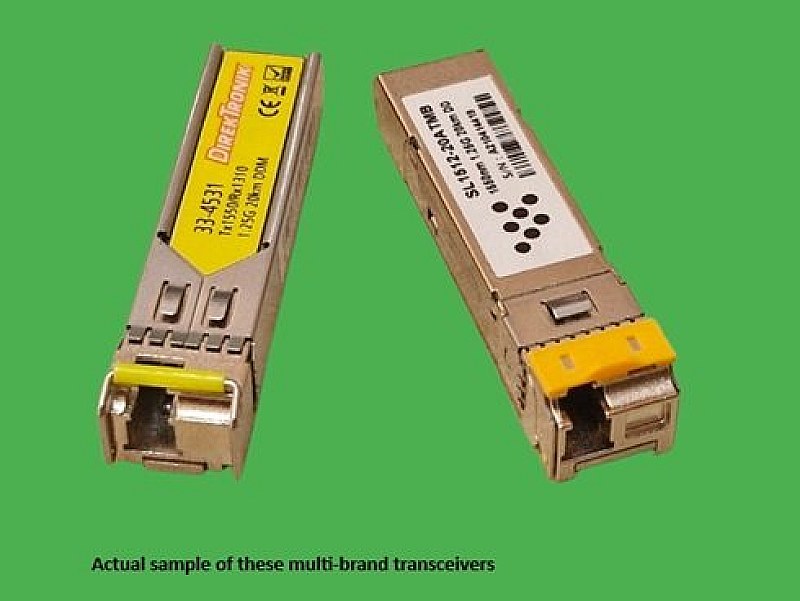

1000BASE-LX Duplex LC 1.25G 1310nm 20km DOM SFP. Brand: Various. Specs:-. Type:Single mode SFP (with DOM support). ::Ethernet Channel Speed: 1.25 GB/s. ::Fibre Channel Speed: 1.06 Gb/s. ::Form Factor: SFP (BiDi)…
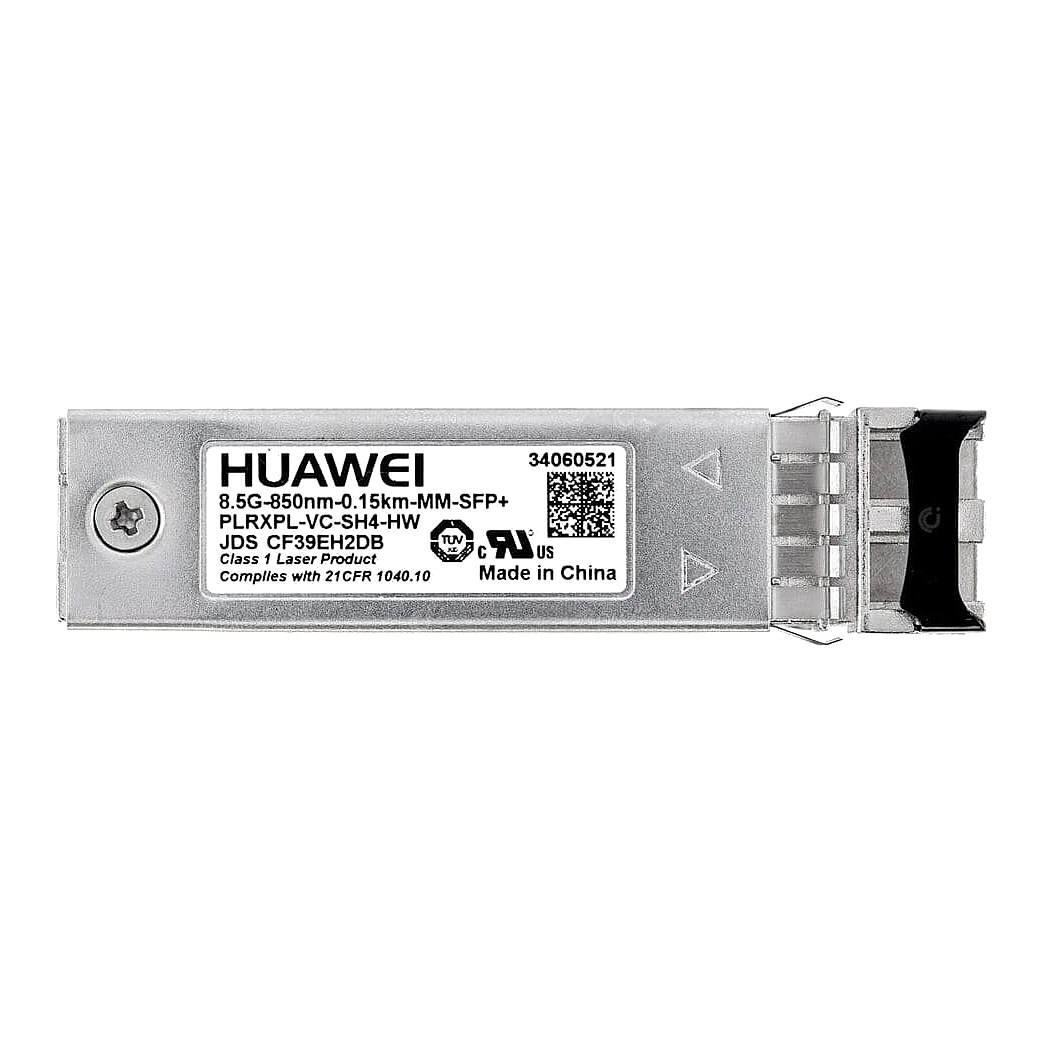
HUAWEI 850NM 0.15KM SW SFP+ OPTICAL TRANSCEIVER Part #: PLRXPL-VC-SH4-HW / 34060521. Brand: Huawei. Part #: PLRXPL-VC-SH4-HW. Alt. Part #: 34060521. Specs:-. :: Compatibility: N/A. :: Condition: Refurbished…
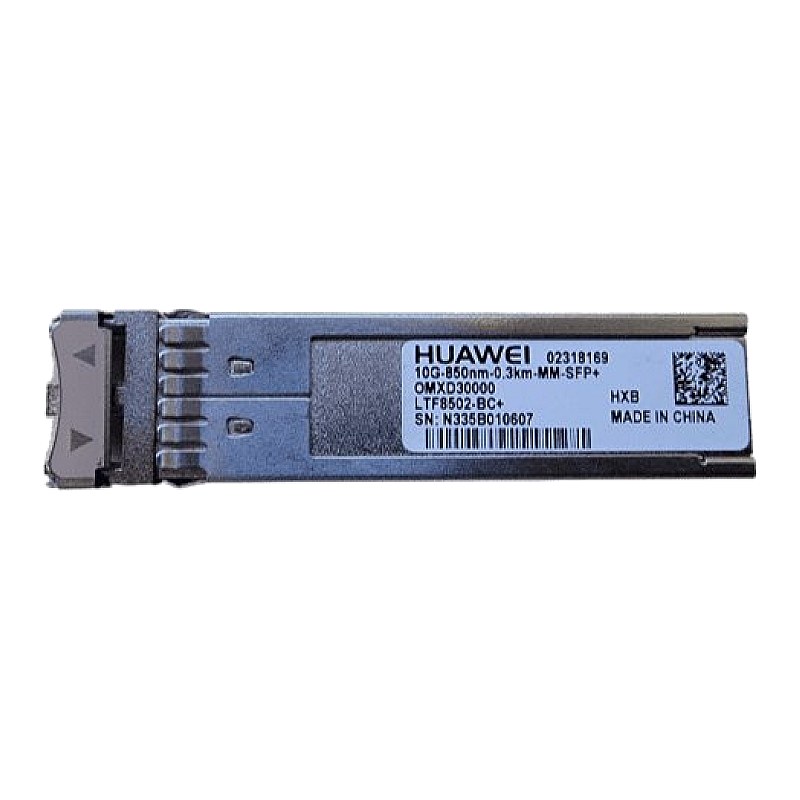
Huawei GBIC SFP+ 850nm 0.3KM Transceiver Part #: LTF8502-BC+ / N335b010607. Brand: Huawei. Part #: LTF8502-BC+. Alt. Part #: N335b010607. Specs:-. :: Data Link Protocol: Fiber Channel. :: Data Transfer Rate: 10 Gbps…
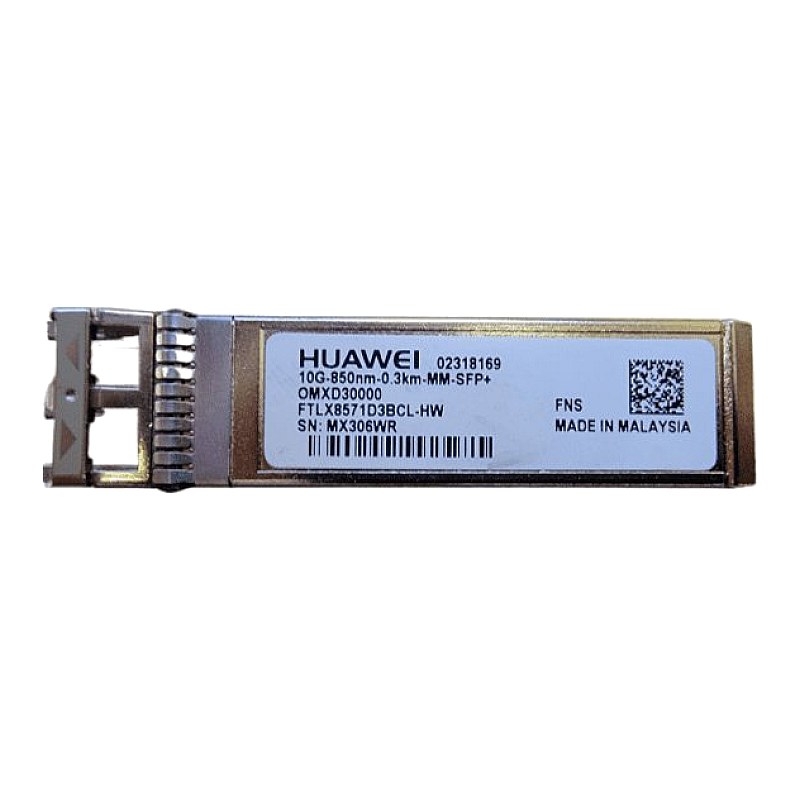
Huawei 10G-850nm-0.3km-MM FC SFP+ Transceiver Part #: FTLX8571D3BCL-HW. Brand: Huawei. Part #: FTLX8571D3BCL-HW. Alt. Part #: MX306WR. Specs:-. :: Form factor: Plug-in module SFP+. :: Data link protocol: Fiber Channel…
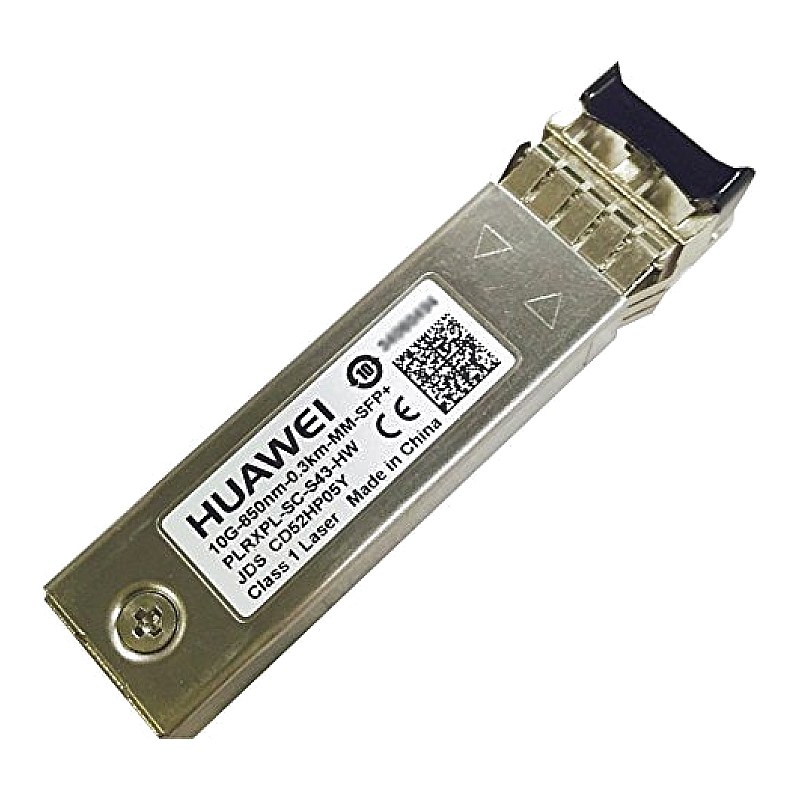
Huawei Fiber Optical Transceiver SFP+ Network Multi-Mode Module Part #: 02318169. Brand: Huawei. Part #: 02318169. Specs:-. :: Type: Fibre Optic Tranciever. :: Description: Huawei 10G-850nm-0.3KM-MM-SFP+ OMXD30000…
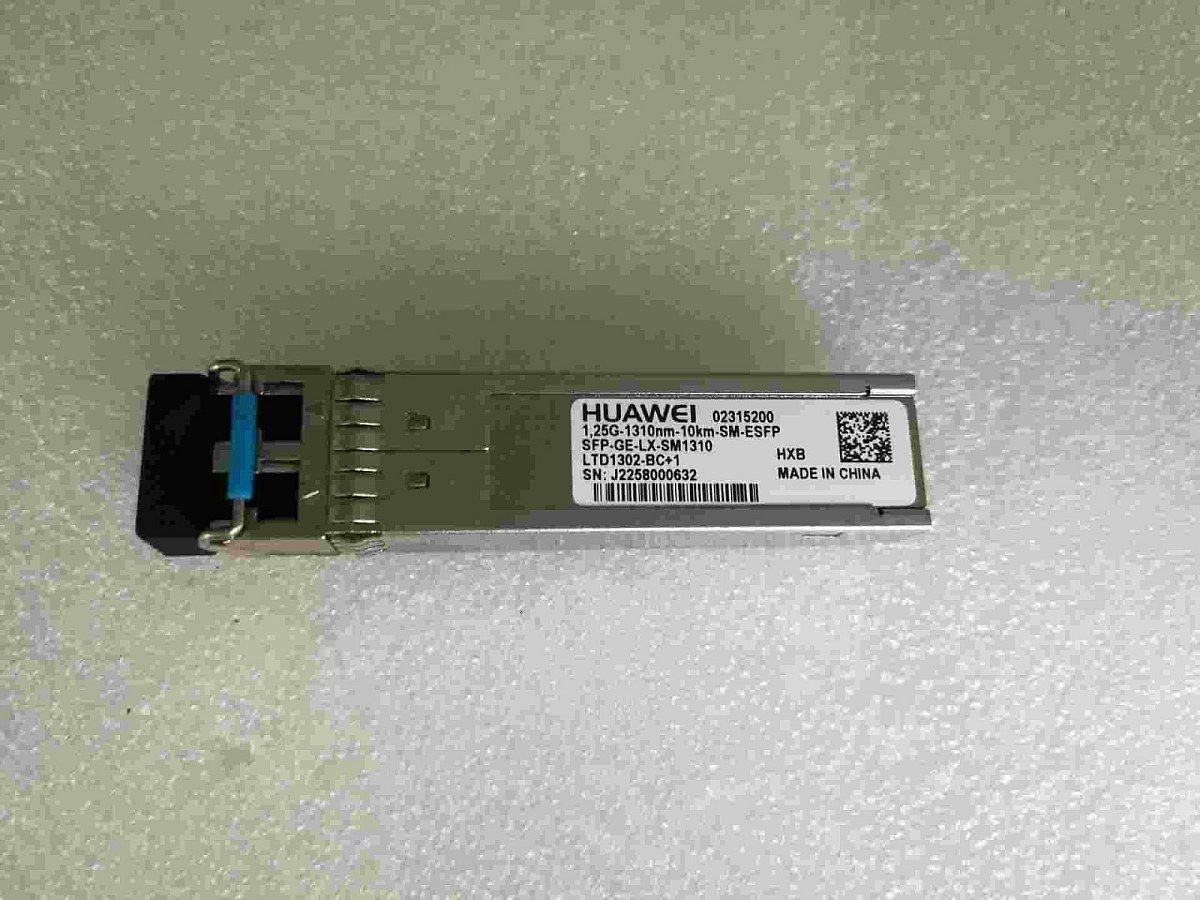
Huawei 02315200 Single-mode Optical Transceiver 1000Base-X. This is a Single-mode Huawei SFP-GE-LX-SM1310 Optical Transceiver Module. Brand: Huawei. Part #: 02315200. Model: Huawei SFP-GE-LX-SM1310 Optical Transceiver…