Sold out
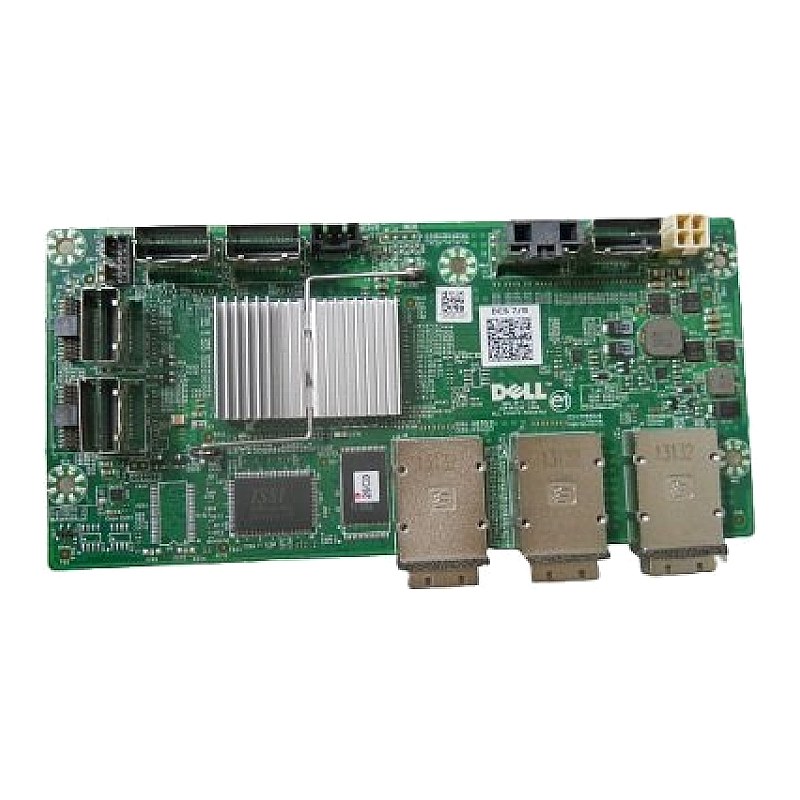
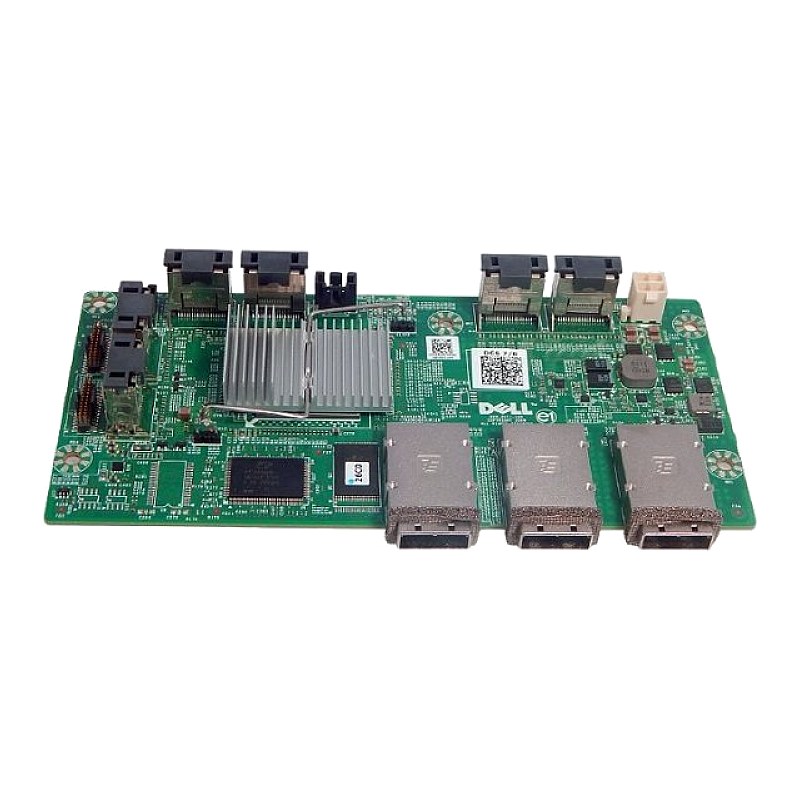
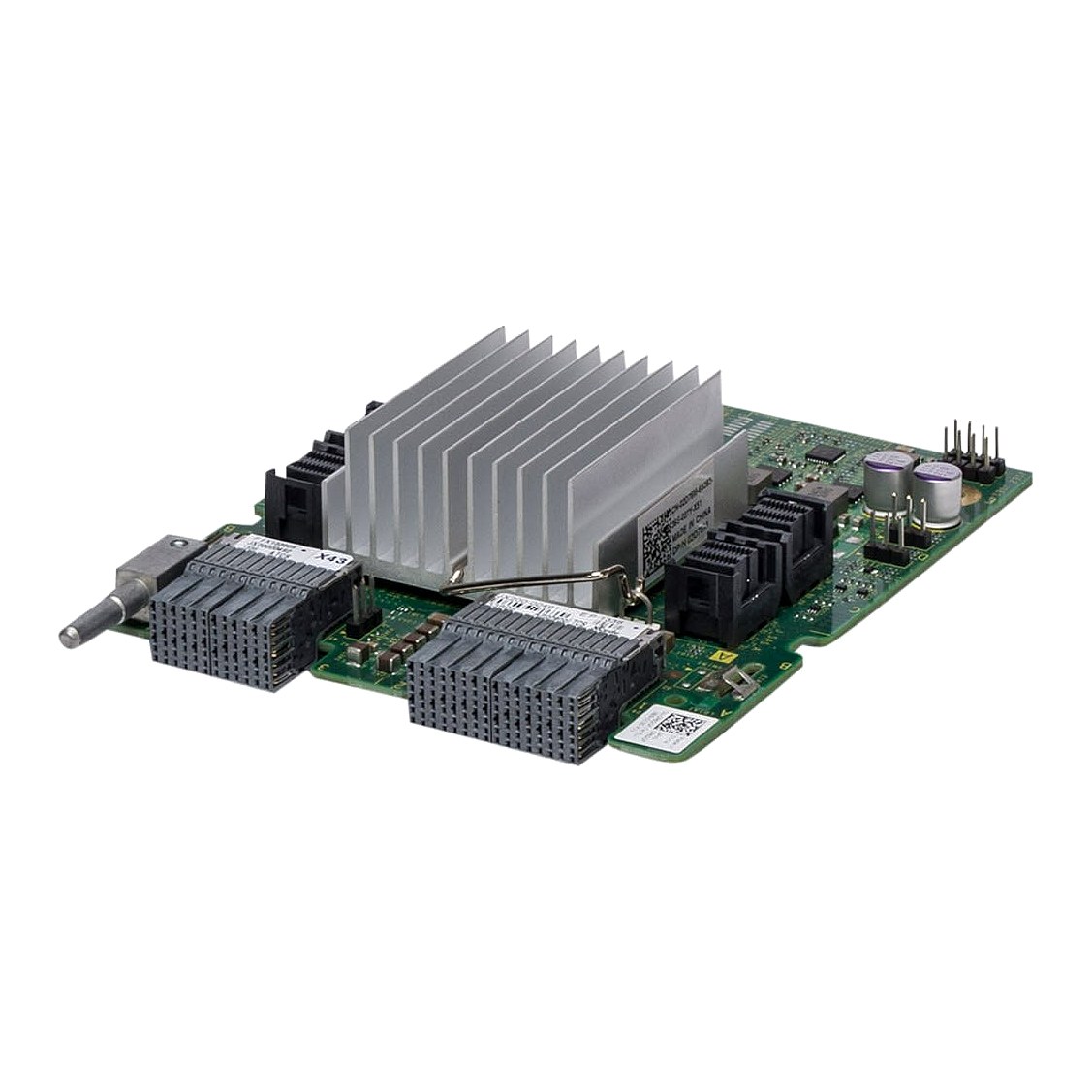
P6DGF Dell PowerEdge R920/R930 12Gbps SAS Expander Card

R3 995.11
was
Includes VAT
Email me when it's back
Tell me if the price drops
Dell PowerEdge R920/R930 12Gbps SAS Expander Card DPN: P6DGF,0P6DGF
- Brand: Dell
- Part #: P6DGF,0P6DGF
- Specs:-
- :: Type: Server Backplane Primary Expansion Card
- :: Ports: 4 x Mini SAS SFF-8643 Ports
- :: Data Transfer Speed: 12Gbps
- Compatibility:
- :: Dell PowerEdge R920
- :: Dell PowerEdge R930
- Condition: Refurbished
- Warranty: 1 (one) year Tekmart warranty
Key points to note on these P6DGF Dell Expander Cards:-
This is the genuine Dell SAS Expander Daughter Card for PowerEdge R920 / R930 Servers with Part #: P6DGF,0P6DGF. The expander daughter card sled supports up to two daughter cards(depending on the configuration).
The systems storage uses SAS expander daughter card to facilitate:
- :: transition of SAS technology from 6 Gb/s to 12 Gb/s
- :: maximize the hard disk drive space
- :: provide the configuration flexibility and cabling and signalling issues of the system
The daughter card uses LSI expander chips that supports:
- :: Up to 12 gb/s SAS
- :: Up to 6 Gb/s SAS and SATA
- :: Serial SCSI Protocol (SSP)
- :: Spanning-Tree Protocol (STP)
- :: Simple Management Protocol (SMP) and their communication with the RAID controllers.Quick steps for installing these SAS expander daughter cards:
Steps
- Open the release tabs, and insert the SAS expander daughter card into the slot in the front of the system.
- Push the SAS expander daughter card into the system until the release tabs click into place. NOTE: Ensure that the SAS expander daughter card pins engage with the slots on the backplane.
- Press the release tabs to lock the SAS expander daughter card in place. Figure 1. Installing the SAS expander daughter card SAS expander daughter card release tab (2)
..and undoing it (removing the SAS expander daughter card already in a system):
Steps
- Push the release tabs up to release the SAS expander daughter card. The SAS expander daughter card slides out disengaging itself from the backplane slots, towards the front of the system.
- Pull the SAS expander daughter card out of the system. Figure 2. Removing the SAS expander daughter card SAS expander daughter card release tab (2)
- Free collection from our store
- Secure checkout