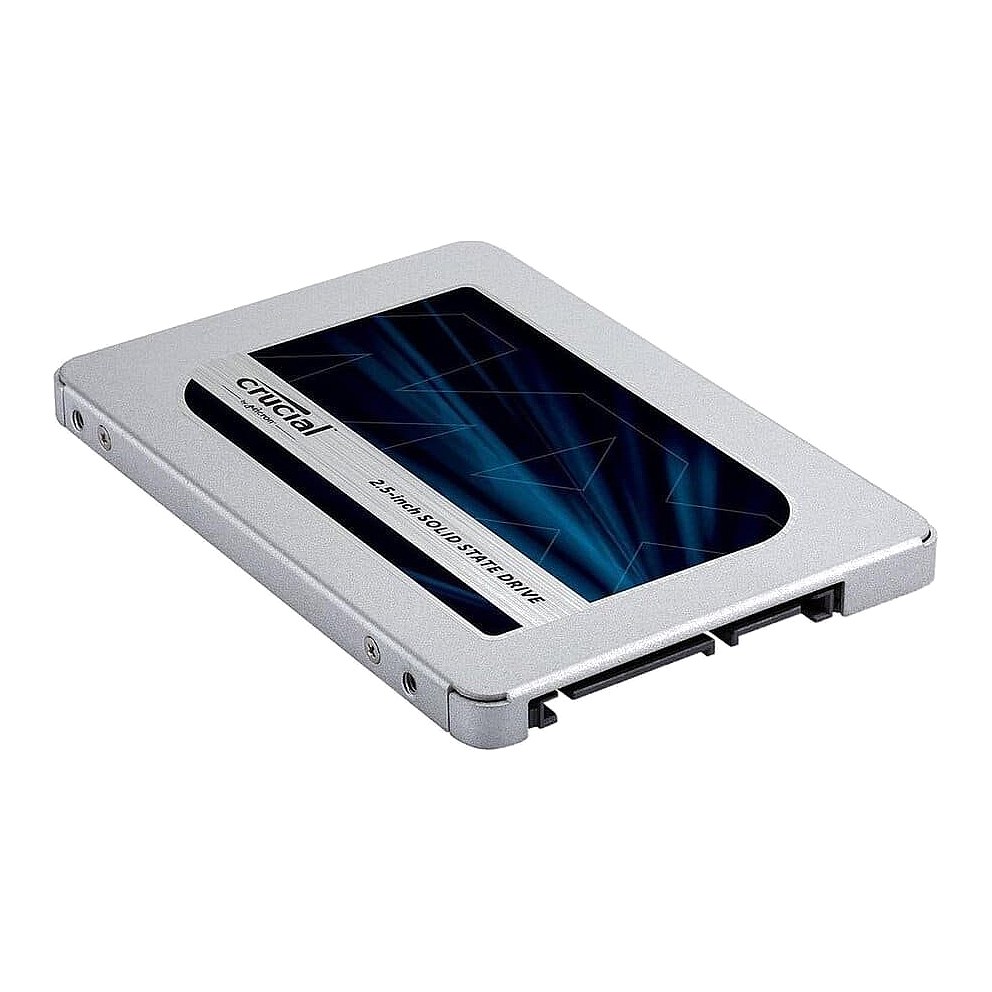
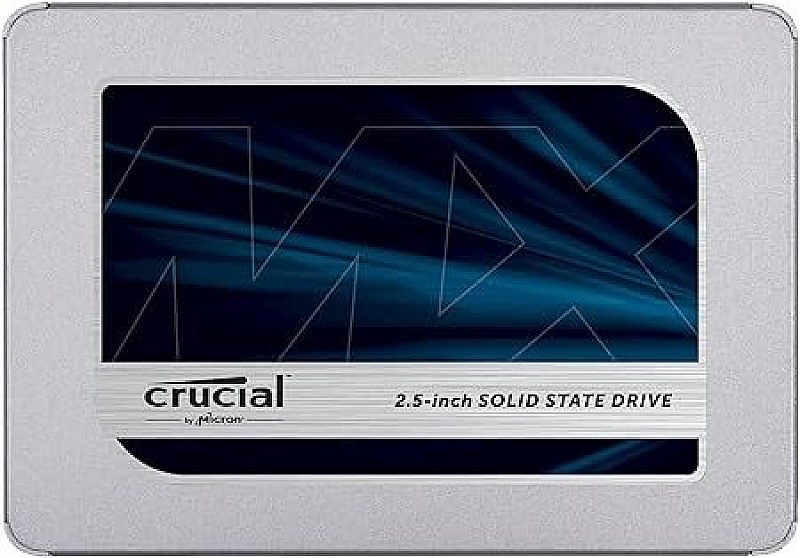
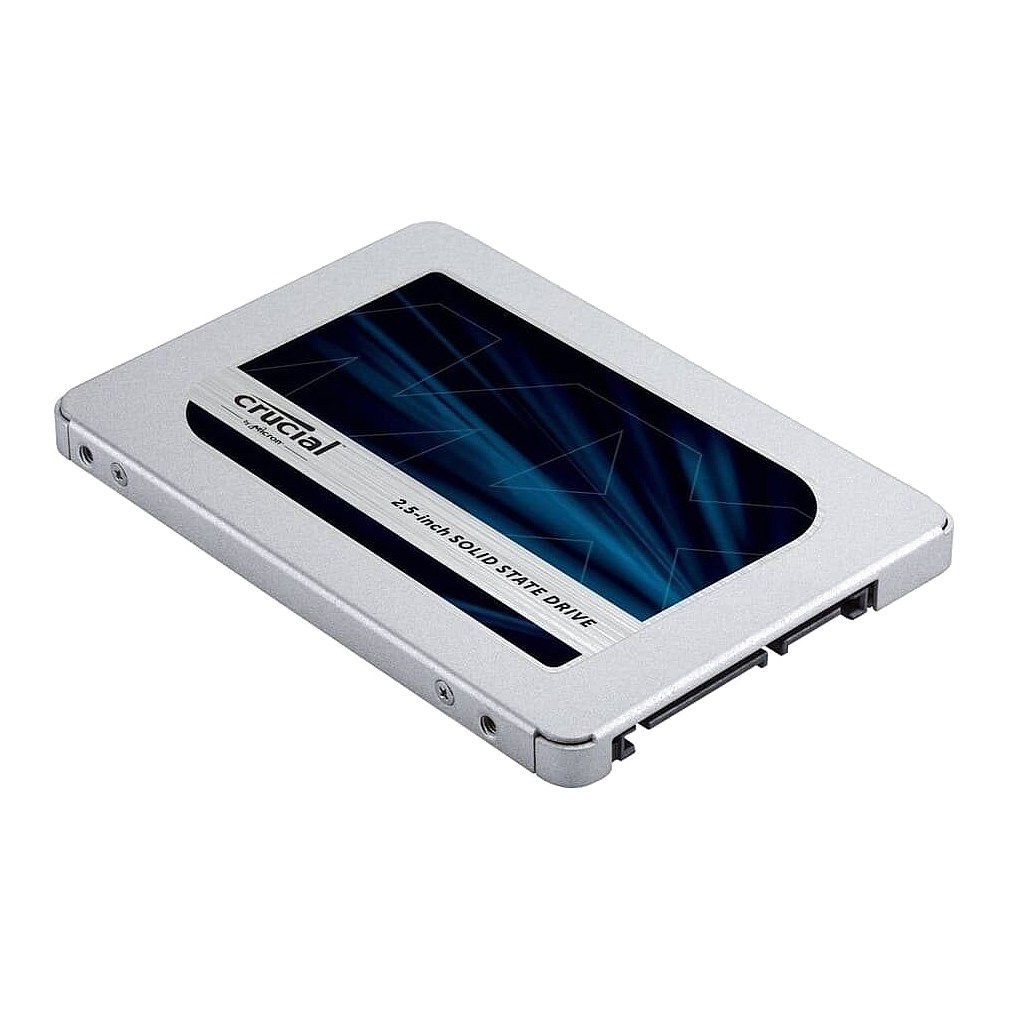
Crucial MX500 250GB 3D NAND SATA 2.5 Inch Internal SSD up to 560MB/s Part #: CT250MX500SSD1
Brand: Crucial / Micron
Part #: CT250MX500SSD1
Alt. Part #: CT250MX500SSD1
Specs:-
:: Capacity: 250GB
:: Speed: Solid State Memory
:: Interface Type: SATA
:: Form Factor: 2.5 Inch and fits laptops, servers and arrays that accept 2.5in 7mm SATA drives
:: Sector Size: 512 / 512e
:: Sustained Throughput: 560/510
:: Electrical Interface: SATA 600 - 6.0Gbps
:: SSD Type: TLC
:: SSD Endurance DWPD: Consumer / Value
:: Condition: New
:: Compatibility: Server Systems that accept 2.5in SSD's
:: MPN: CT250MX500SSD1
Warranty: 1 (one) year Tekmart Warranty
PSS: Solid State Storage limited warranty period expires at the earlier of: (a) time period; or (b) when the Solid-State Storage exceeds its endurance limit (TBW – Total Bytes Written).Ready to Install yourCrucial MX500 250GB 3D NAND SATA 2.5 Inch Internal SSD:-Use this Installation Guide
Free collection from our store
Secure checkout
Customer reviews
5.0 / 5 from 3 reviews
★★★★★
Great SATA III SSD. Hands down. This SSD is very different from the SATA HDD that was in the laptop before being replaced. There is hundreds of operations that happens when writing and reading the data. There is a dedicated micro-computer/processor inside an SSD. Now my laptop seems to start quicker and also after adding some more memory, my applications are opening faster and more at the same time. Application program concurrence has improved.
Christovao M. · 4 Aug 2021
★★★★★
We bought a couple of these 250gb SSD to replace a SATA hard drive in a four year old Dell E6530 laptop. Th process of cloning the existing drive and then swapping drives was easy. We just followed the directions. One small point to note though. Please shut down your system and restart before cloning. Our first attempt failed due to what we came to realize was insufficient memory. After restarting, all was ok, it cloned with no problem.
Thabang M. · 29 Jul 2021
★★★★★
Great SSDs for business grade use. I've previously worked with Samsung, SanDisk, Intel and others on our office laptops. I've found that Crucial MX500 is both one of the fastest and one of the most durable. This MX500 is a high performance, high endurance SSD while BX500 is a cheap budget SSD-one should not confuse the two types. The SSD installation procedure was really easy. Changing the drive was the easiest part of the process. I just removed the screws holding the bracket onto the back of the laptop and then the screws holding the drive in the bracket. Lastly, pulled out the data and power connector and the drive was loose. The reverse held true to install the new drive. My laptop has a new lease of life and is blazingly fast.