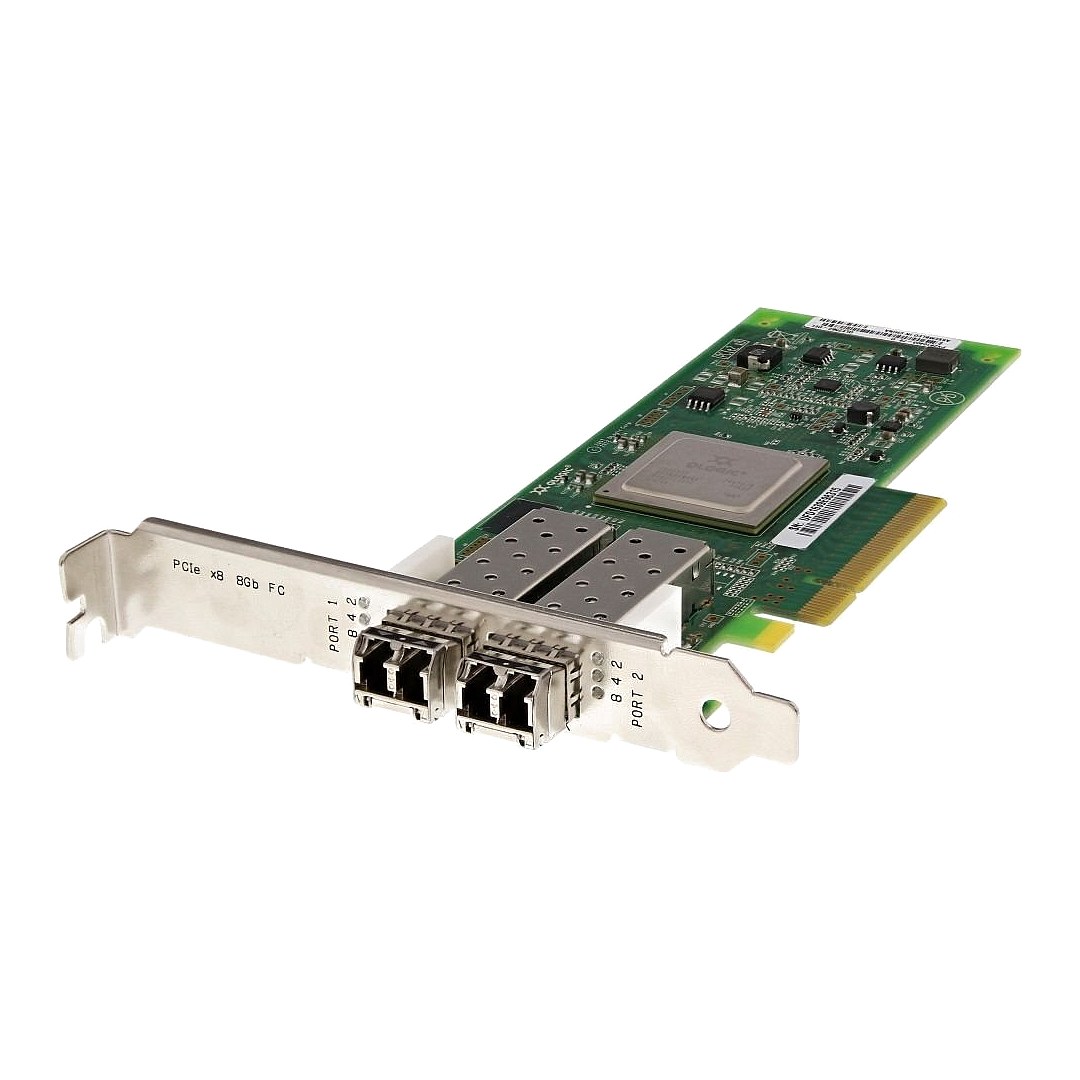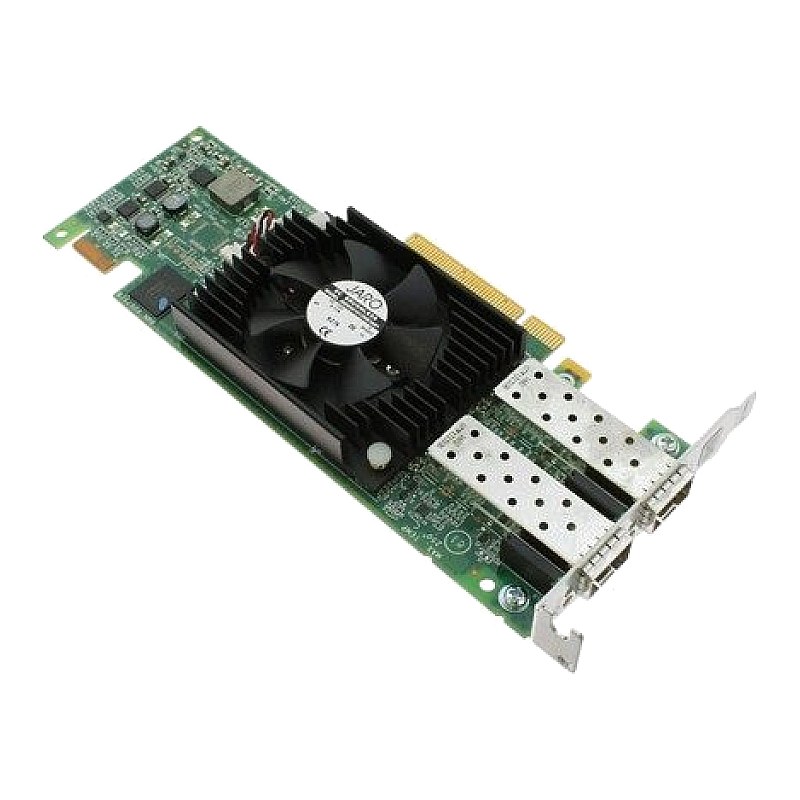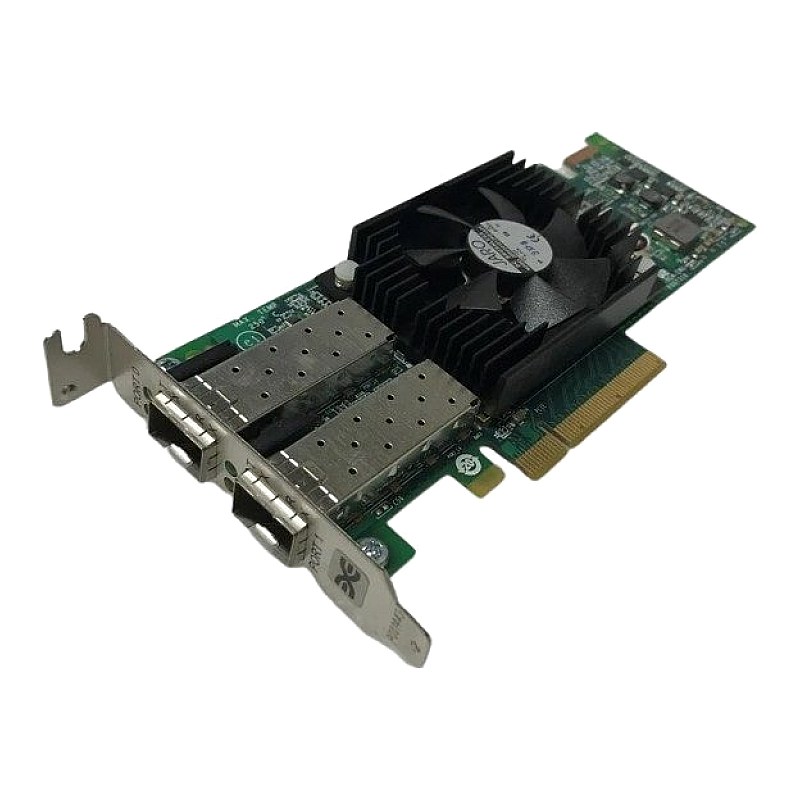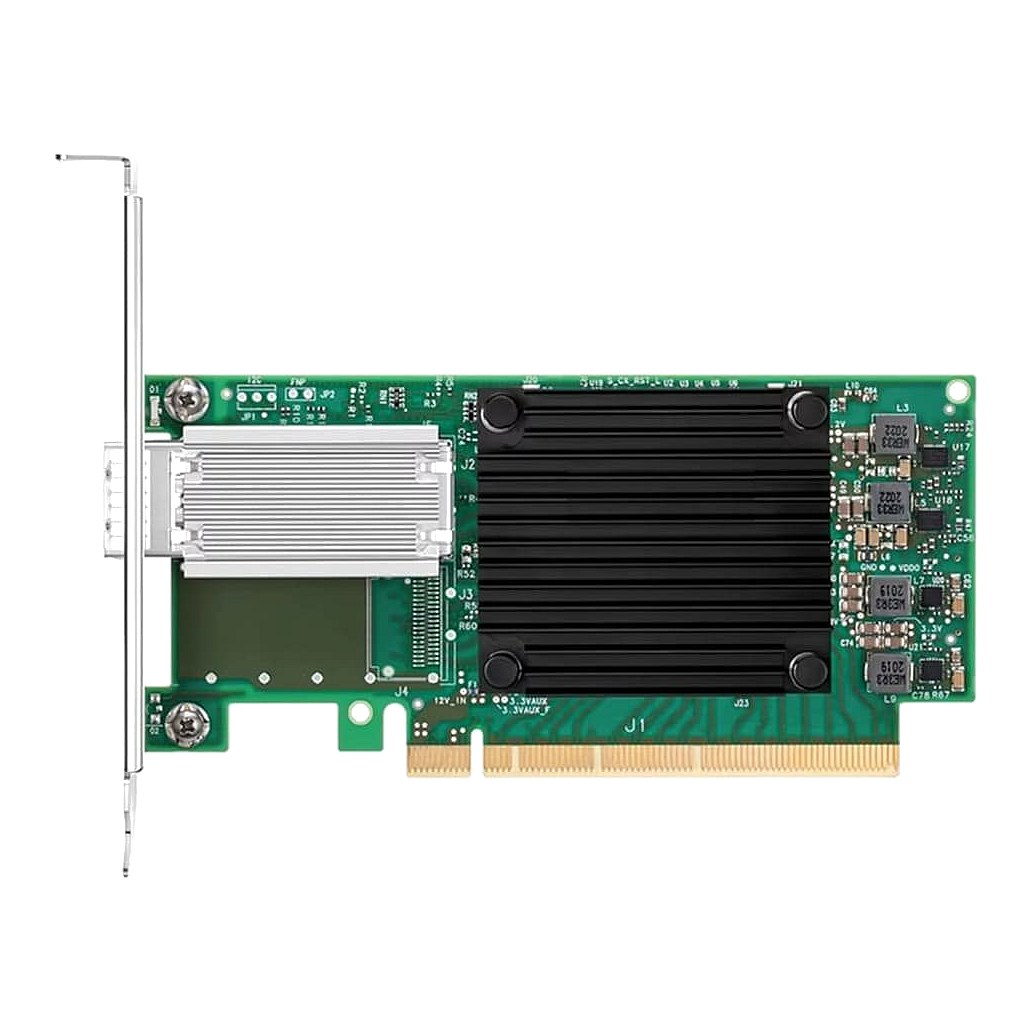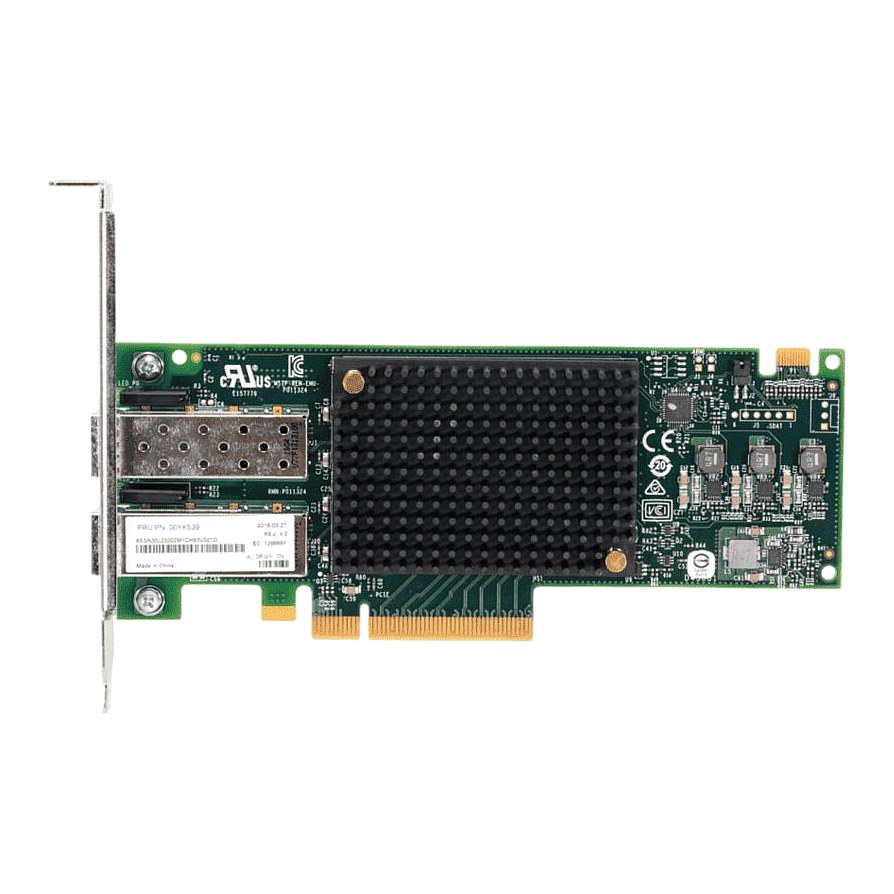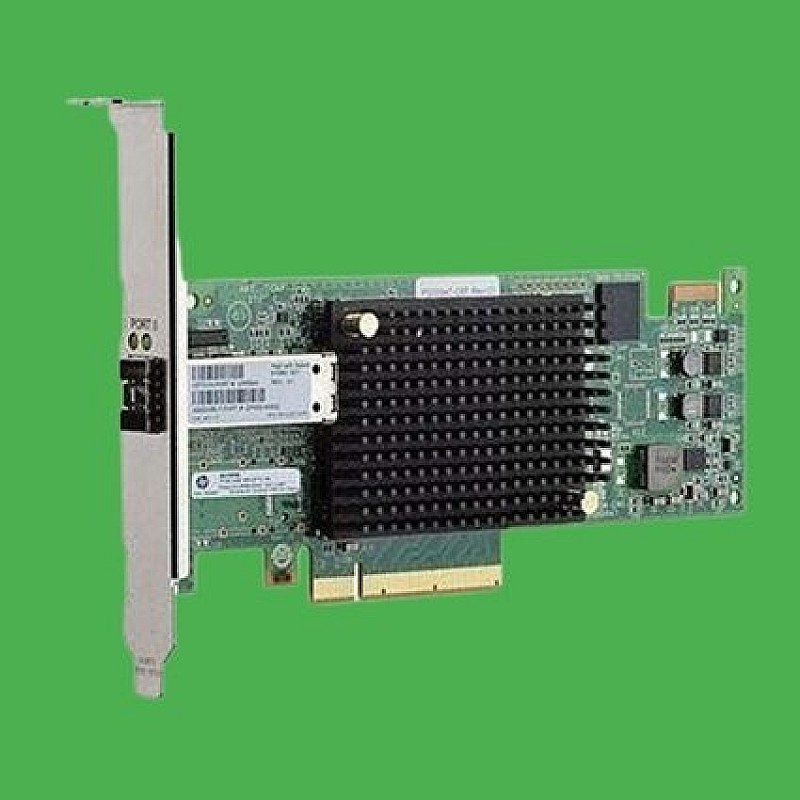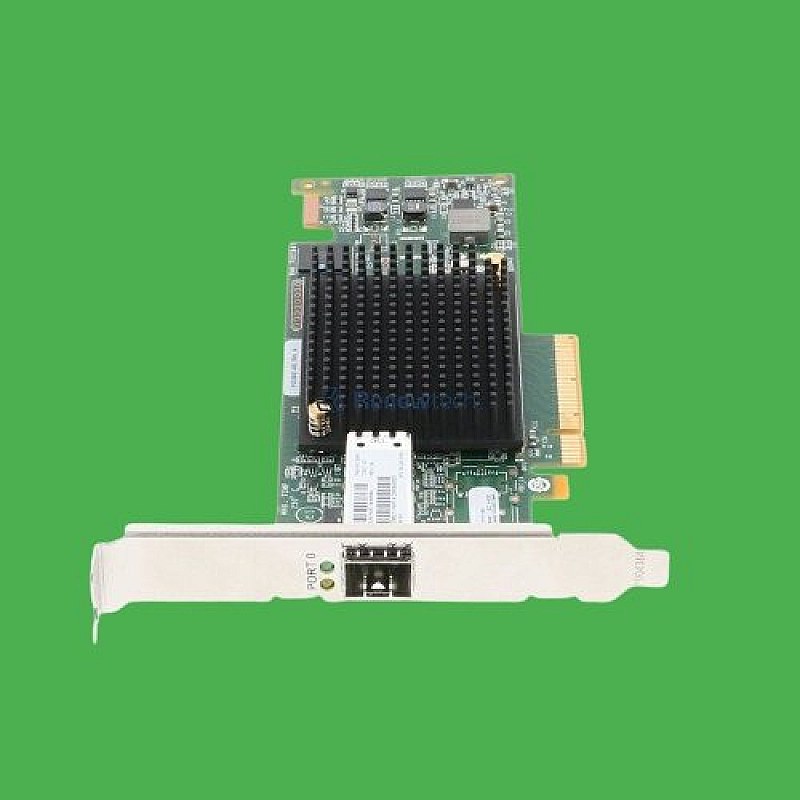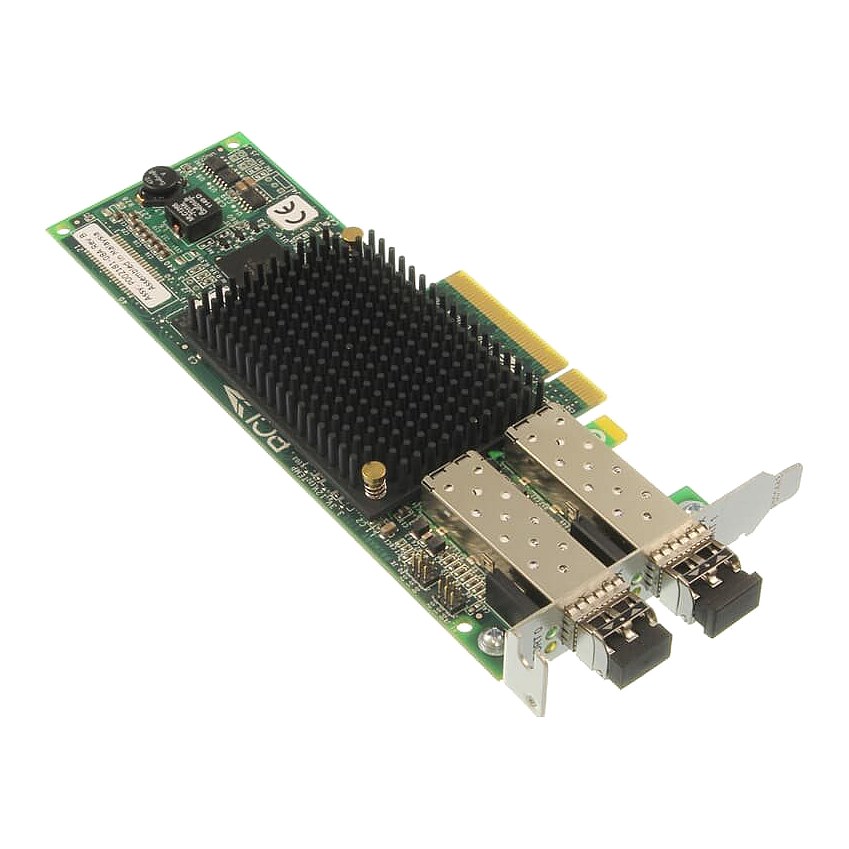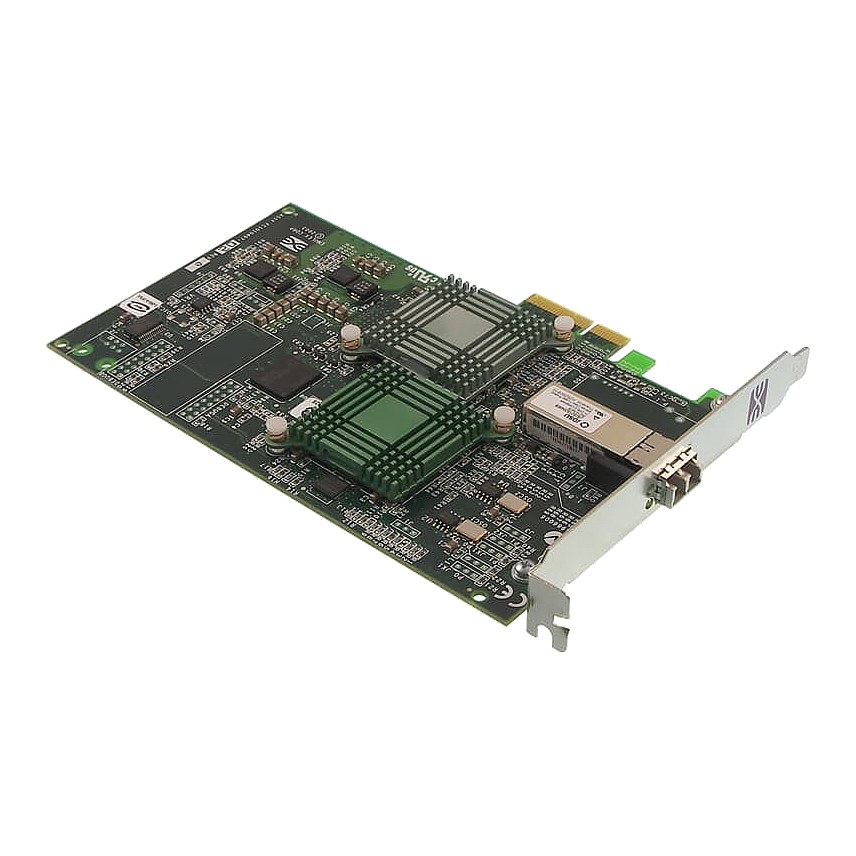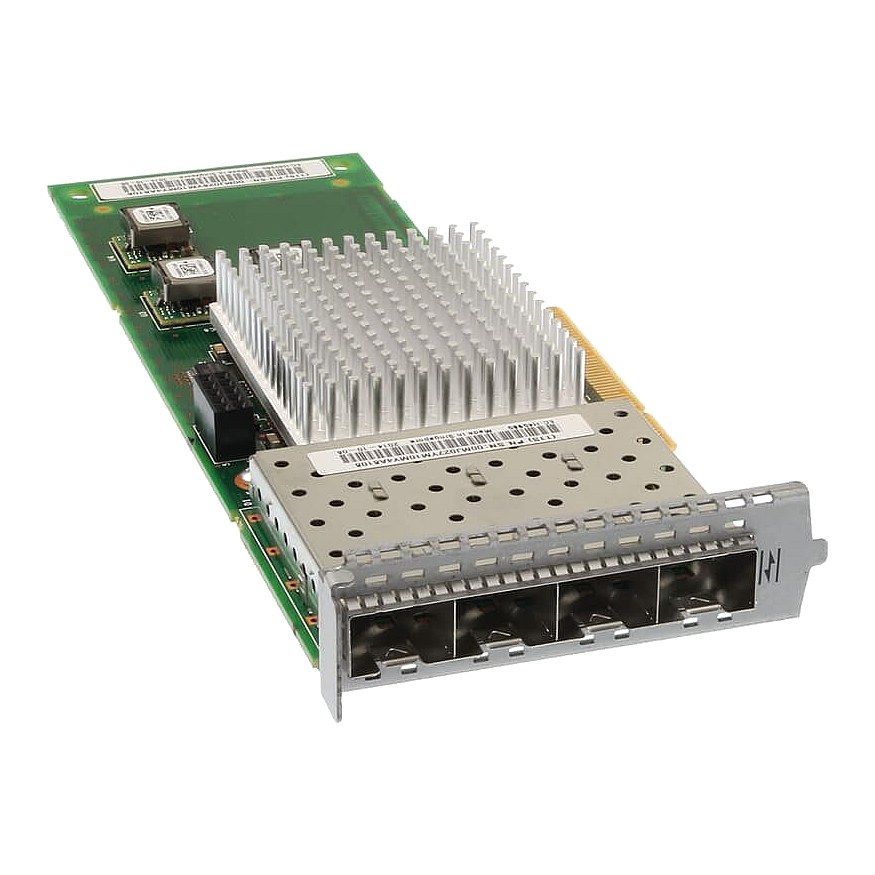
00MJ027 IBM 8Gb FC 4 Port Host Interface for StorWize V7000 G2

R5 037.60
was
Includes VAT
Tell me if the price drops
IBM 8Gb FC 4 Port Host Interface for IBM StorWize V7000 G2 Alt. Part #: 00MJ027,00MJ028, 00MJ029
- Brand: IBM / Lenovo
- Part #: 00MJ027,00MJ028, 00MJ029
- :: Specs:-
Board Form FactorPlug-in card
InterfacePCI-E (Fibre Channel, SAS)
Ports( 4 ) SFP
Storage Capacity8GB
- :: Compatibility: IBM StorWize V7000 G2 Storage Systems
- Condition: New; factory sealed spare part
- Warranty: 1 (one) year Tekmart warranty
Key points to note on these 00MJ027 StorWize HBAs:-
To replace a faulty host interface adapter in a Storwize® V7000 2076-524 with a new one received from customer replaceable unit (CRU) or field replaceable unit (FRU) stock, use the below procedure.
Tekmart Africa Support Caveat:For correct operation, use the correct SFP transceivers with each adapter card.
Use only 8G bps SFP transceivers in the 8 Gbps Fibre Channel adapter cards.
Use only 16 Gbps SFP transceivers in the 16 Gbps Fibre Channel adapter cards.
Use only 10 Gbps SFP transceivers in the 10 Gbps Ethernet (FCoE/iSCSI) adapter card.
Complete the following steps to replace a host interface adapter.
- Identify which host interface adapter is to be removed. The interface adapters are in slots numbered 2 and 3
- Remove any small form-factor pluggable SFP transceiver from each rear-facing port of the host interface adapter and put safely to one side.
- Gently pull the host interface adapter upward to disconnect it and then carefully remove it from the canister.
- Remove the replacement host interface adapter from its package.
- Set the connecting edge of the replacement host interface adapter on the host interface adapter connector so that the connectors are aligned.
- Ensure that the adapter is perpendicular to the canister main board so that the small tab on the top of the bracket is aligned with the alignment hole in the top edge of the slot.
- Maintain alignment while applying pressure to the top edge of the host interface adapter opposite the connecting edge to push the host interface adapter into the connector.
- Check that the host interface adapter is installed squarely in its slot. If the small tab of the mounting bracket is not positioned correctly, repeat steps onward to install the adapter correctly.
- Replace the canister lid.
- If any SFP transceivers were removed from the rear-facing ports of the host interface adapter, ensure each one is reinstalled.
- Reinstall the canister into the enclosure from which it was removed.The node canister starts.
- Reconnect the cables to the canister, ensuring cables go into the same ports from which they were removed.
- When the canister is back online, check the event log for any new events relating to hardware changes.
Figure 1. Example of installed 10 Gbps Fibre Channel over Ethernet/iSCSI host interface adaptersNote: This adapter can be installed only in slots 2 and 3.
Figure 1 above shows two 10 Gbps Fibre Channel over Ethernet/iSCSI host interface adapters, both installed in slot 3.
- Free collection from our store
- Secure checkout