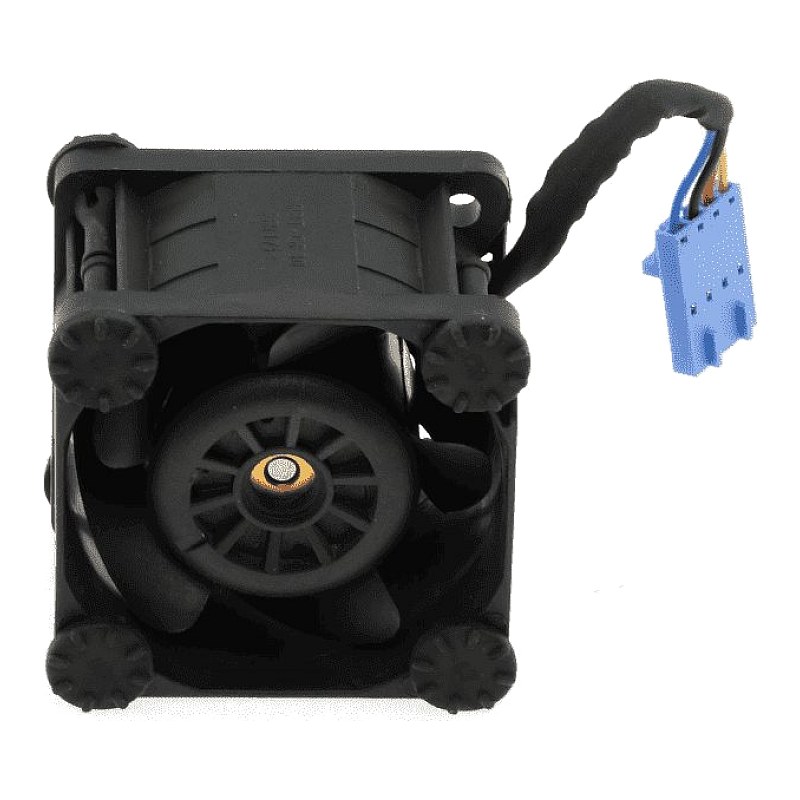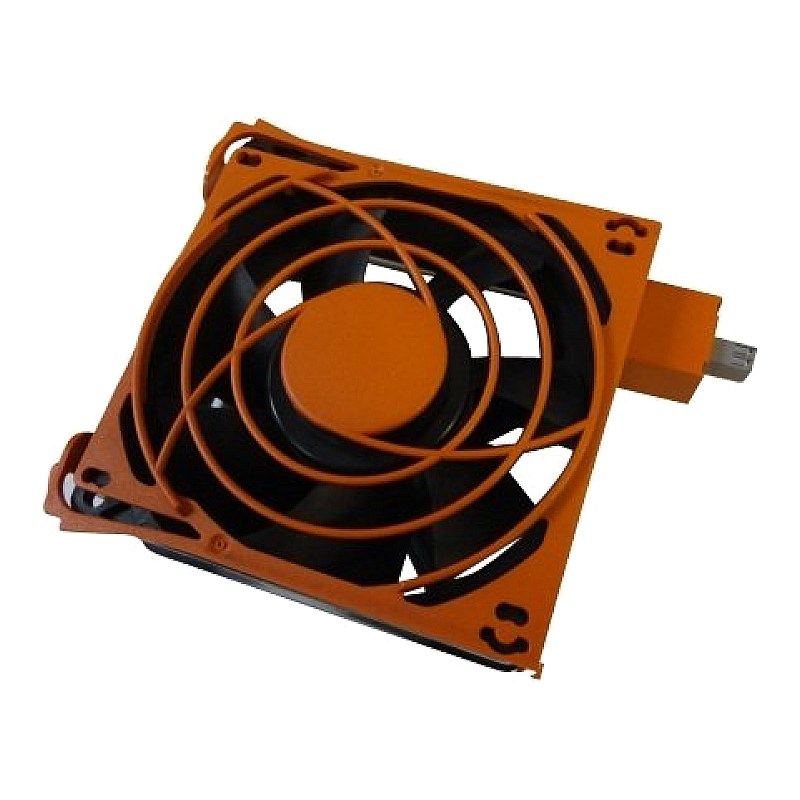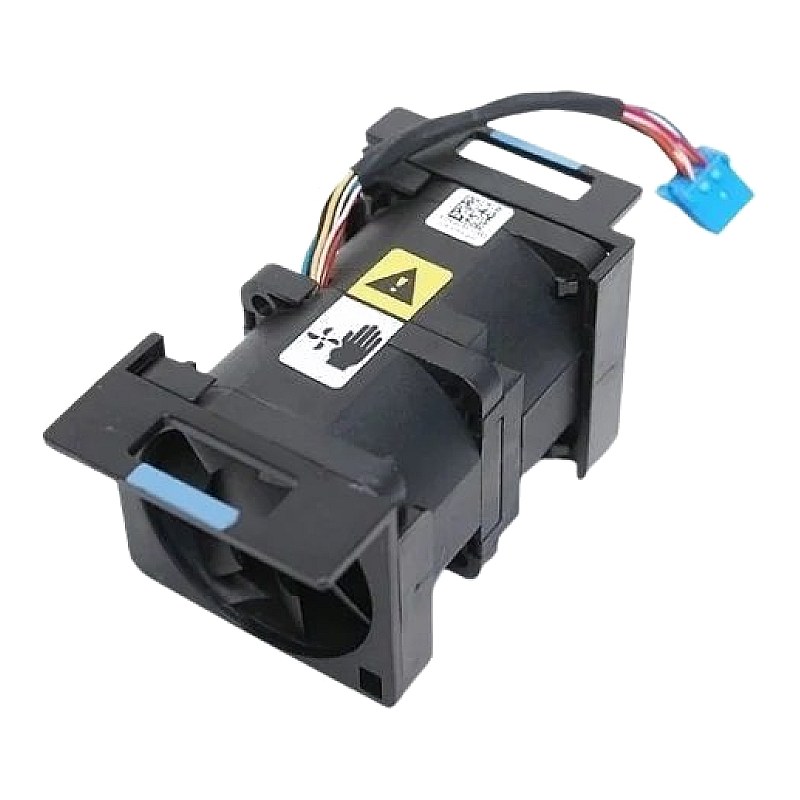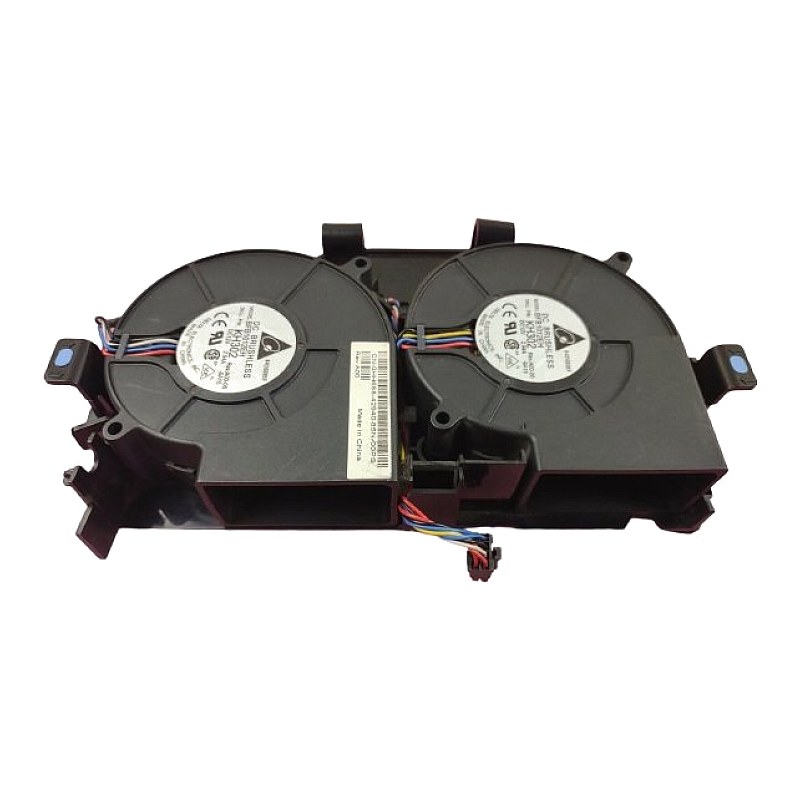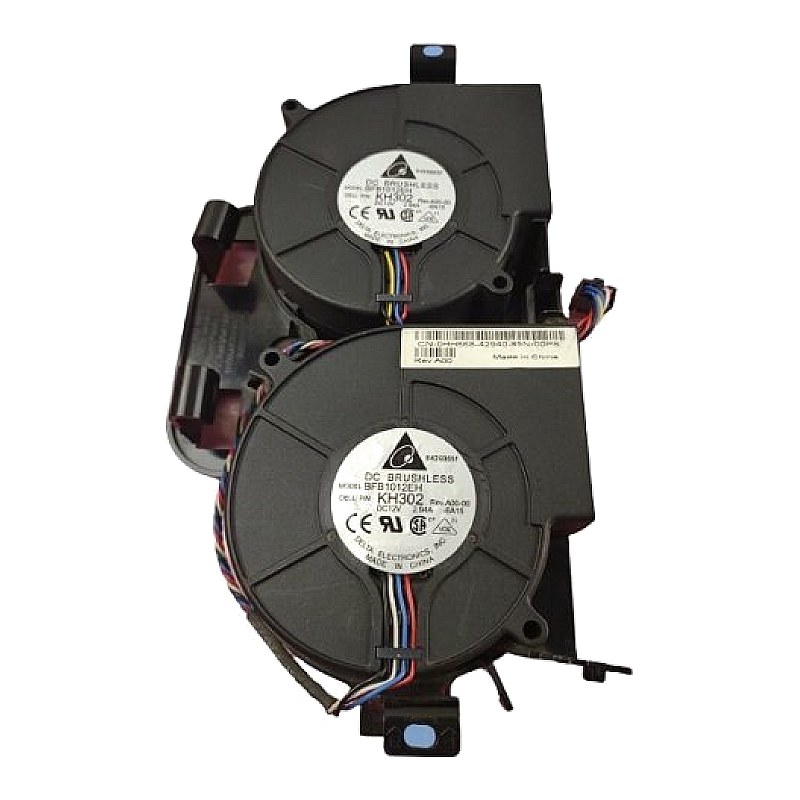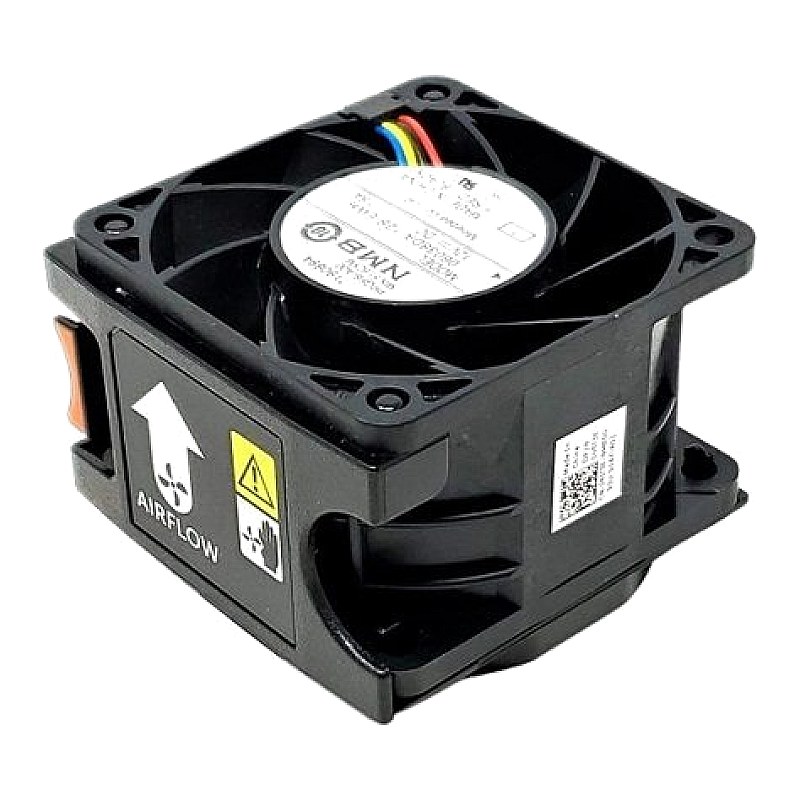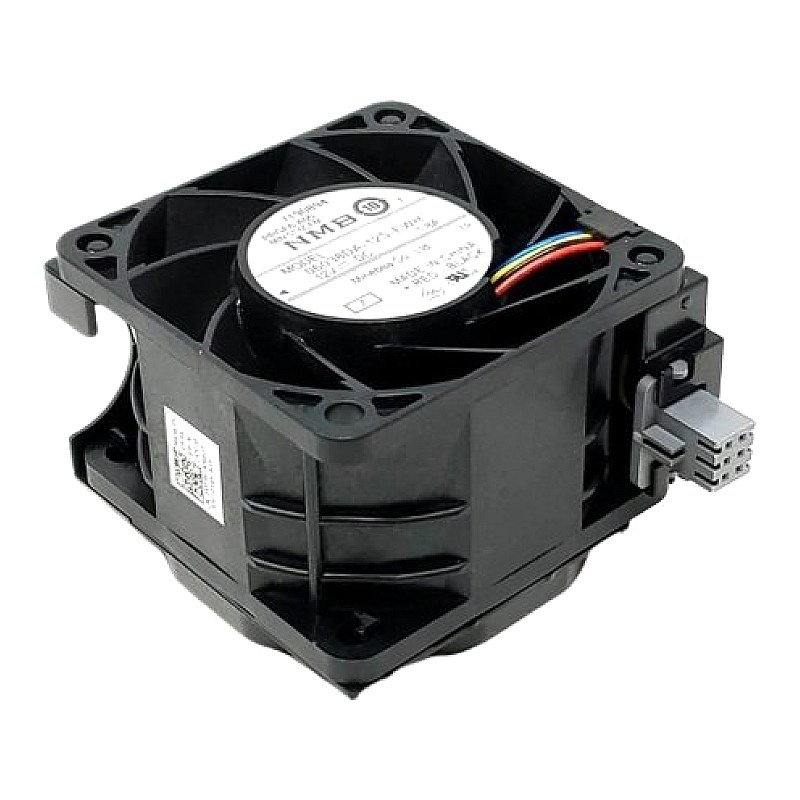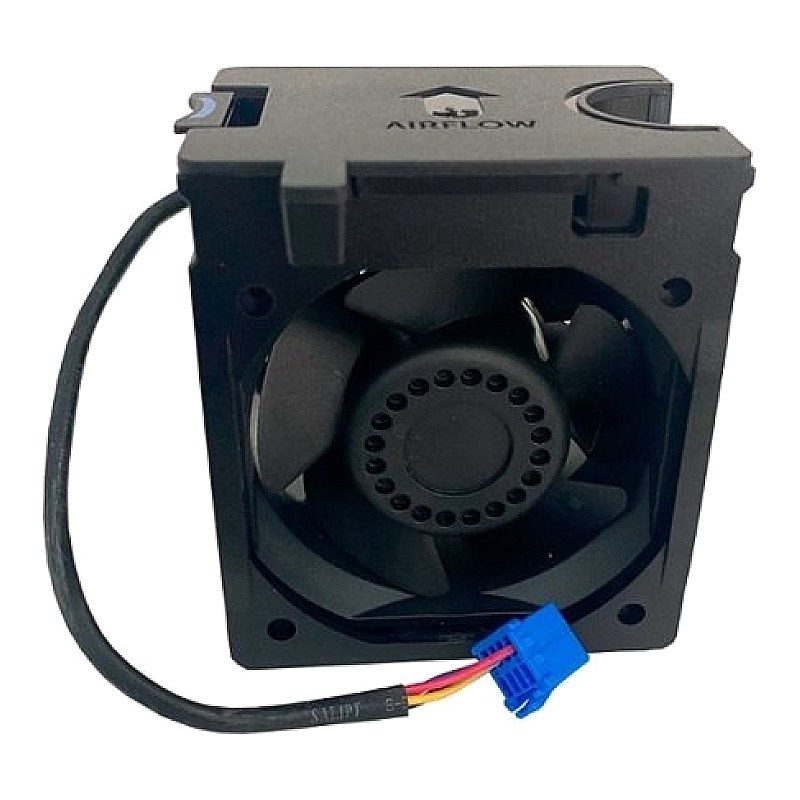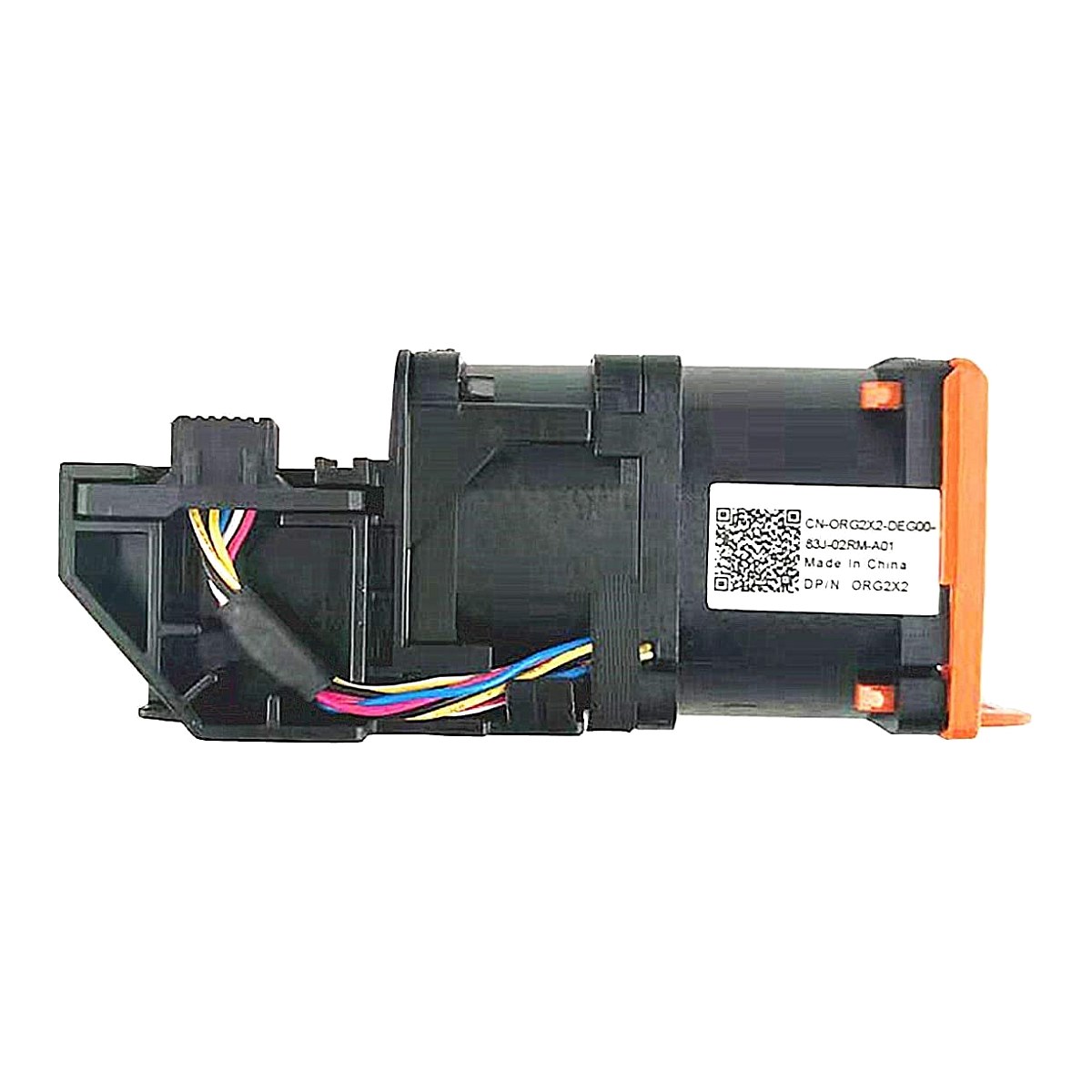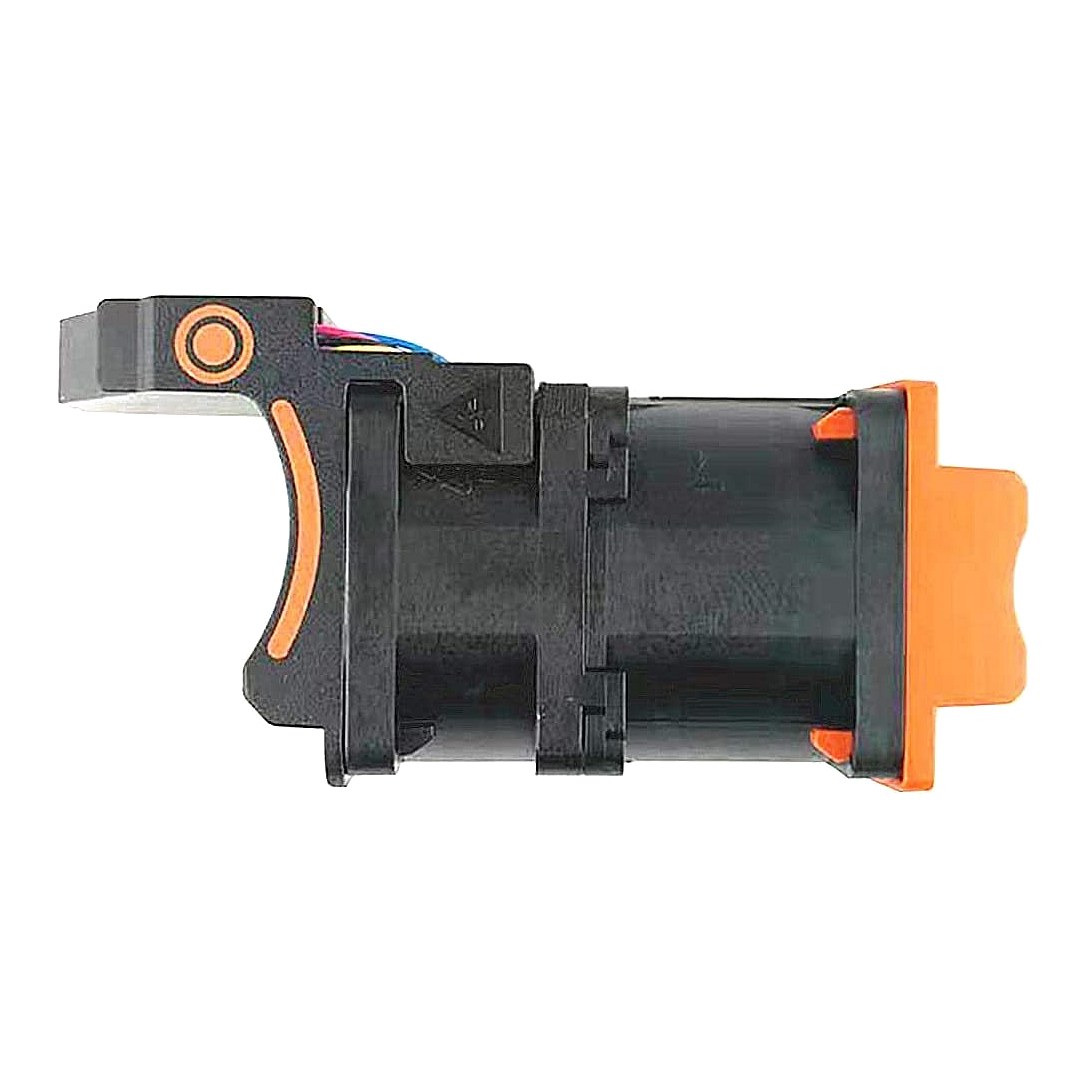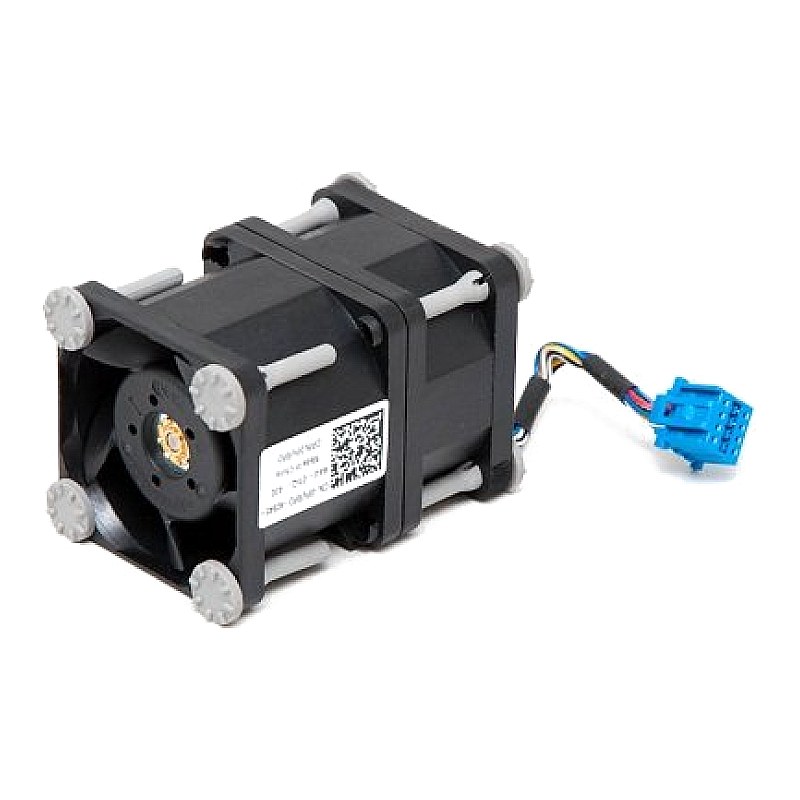
079WM9 Dell Poweredge R430 Cooling Fan

R673.50
was
Includes VAT
Tell me if the price drops
Dell PowerEdge Dual Rotor CPU Fan Part #: 79WM9 PG40561BX-Q090-S99 DNHNR For Dell Models: R420 R430
- Brand: Dell
- Part #: 79WM9,079WM9
- DNHNR,0DNHNR
- Other Identifiers: PG40561BX-Q090-S99
- Compatibility:
- Dell PowerEdge R420 R430
- Condition: Refurbished
- Warranty: 1 (one) year Tekmart warranty
Steps in installing a cooling fan.CAUTION: Many repairs may only be done by a certified service technician. You should only perform troubleshooting and simple repairs as authorized in your product documentation, or as directed by the online or telephone service and support team.
Damage due to servicing that is not authorized by Dell is not covered by your warranty. Read and follow the safety instructions that came with the product.WARNING: The cooling fans operate at a high speed. To avoid injury, do not attempt to touch the cooling fan blades while working on cooling fans.
Steps
- Align the connector on the cooling fan with the connector on the fan tray.
- Holding the release tabs, insert the cooling fan into the memory riser and fan cage with the arrow pointing toward the back of the system.
- Lower the cooling fan until connector on the cooling fan engages with the connector on the fan tray. Figure 1. Installing a cooling fan cooling fan release tab (2)
Results
The release tabs click into place when the cooling fan is firmly seated.
- Free collection from our store
- Secure checkout