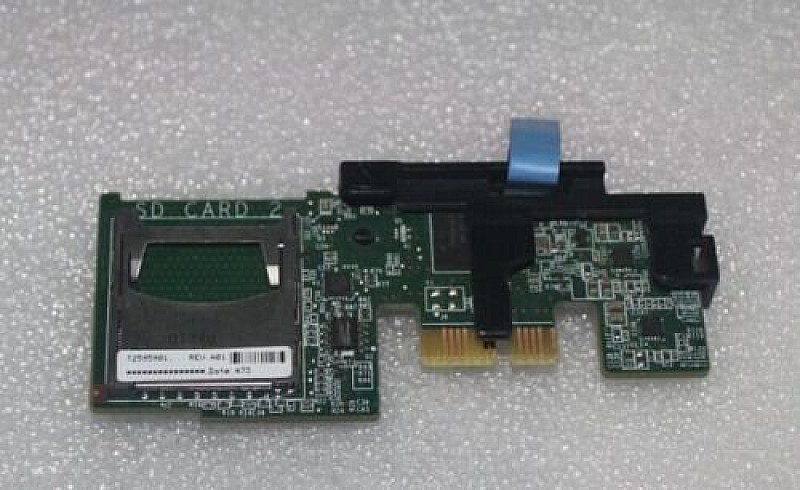
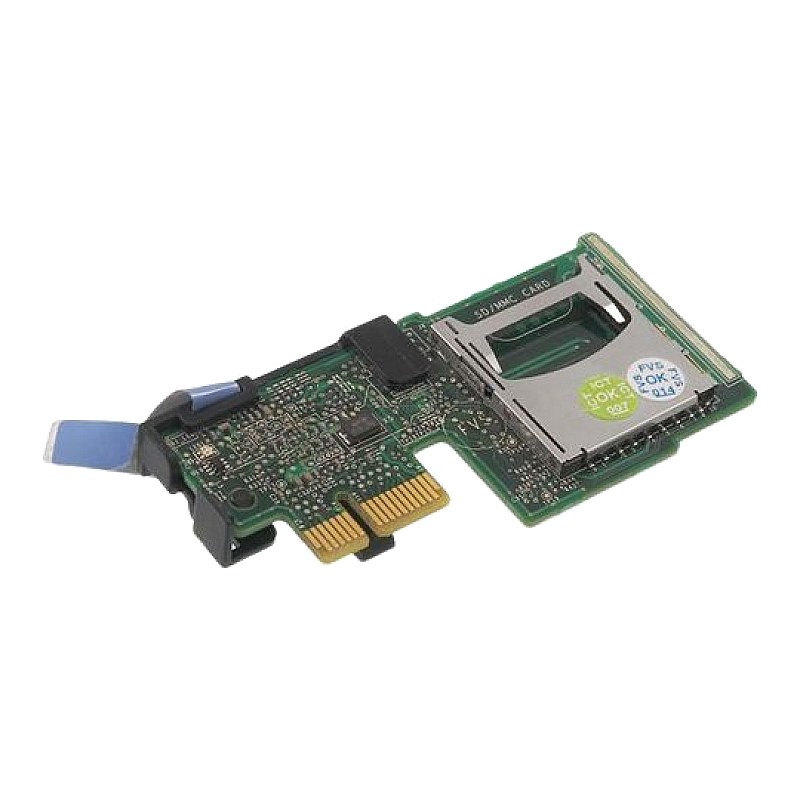
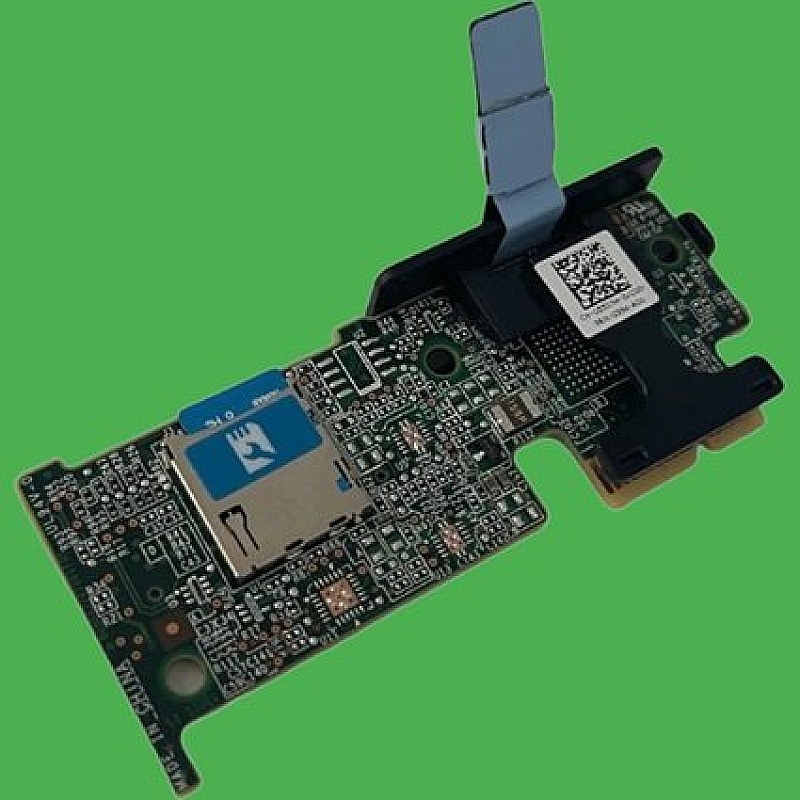
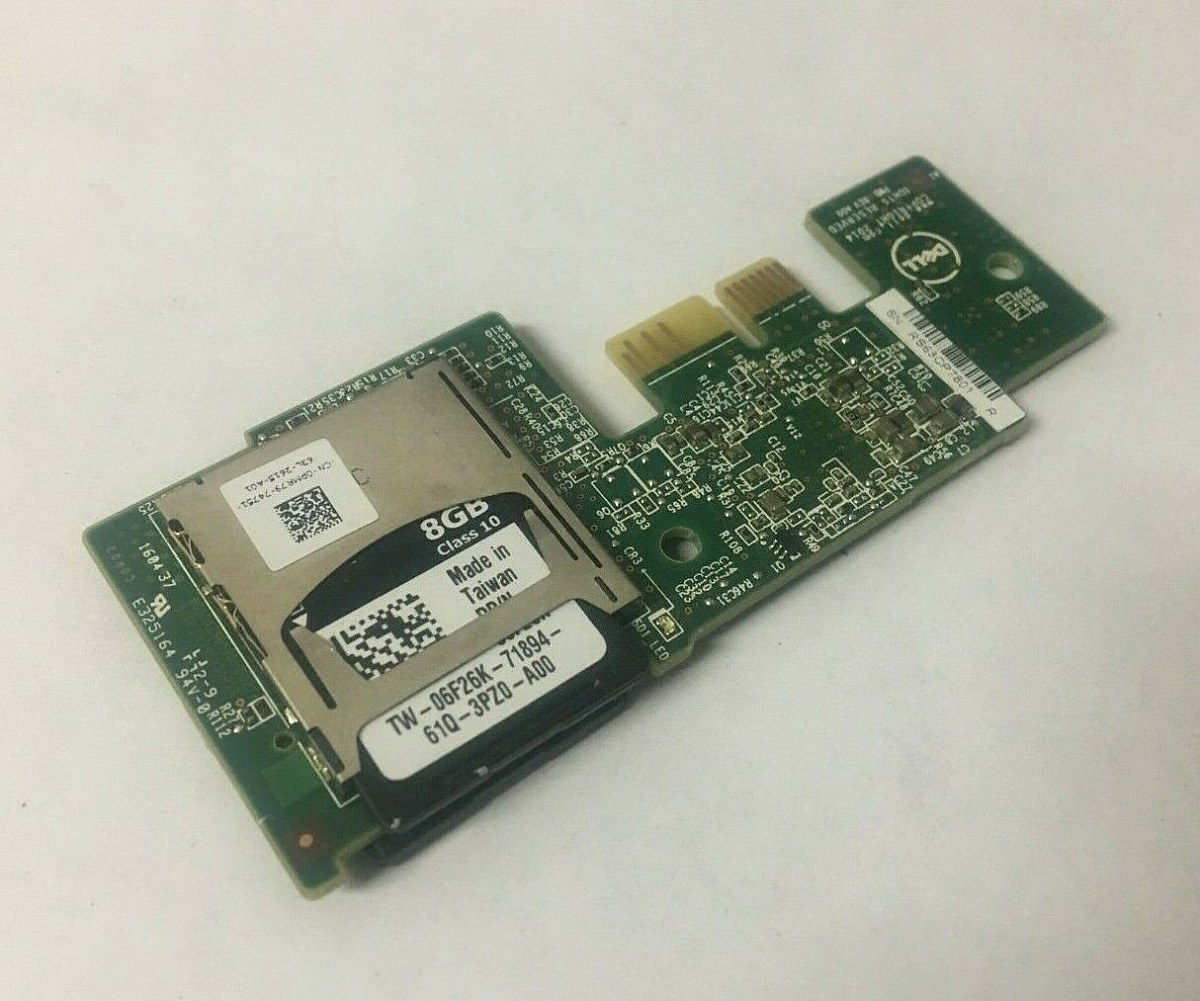
0RT6JG Dell Internal Dual SD Module for PowerEdge Gen14 Servers

Call for price
This item is priced on request. Get in touch and we'll send you a quote.
Ask for a price Call 0861 711 712Dell PowerEdge R440 R540 R640 R740 Dual SD Flash Card Reader DPN: RT6JG,0RT6JG
- Brand: Dell
- Part #: RT6JG / 0RT6JG
- Specs:-
- :: Type: SD Card Reader
- :: Description: Dell IDSDM 14G Dual SD vFlash Card Reader
- :: Interface Types: SD
- :: SD Slots: 2
- Compatibility:
- These Dell IDSM Dual SD Module are designed for use in the below servers:
- :: PowerEdge R440
- :: PowerEdge R540
- :: PowerEdge R640
- :: PowerEdge R740
- :: PowerEdge R6525
- :: PowerEdge R740-XD
- :: PowerEdge R840
- :: PowerEdge T440
- :: PowerEdge T640
- ::PowerEdge XC740-XD
- Condition: New
- Warranty: 1 (one) year Tekmart Africa warranty
Key points to note on these RT6JG Dell IDSM cards:-
These Internal Dual SD Modules (IDSDMs) are available only on applicable platforms. IDSDM provides redundancy on the hypervisor SD card by using another SD card that mirrors the first SD card’s content.
In short, they provide you with a redundant SD card solution and you can configure the IDSDM for storage or as the OS boot partition.
Either of the two SD cards can be the master. For example, if two new SD cards are installed in the IDSDM, SD1 is active (master) card and SD2 is the standby card. The data is written on both the cards, but the data is read from SD1. At any time if SD1 fails or is removed, SD2 automatically become the active (master) card.
You can view the status, health, and the availability of IDSDM using iDRAC Web Interface or RACADM. The SD card redundancy status and failure events are logged to SEL, displayed on the front panel, and PET alerts are generated if alerts are enabled.
Video 107: Removing/Installing an Internal Dual SD Module & vFlash Card in a Dell EMC PowerEdge R740, as an example:-INST240909Eligible for immediate collection / shipping upon order confirmation
- Free collection from our store
- Secure checkout