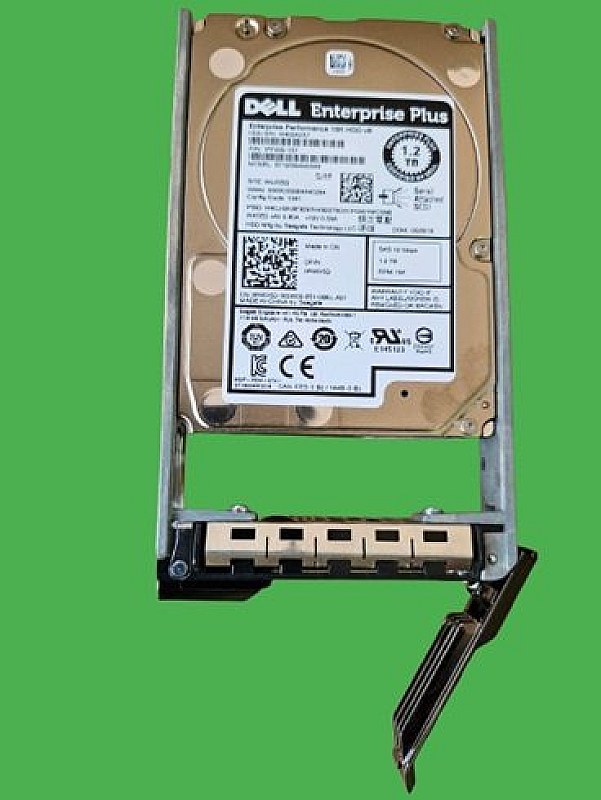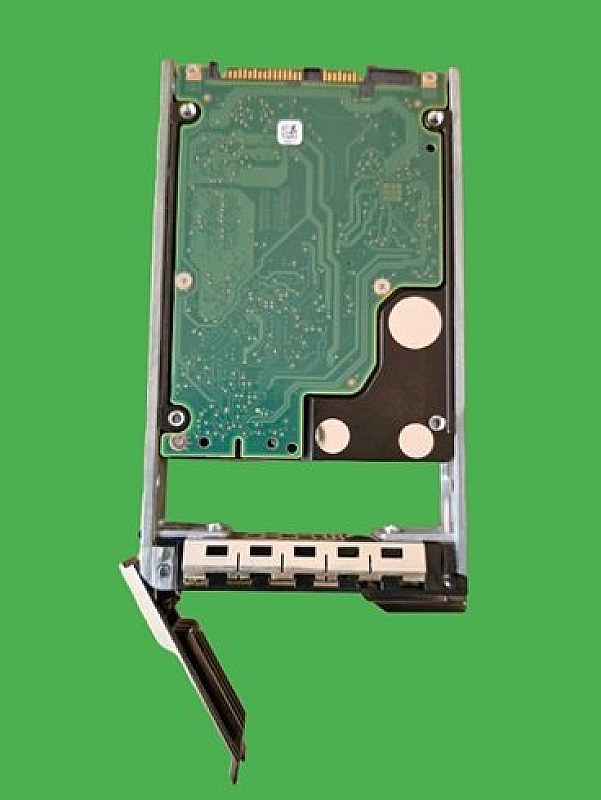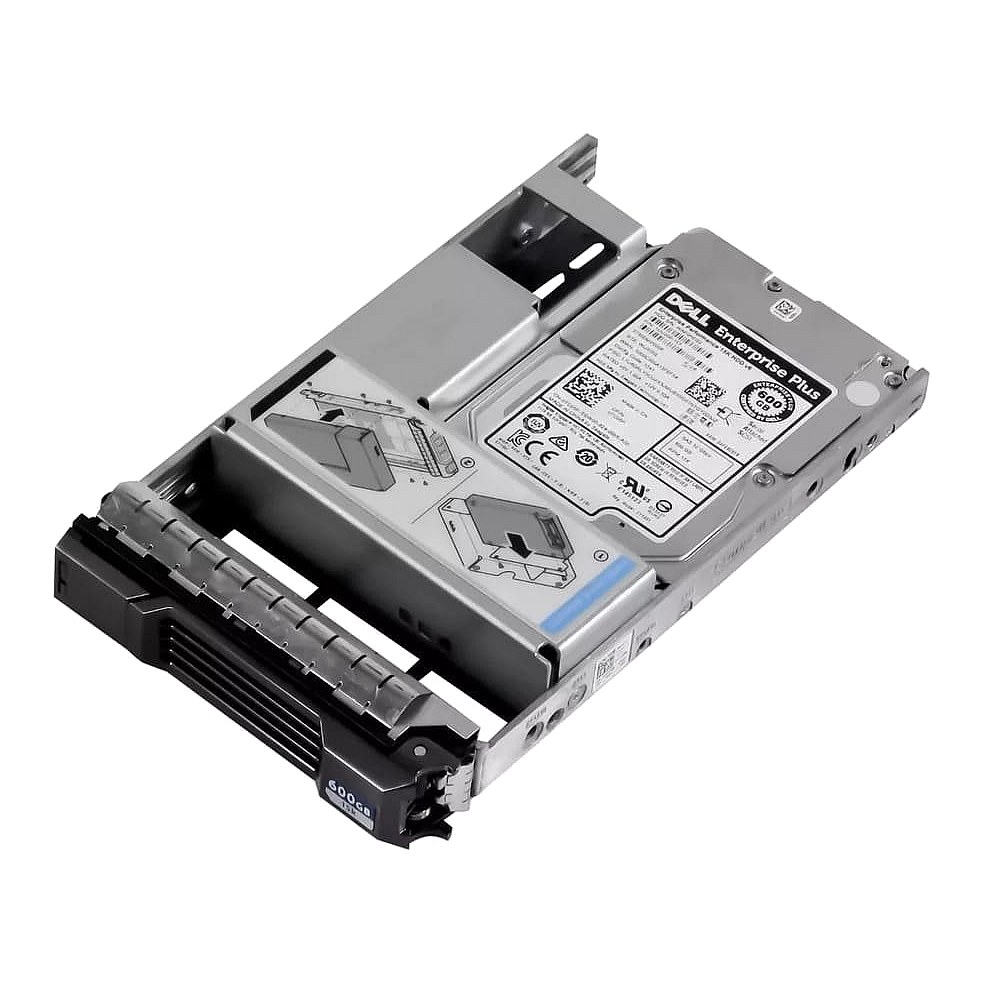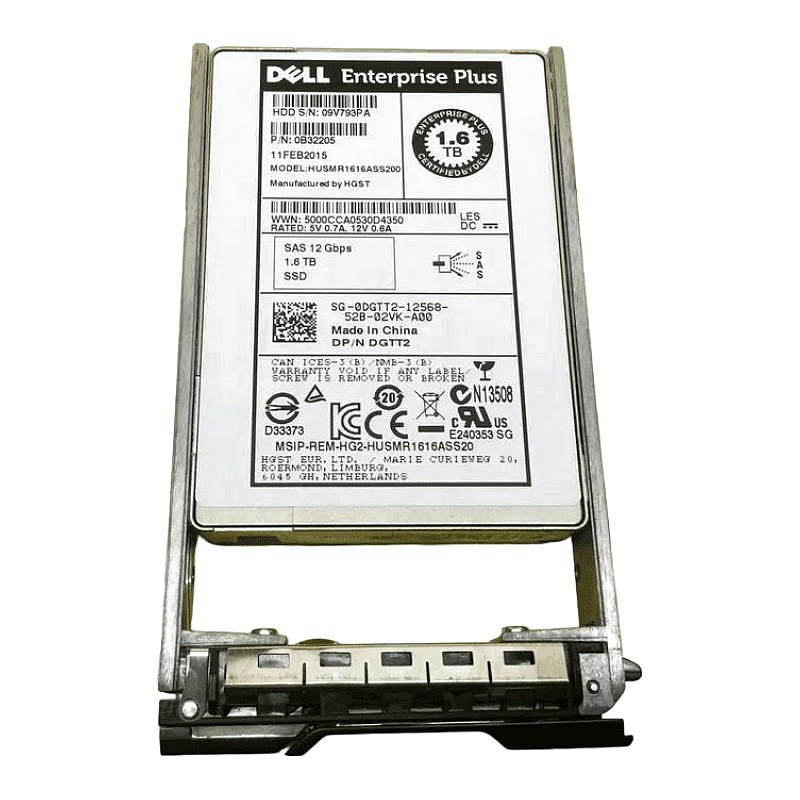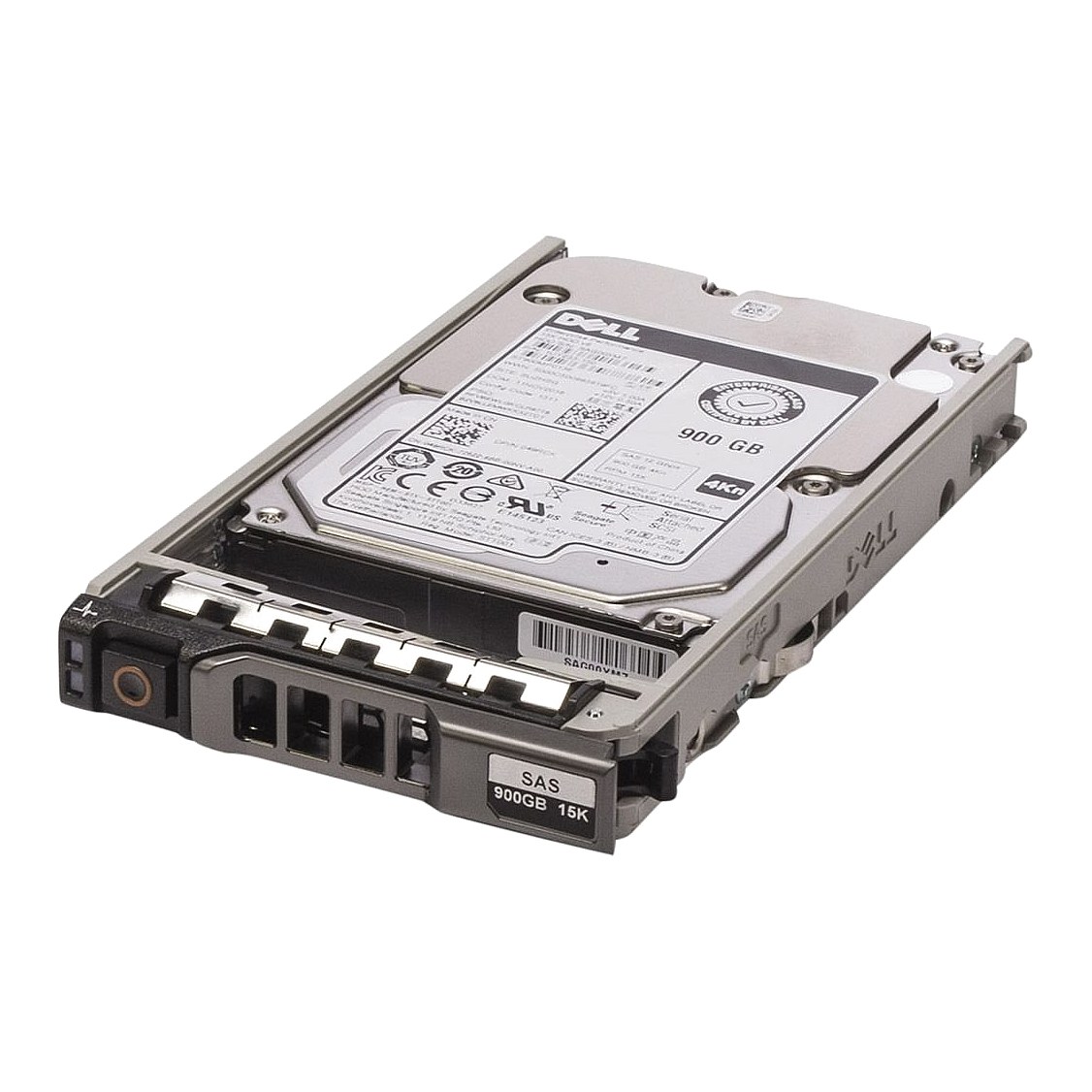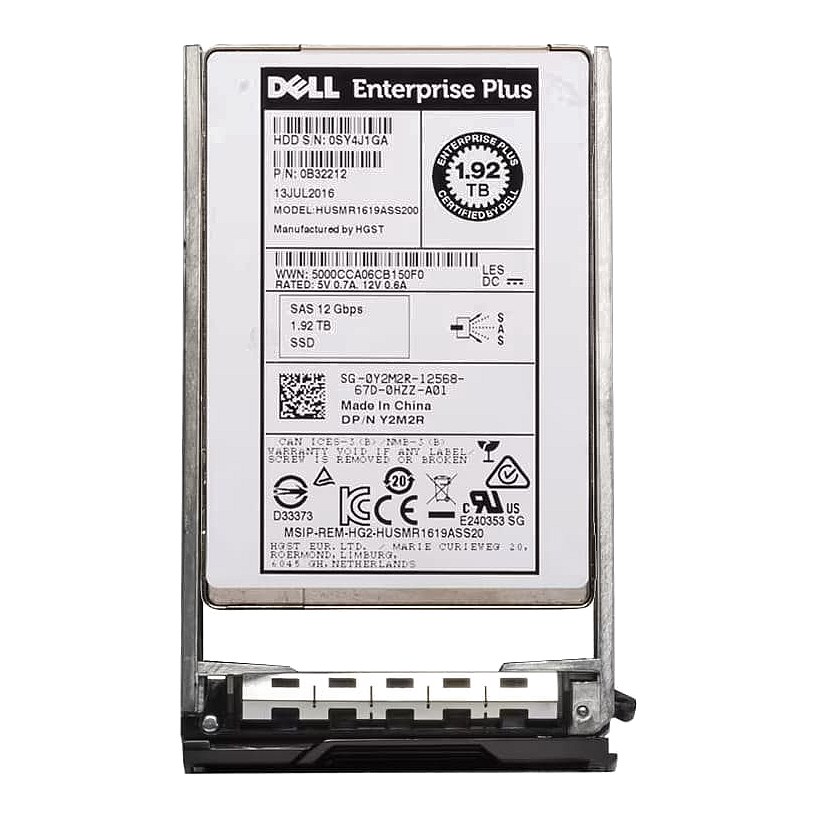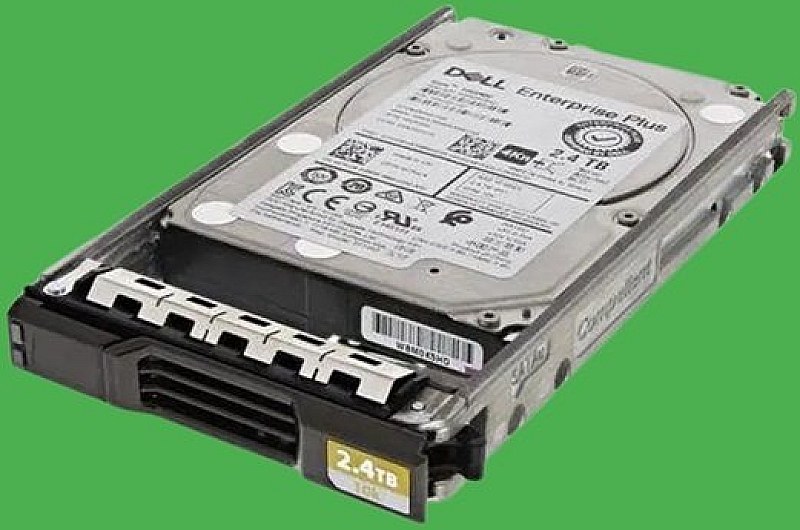
0X7NC4 Dell Compellent 2.4TB 10K SAS 12G SFF Hard Drive

Call for price
This item is priced on request. Get in touch and we'll send you a quote.
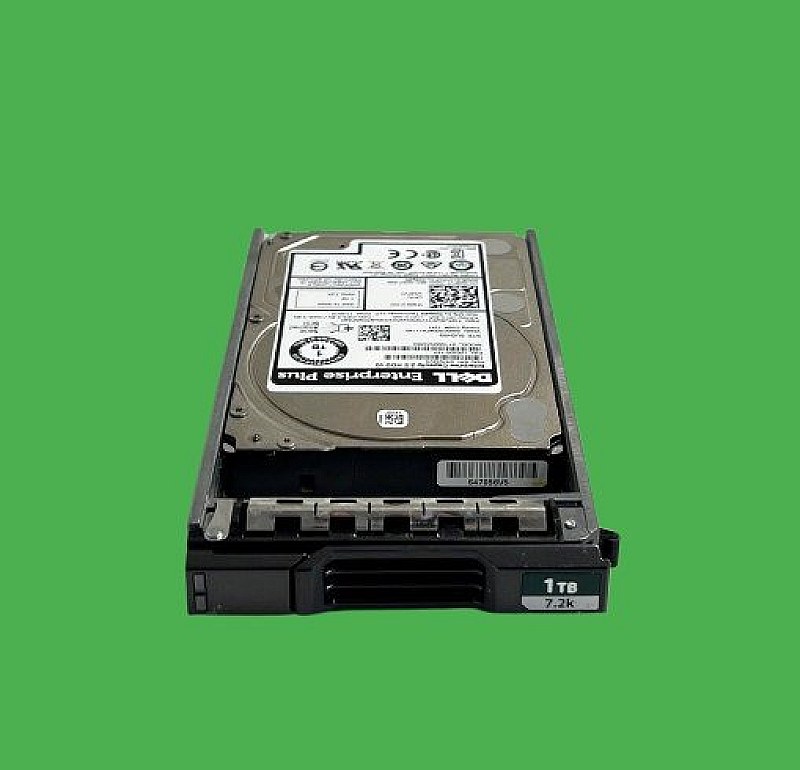
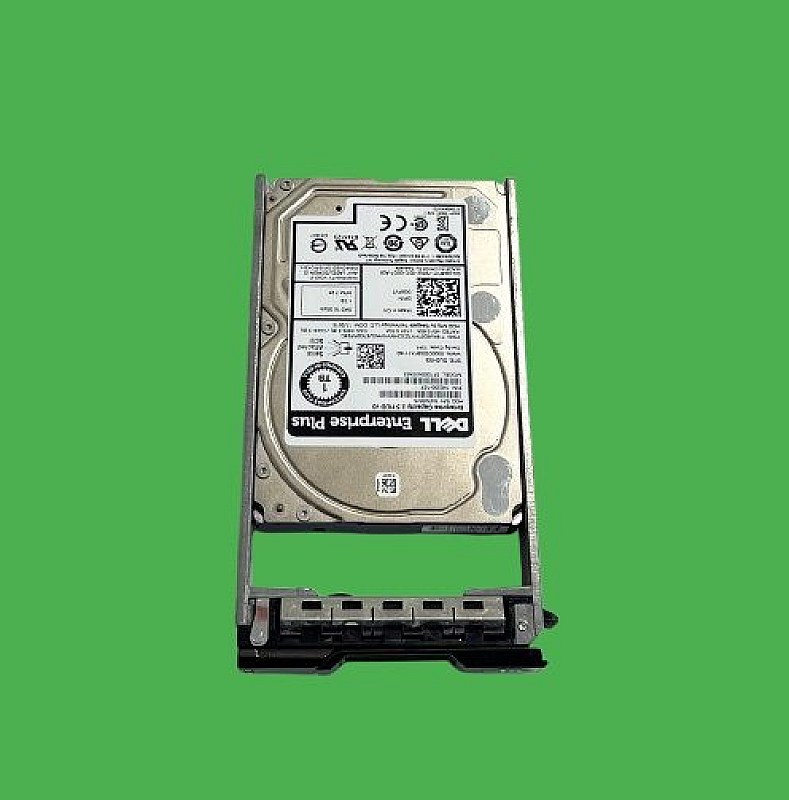
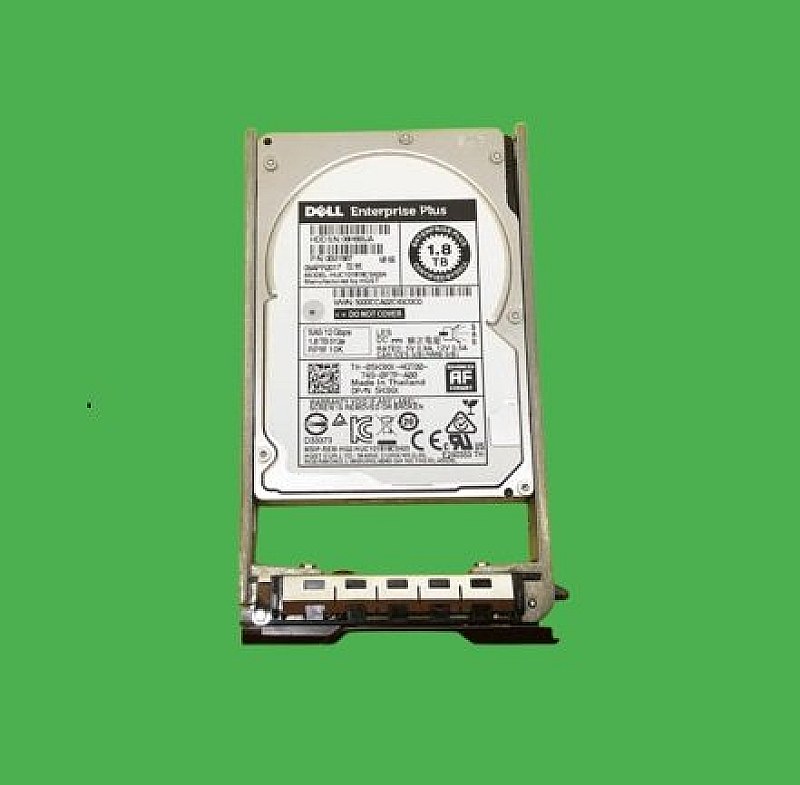
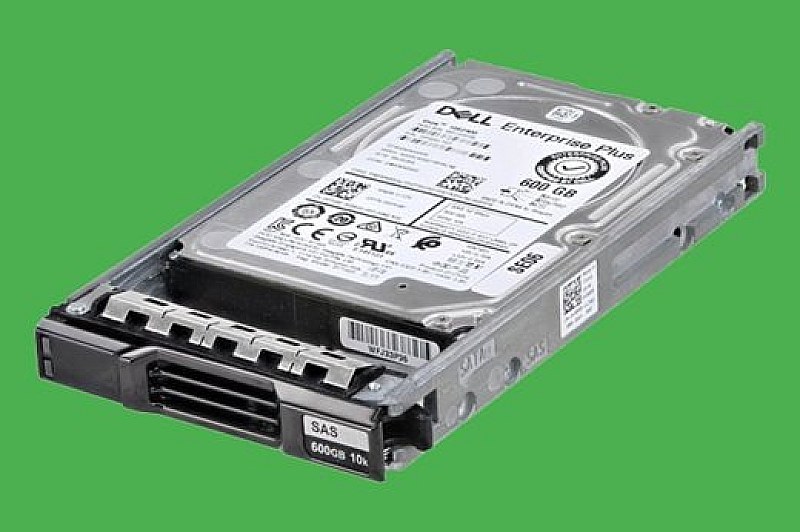
Ask for a price Call 0861 711 712Dell Compellent 2.4TB 2.5 12Gb 10K 4Kn SAS HDD for SCv2020,, SCv3020 DPN: 0X7NC4,X7NC4,400-AXIC,7PXN7,07PXN7
- Brand: Dell
- Part #: 0X7NC4,X7NC4
- Alt. Part #: 7PXN7 07PXN7
- Kit Part #: 400-AXIC (Bare drive + compellent SFF caddy)
- Bare drive model:ST2400MM0159
- Specs:-
- ::Type: Dell Compellent hard drive
- ::Capacity: 2.4TB
- ::Interface: Serial Attached SCSI (SAS 3)
- ::Enclosure: Internal
- ::Spindle Speed: 10000RPM
- ::External Data Transfer Rate: 12G = 12Gb/sec
- ::Features: Advanced Format
- ::Sector Size: 4Kn (4 Kilobyte Native Advanced Format)
- ::HotSwap: Yes
- ::Hot Swap Tray Included:SFF Caddy (DPN:07D4F6)
- Compatibility:
- Dell Compellent/SC Series Arrays and expansion units connected to these Series models
- ::Dell Compellent SCv2020
- ::Dell Compellent SCv3020
- ::SC4020
- ::SC5020
- ::SC7020
- Condition: New
- Warranty: 1 (one) year Tekmart Africa warranty
INT270226ITUK2026Eligible for immediate collection / shipping upon order confirmation***
The SKU:X7NC4 (sometimes listed as 0X7NC4) is an OEM part number assigned by Dell for a high-capacity, high-performance hard drive designed specifically for use in Dell Compellent (now Dell Storage SC series) storage arrays.
Important to note its 4Kn Advanced Format and its design for Dell Compellent systems, meaning it may not work correctly in standard Dell PowerEdge servers or other non-Compellent systems-they have Dell-certified firmware that allows it to be recognized, monitored, and managed correctly by Dell's Compellent (now SC Series) storage arrays (like the SC4020, SC5020)
Tekmart Caveat:-
Should you attempt to introduce a generic 2.4TB 10K SAS drive from the original manufacturer (like Seagate) into a Compellent array, the array will typically reject it and mark it as unsupported, even if the hardware is identical. The Dell Compellent firmware is the digital "key" that makes it work.
The drive are formatted to 4Kn (4 Kilobyte Native) sectors, an Advanced Format designed to improve storage efficiency and performance compared to older 512-byte sector drives.
This requires compatible host hardware and operating system support, adding to its specialized nature, as it won't work correctly in older or non-compatible systems.
These vendor-lock-in features is what primarily makes them "special" (and often more expensive) than a generic drive with similar hardware specs-these drives (DPN:0X7NC4),drives are firmware-locked and certified specifically for use in Dell Compellent/SC-series storage arrays (such as the SC4020, SC5020, and SC7020).
While the underlying hardware may be the Seagate ST2400MM0159, a generic version of that drive will not be recognized or supported by the Compellent array without the Dell-specific firmware.
Because this is an SED (Self-Encrypting Drive), there are a few specific rules for the SC5020 environment to ensure it joins the disk folder correctly.
1. License Requirement
To use the "Self-Encrypting" features of the X7NC4, your SC5020 must have the Data-at-Rest Encryption (D@RE) license active.
- ::If you have the license: The drive will be managed via the Key Management Server (KMS) or internal key management.
- ::If you do not have the license: The drive will still function as a standard 2.4TB 10K drive, but the hardware encryption features will remain inactive/managed as a "non-encrypted" disk folder.
2. Disk Folder Pairing*Dell Storage Center (SCOS) is very strict about mixing drive types.*
- ::Do not mix SED and non-SED drives in the same Tier 1/Tier 2 disk folder.
- ::If your current SC5020 pool is comprised of standard (non-SED) drives, SCOS will likely put this X7NC4 drive into a separate "Unassigned" or "Managed" pool to prevent security mismatches.
3. SCOS Firmware Version
The 2.4TB 10K (4Kn) drives usually require a minimum SCOS version to be recognized properly.
- ::Minimum Recommendation: Ensure your SC5020 is running SCOS 7.3.1 or higher.
- ::Earlier versions may see the drive but mark it as "Unconfigured" or "Incompatible Block Size" because it is a 4Kn (4K Native) sector drive.
Installation Steps for SC5020
- Physical Swap: The SC5020 supports hot-swapping. Slide the drive into an available 2.5" slot in the base array or an SC220/SC420 expansion enclosure.
- Storage Manager: Open Dell Storage Manager (DSM) or the Unisphere central console.
- Acknowledge New IO: Go to the Storage tab -> Disks. You should see the drive appear as "Unassigned."
- Manage Drive: Right-click the drive and select Manage Unassigned Disk. Follow the wizard to add it to your existing 10K Tier disk folder.
- Free collection from our store
- Secure checkout