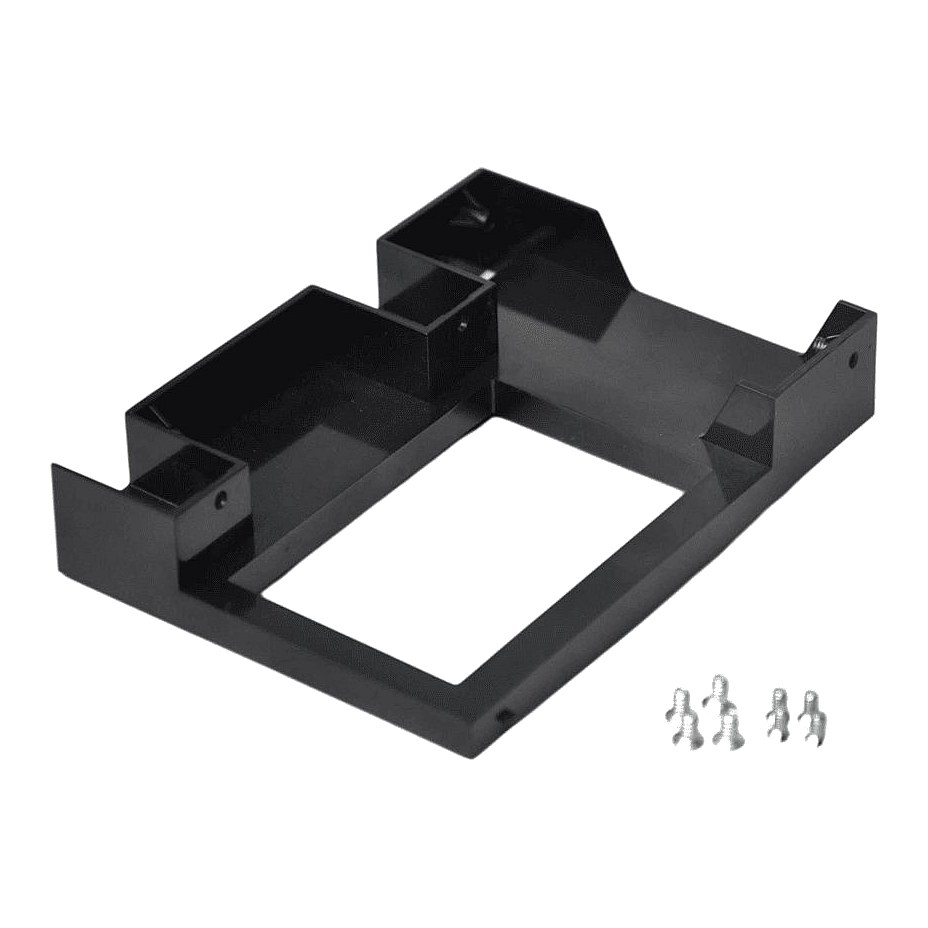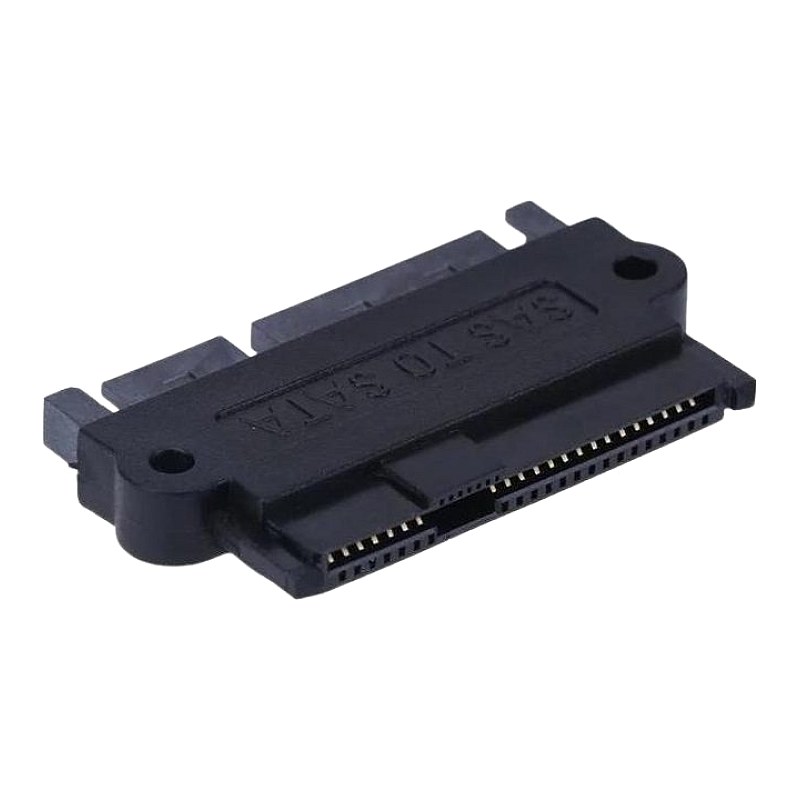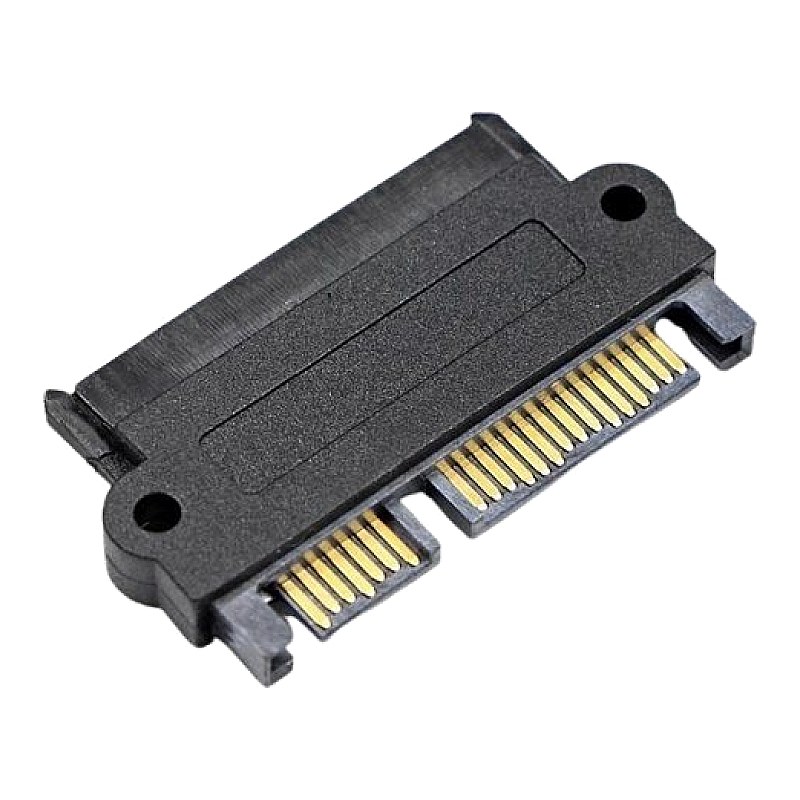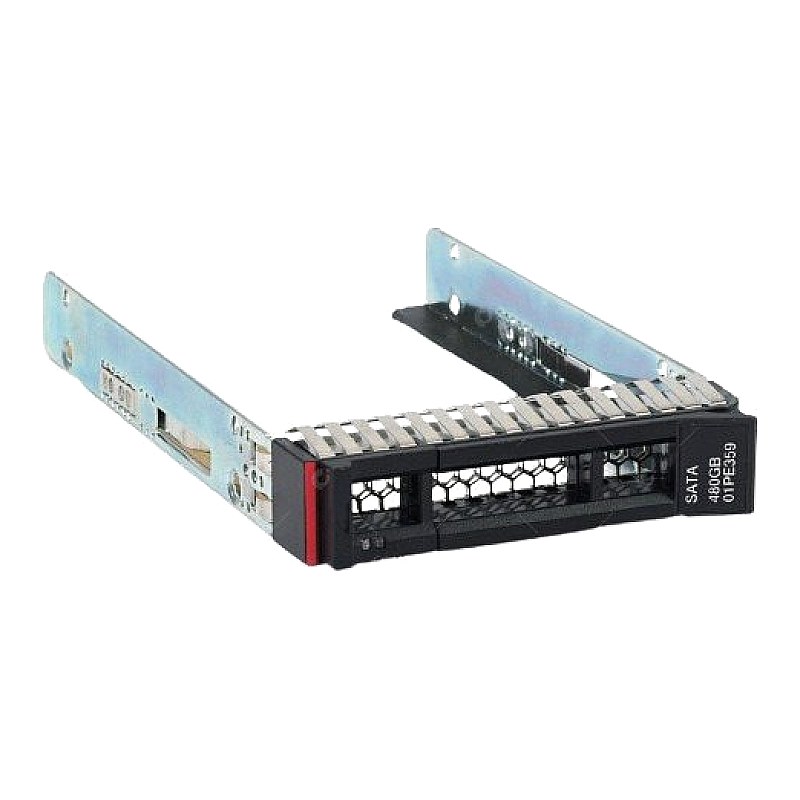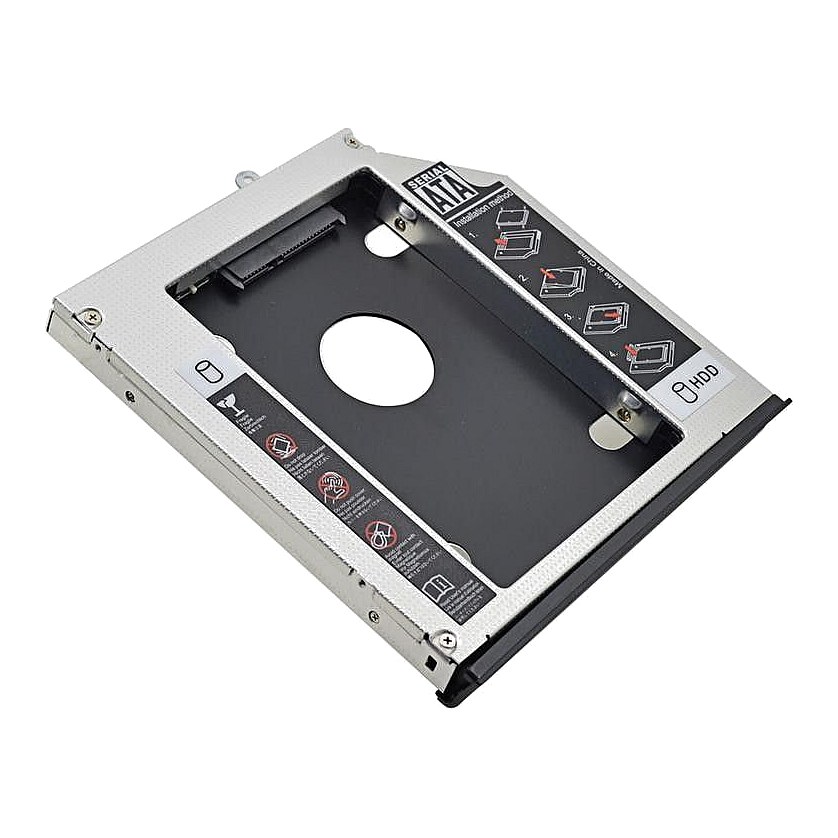
2nd Hdd Caddy for Dell E6540 E6440 E-module Bay

R684.37
was
Includes VAT
Tell me if the price drops
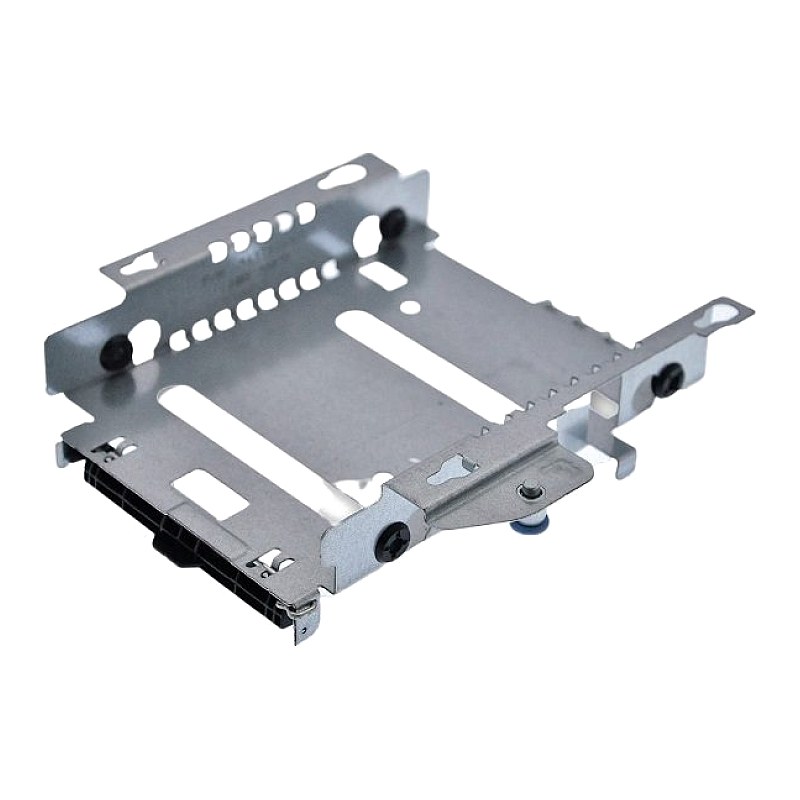
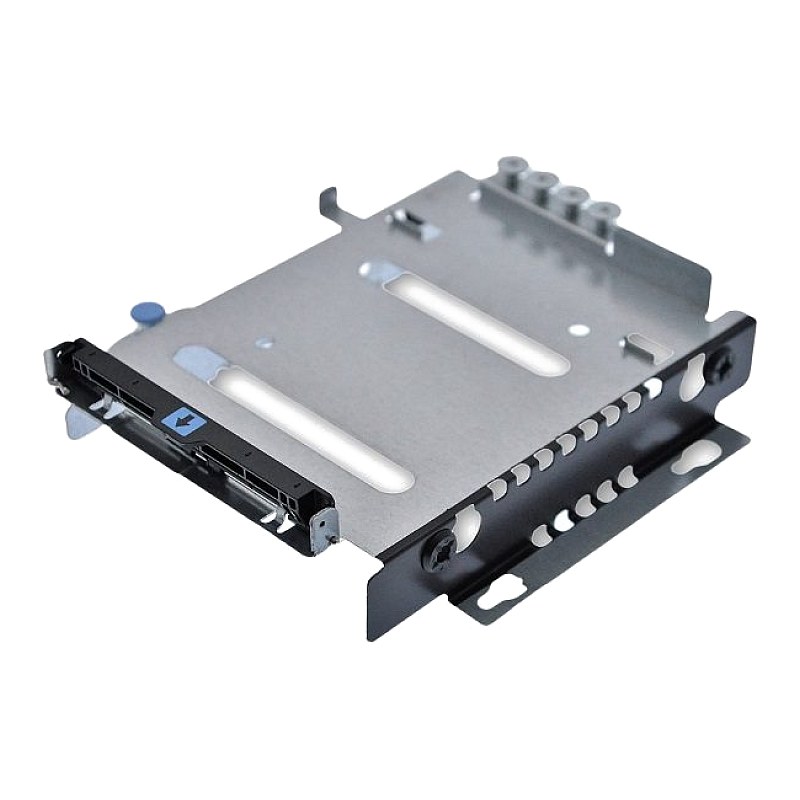
Dell Latitude E6540, E6440 E-Module Bay, 2nd HDD / SSD Caddy
- Brand: Dell
- Part #: E6540 E-Module Bay
- Specs:-
- :: Type: E-Module Bay (2nd HDD / SSD Caddy)
- Features:-
- :: Works in E-Modular Bay of Latitude E6540, E6440 Series Laptops
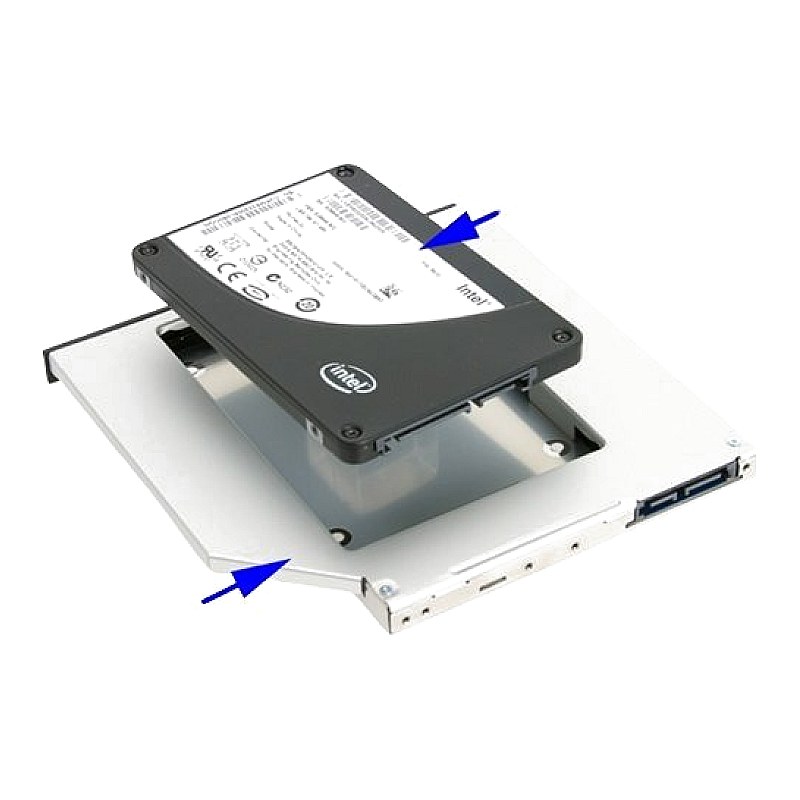
- :: Replace your optical DVD drive with a HDD or SSD
- :: Uses 2.5" SATA hard drives 9.5mm-high or less
- :: Also compatible with 2.5" SSD
- :: Built-in eject / lock mechanism to work with modular bay of laptop
- Compatibility:
- :: All laptop and / or server optical drives.
:: Works in E-Modular Bay of Latitude E6540, E6440
:: Uses 2.5 SATA hard drives 9.5mm-high or less
:: Also compatible with 2.5 SSD
:: Metal enclosure to dissipate heat from the drive and to help reduce EMI noise.
- Condition: New
- Warranty: 1 (one) year Tekmart warranty
Key points to note on these E6540 E-Module Bay Dell E6440 E-Module Bays:
Switching your laptop or server DVD drive for a SSD. Why consider doing this upgrade?
Add a second 2.5" hard drive or SSD to your DELL Latitude E6540 or E6440 laptop via the E-Modular (E-Module) Bay / optical drive bay with this drive caddy.
When it came to upgrading a laptop this would imply having to choose between the higher performance of a SSD and the higher capacity of a conventional HDD.
SSD drives are the new generation of computer storage devices. Being much faster (up to 10x as much) these drives will eventually replace standard HDD’s; the only reason this hasn’t happened yet is the cost, which is also around 10x as much.
So, what many people are doing these days is combining a blazing fast SSD of limited capacity to keep all the system files, along with a conventional HDD for extended storage.
Using an SSD as the main drive will bring definite and drastic improvements to your machine: your boot time will drop down to a third, as well as the time it takes to load heavy programs.
Suffice to say, if you own a laptop that is 2-3 years old that is starting to show signs of age, installing an SSD will make the machine feel more responsive than when it was brand new.
- Free collection from our store
- Secure checkout