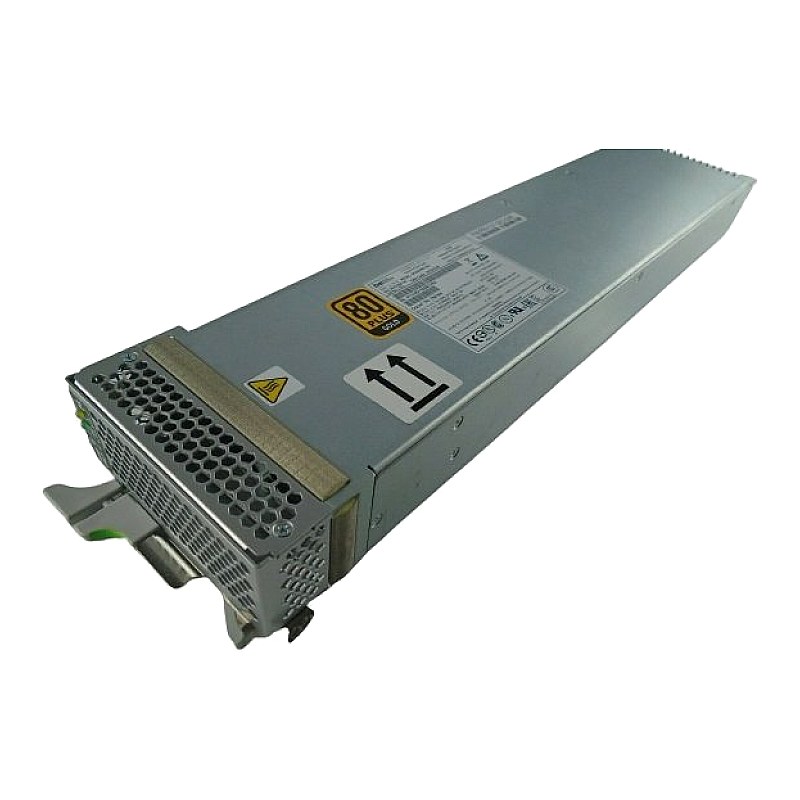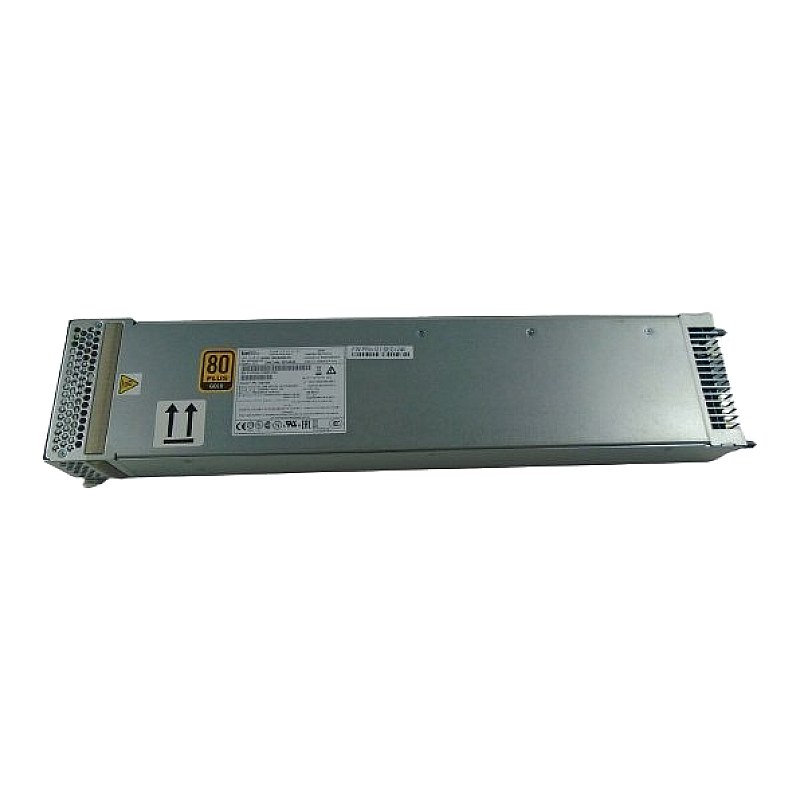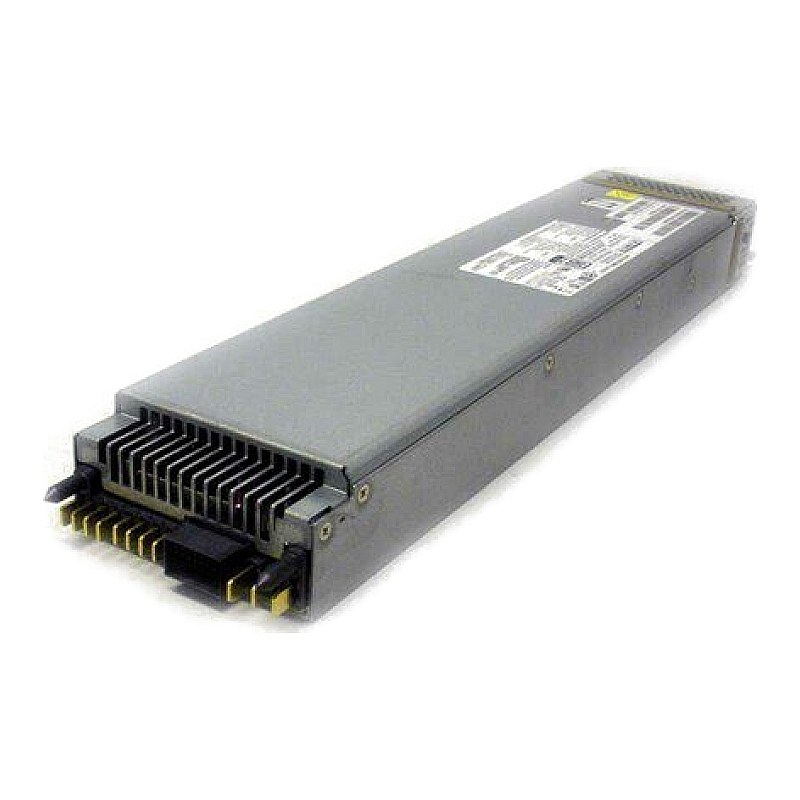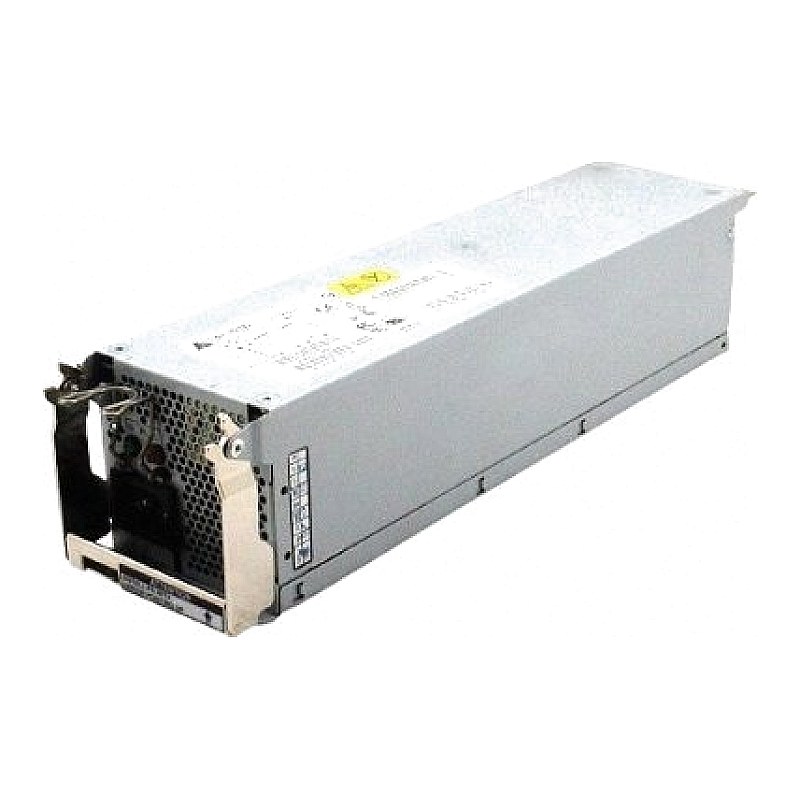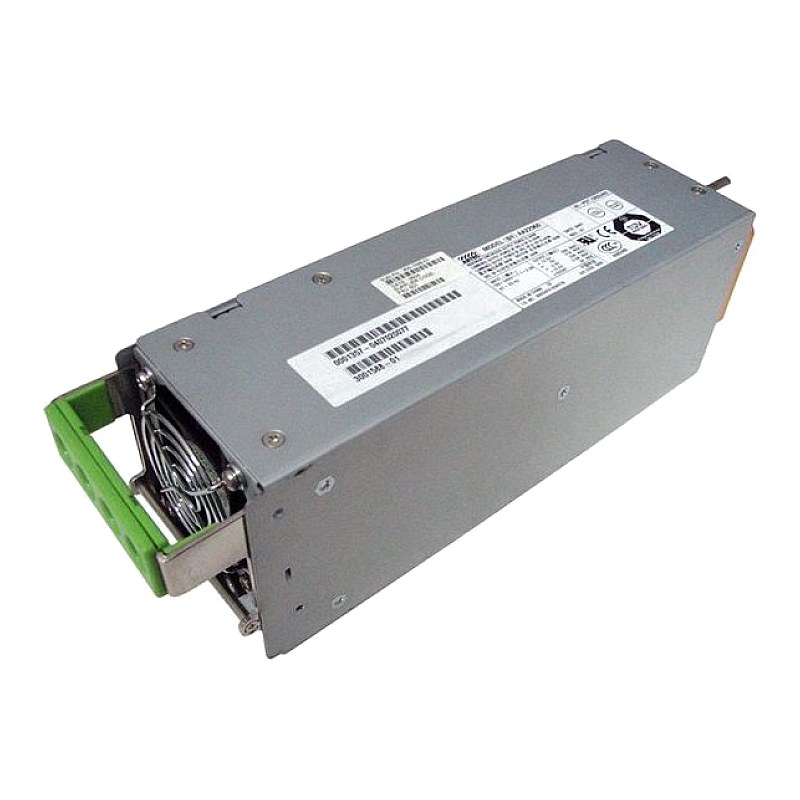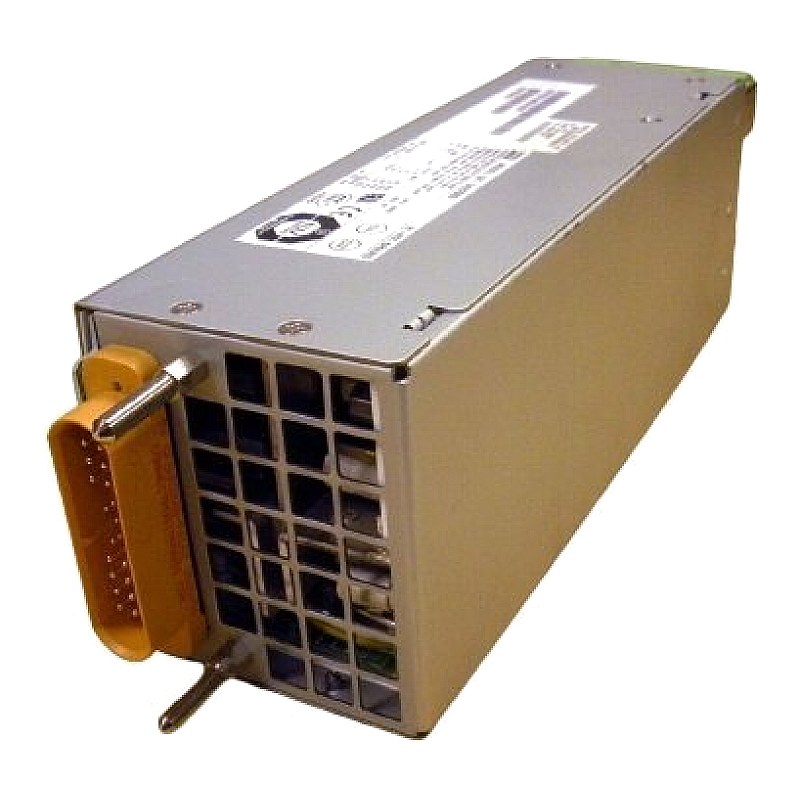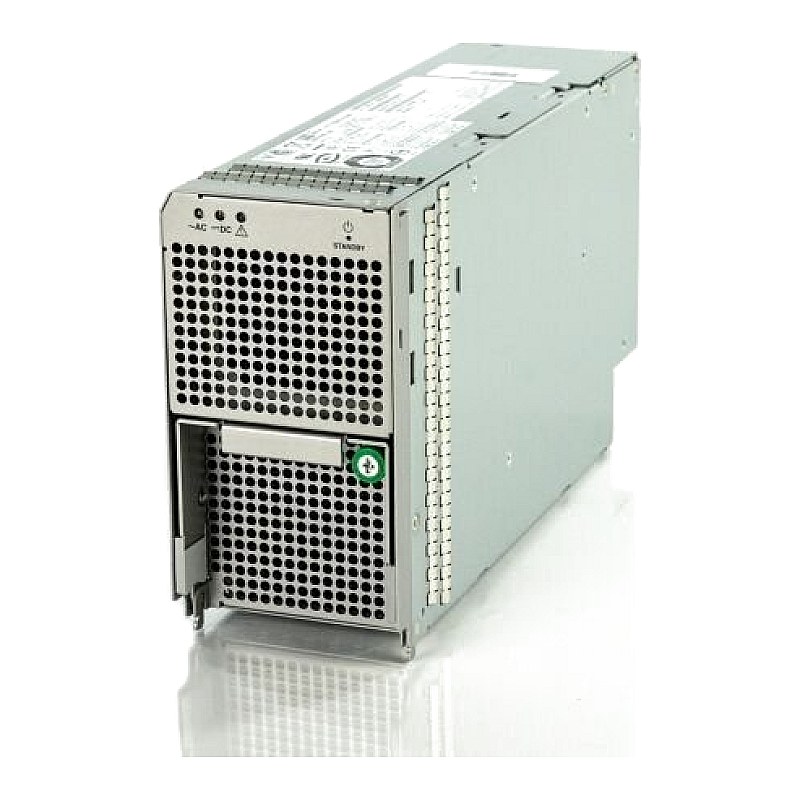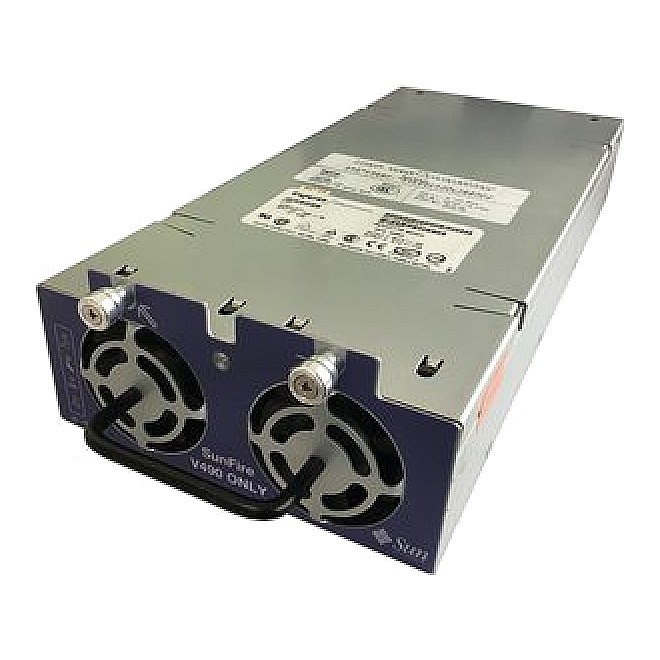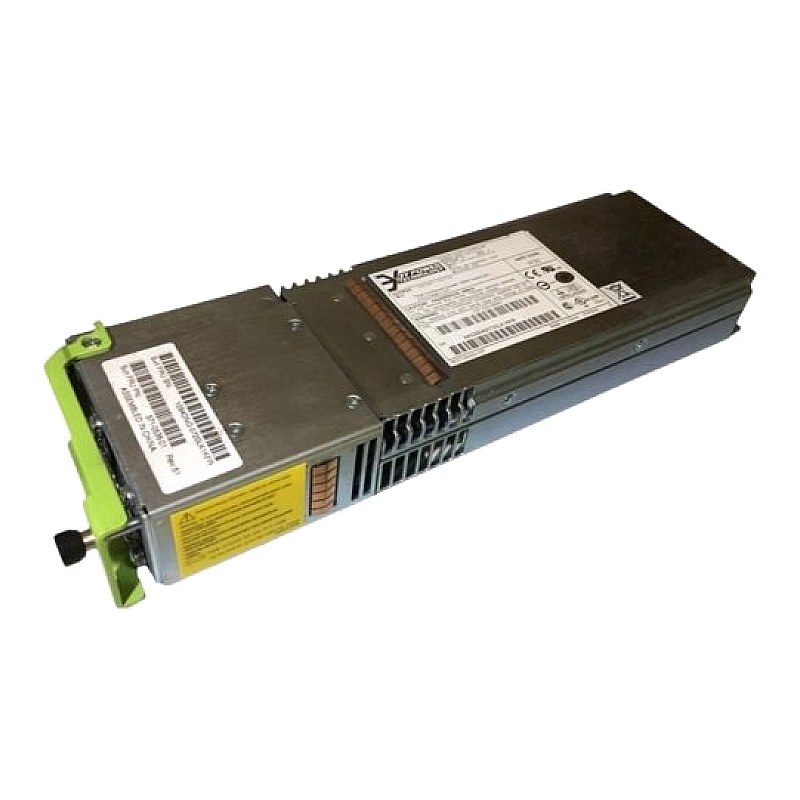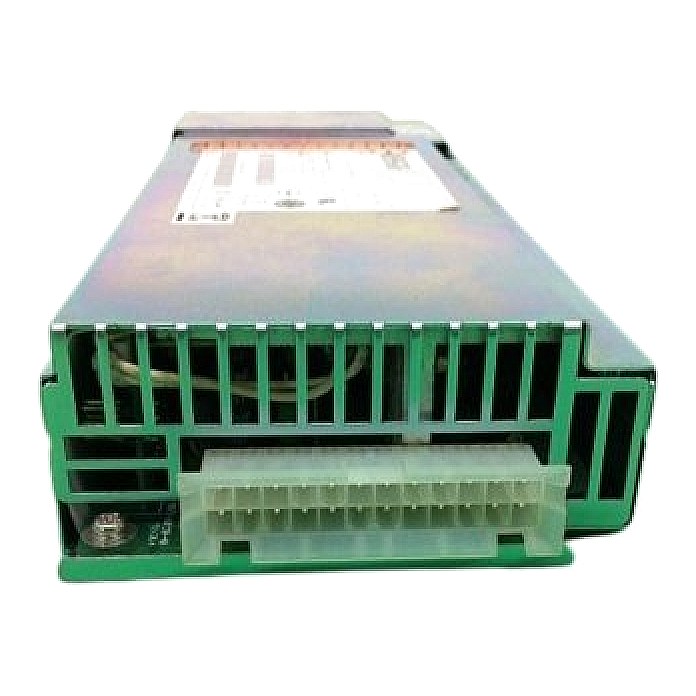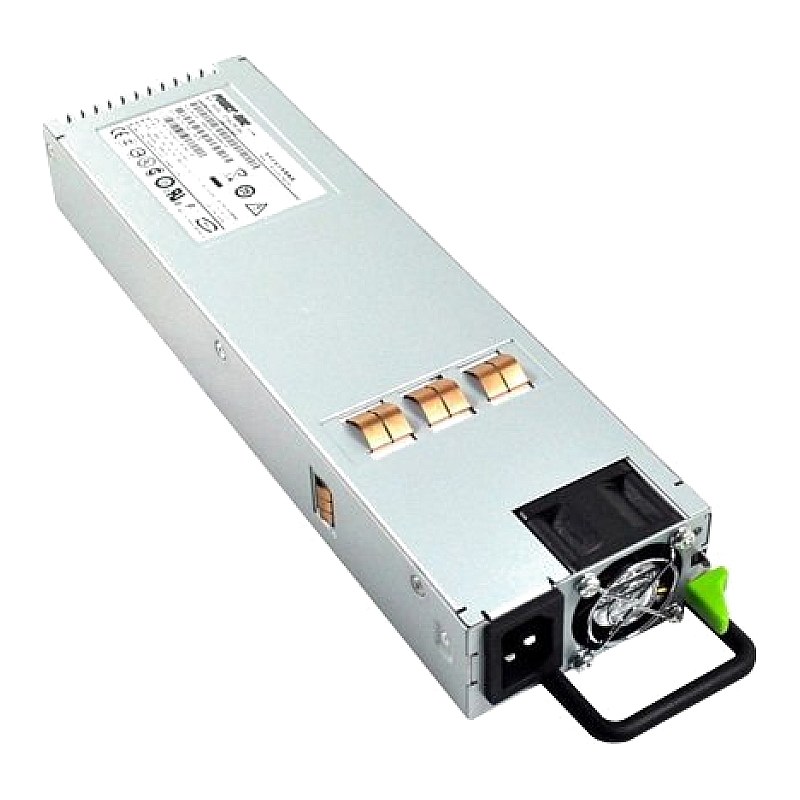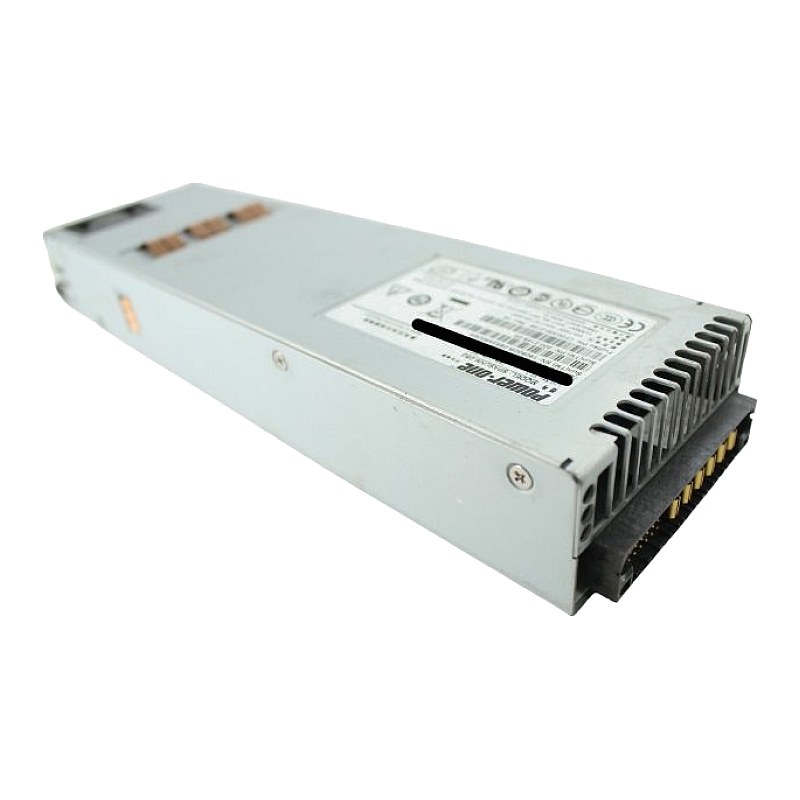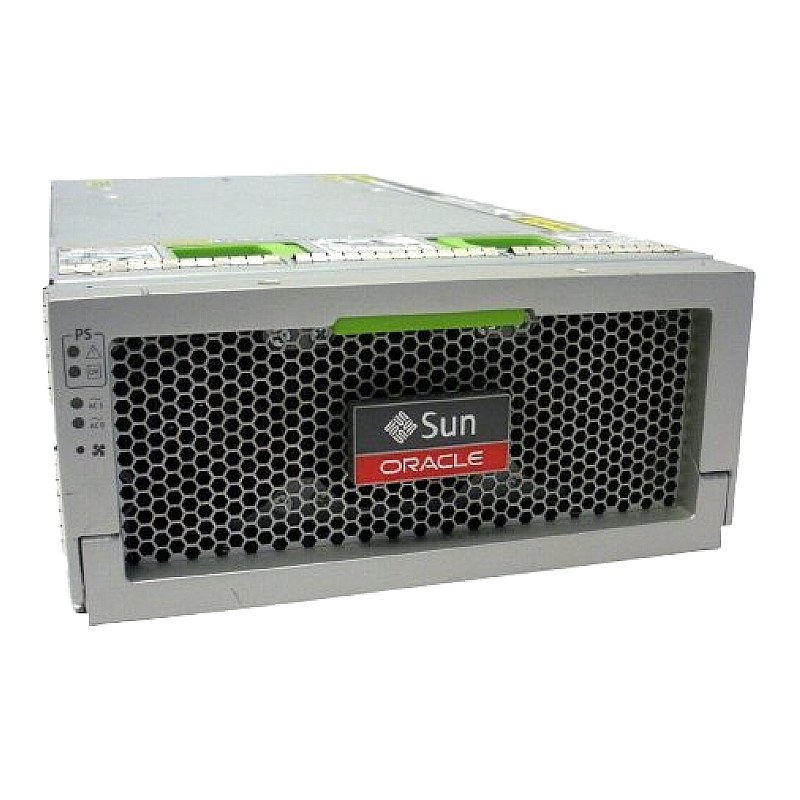
300-2259 Sun Type A251 5740W AC Power Supply for Blade 6000

Call for price
This item is priced on request. Get in touch and we'll send you a quote.
Ask for a price Call 0861 711 712Sun Type A251 5740W AC Power Supply for Blade 6000 Part #: 300-2259
- Brand: Sun Microsystems
- Part #(s): 300-2259
- Type: Modular Power Supply
- Rating: 5740W
- Compatibility: Sun Blade 6000 Chassis
- Condition: New and Refurbished
- Warranty: 1 (one) year Tekmart warrantyPlease note that this is strictly a non-stock POA unit. Mail sales and one of our solution consultants will get back to you and gladly assist.
Key points to note on these Sun 300-2259 Type A251 5740W power supply: -
- >> The Sun Blade 6000 Chassis is a 10 slot, 10RU chassis with two sets of redundant power supplies and offers the same expansion options found in the 8000 series.
- >> Overall, the Sun Blade 6000 Chassis is a scaled-back version of the Sun Blade 8000 chassis, but it still packs plenty of power.
- >> This server is best for environments where space might be an issue, but you do not want to sacrifice quality. The Sun Blade 6000 Chassis offers great price/performance value, blade power, and embedded management.
- >> The chassis is engineered to handle a wide range of application environments by integrating Oracle’s x86 and SPARC server modules with high level of networking and storage modules. This eco-efficient and flexible blade enclosure provides a solid foundation for the most demanding workloads.
- >> Controlled by a single system management interface, the balanced architecture of the Sun Blade 6000 chassis provides an open, standards-based infrastructure for virtualized business applications, IT infrastructure, middleware, workload consolidation and databases.
- >> Although a single power supply module can power the entire chassis, the Sun Blade 6000 chassis has two hot-swappable, redundant power supply modules, each with its own front fan modules.
- >> Each chassis can deliver up to 5,740 W of redundant power, with a power supply output of 12 V, and require only four power inlets.
Tips on installing this replacement power supply in a chassis
- Wait for all LED indicators on the power supply to be extinguished before reinstalling the power supply. If you do not follow this step, the system might log a false power supply fault condition.
- Make sure that the power supply is facing up and the five LED holes appear on the left.
- Pull the power supply handle out and away from the power supply.
- Slide the power supply into the power supply slot until the unit engages with the internal connectors.
- Push the power supply handle back toward the power supply until it clicks into place.
Figure 1: A sample representation of the exterior of a Sun Blade 6000 chassis, where 300-2259 is either Power Supply 0 or 1; parts we typically stock at Tekmart Africa.
- Free collection from our store
- Secure checkout