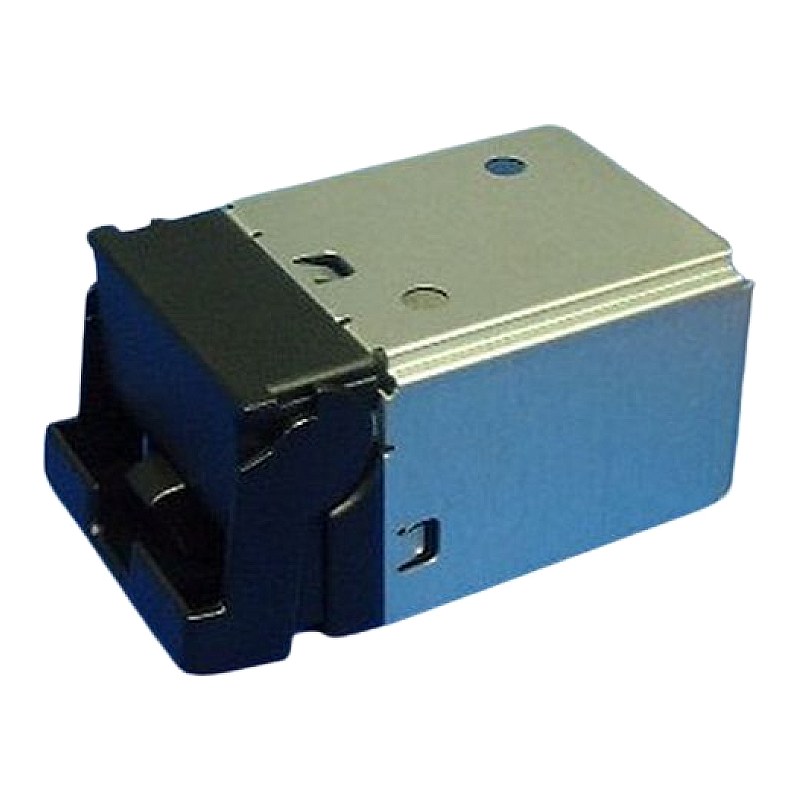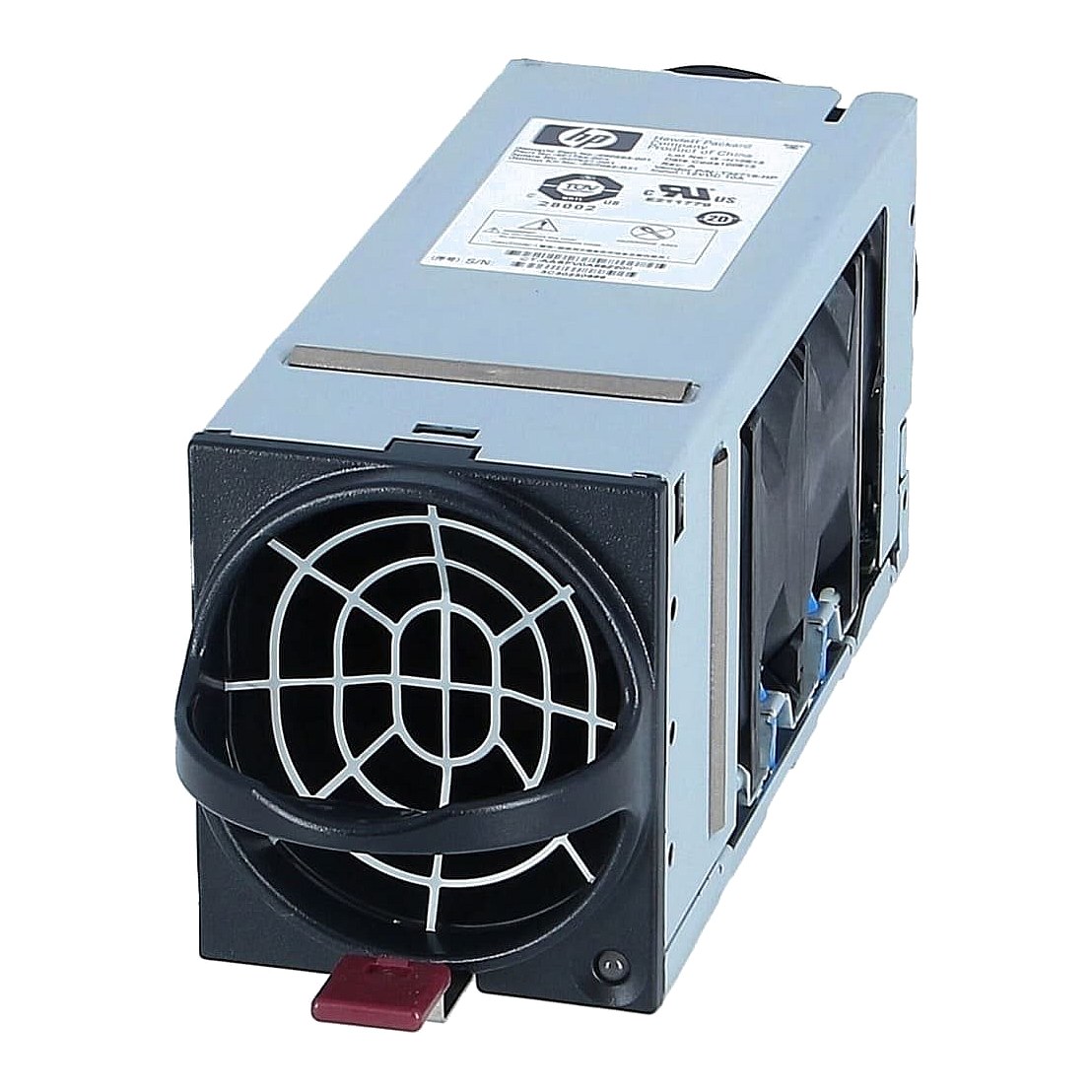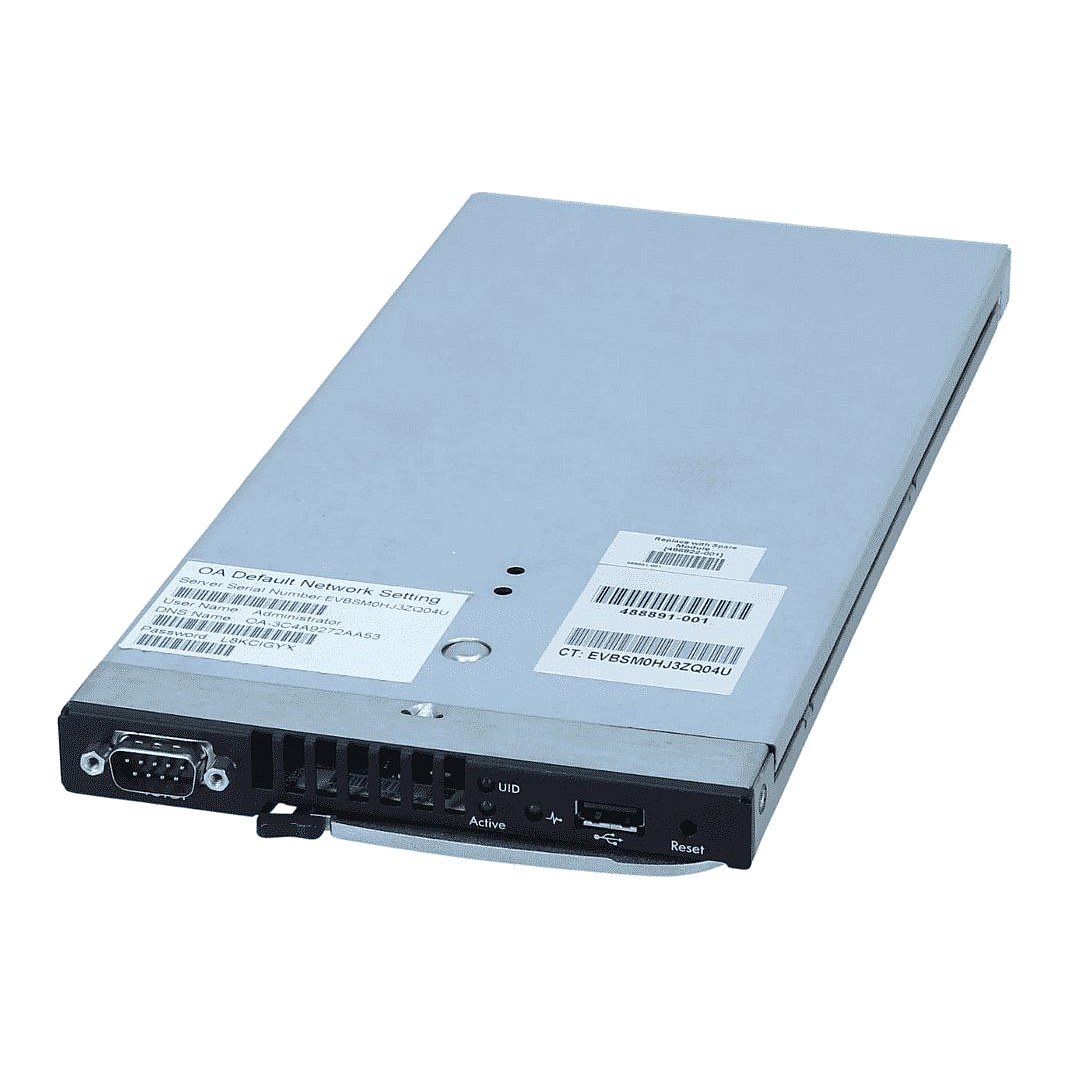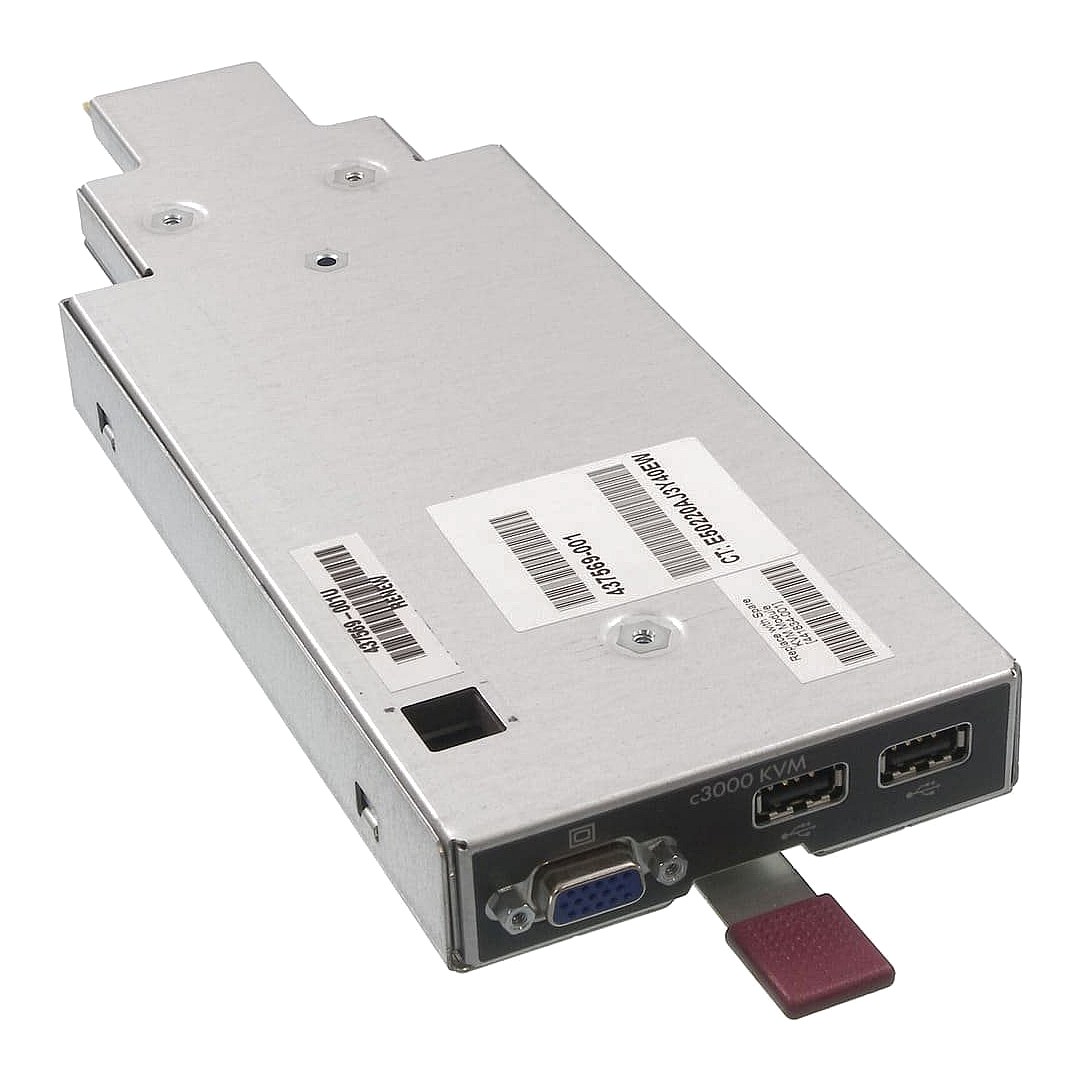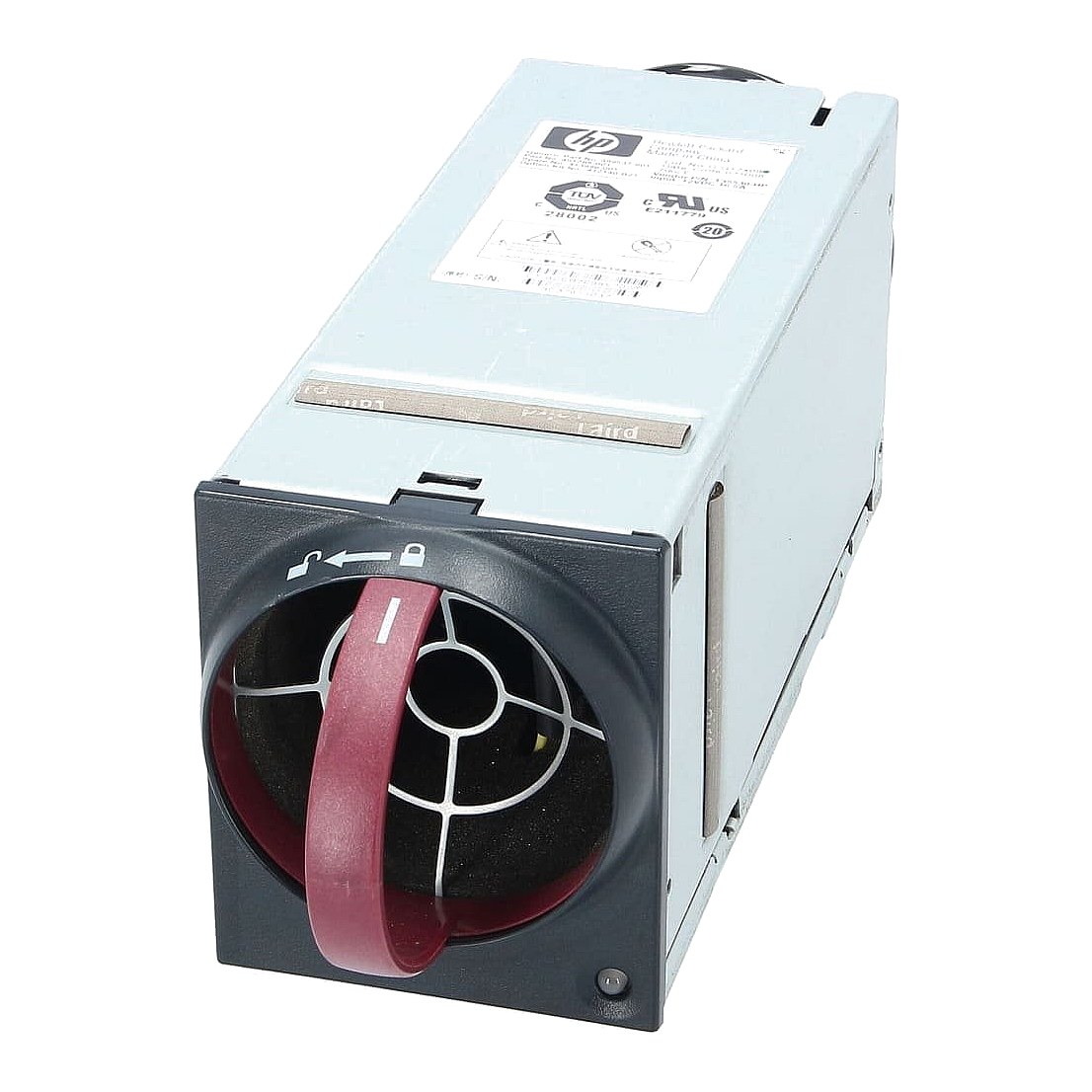
413996-001 HP BLc7000 Single Fan Enclosure

R1 875.00
was
Includes VAT
Tell me if the price drops
HP BLc7000 Single Fan Enclosure Part #: 413996-001 / 412140-B21 / 389537-001
- Brand: HP
- Part #: 413996-001
- Alt. Part #: 412140-B21 / 389537-001
- Specs:-
- :: Device Type: BladeSystem Active Cooling Fan
- :: Application/Usage: Cooling Fans Option Kit
- :: Condition: New
- :: Compatibility: HP BladeSystem C7000 Enclosure
- :: MPN: 413996-001
- Warranty: 1 (one) year Tekmart Africa warranty
This OEM SKU: 413996-001, is an HP part number and points to an HP Active Cool 200 Fan Module used in specific HP BladeSystem enclosures-HP BladeSystem c7000 Enclosures and HP BladeSystem c3000 Enclosures.
Signs for you to look out for notifying you that this part 413996-001 is required
You will typically need to replace or add a fan with this part number if you observe any of the following signs:
- ::System Error Messages: The most definitive sign is an alert from your Onboard Administrator (OA) GUI or CLI. Look for messages indicating a "Failed" fan or a warning about fan performance.
- ::Visual Indicators on the Fan: The physical fan module itself may have a visual indicator:
- A blinking amber LED on the back of the fan unit in the enclosure indicates a failing fan. (A solid amber LED usually indicates a different status, so check your system's documentation).
- ::High System Temperatures: If the enclosure's temperature monitoring shows higher-than-normal internal temperatures, it could indicate a fan failure or a lack of sufficient cooling capacity.
- ::Fan Noise/No Spin:
An unusual or excessive loud noise, grinding, or rattling coming from a fan.
A fan that has stopped spinning completely (if the system monitoring hasn't caught it yet).
- ::Low Fan Speed Reports: The Onboard Administrator might report a fan running at a significantly reduced speed (e.g., "Speed: 80 percent of Maximum speed" for a failing fan, as seen in support documents).
- ::For Expansion/Upgrades: If you are adding new, high-density blades or components to your c7000/c3000 enclosure that require additional cooling capacity, you may need to install more Active Cool Fans to maintain optimal temperature, even if the existing fans haven't failed.
As a last note, this fan is a specific part for a specific piece of enterprise-grade server equipment. You should always check the Onboard Administrator status or the physical LED indicators on your HP BladeSystem c7000 or c3000 Enclosure to confirm a fan failure before ordering the replacement part.
- Free collection from our store
- Secure checkout