Sold out
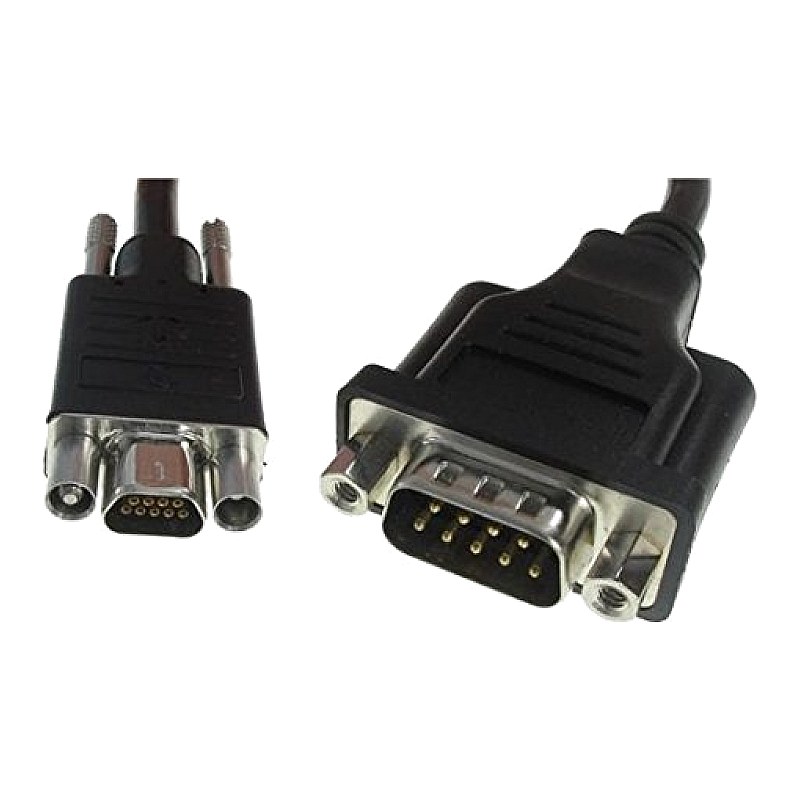
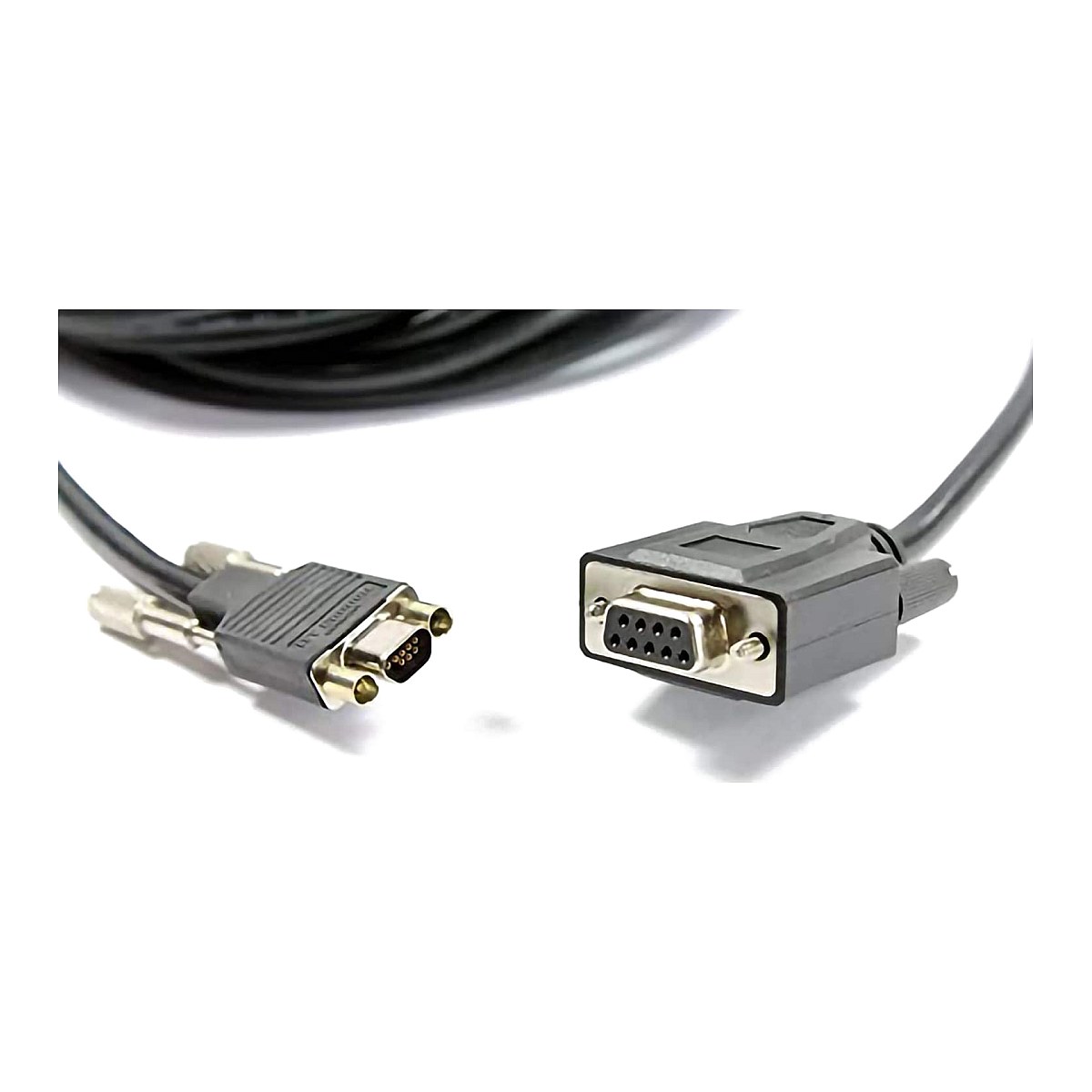
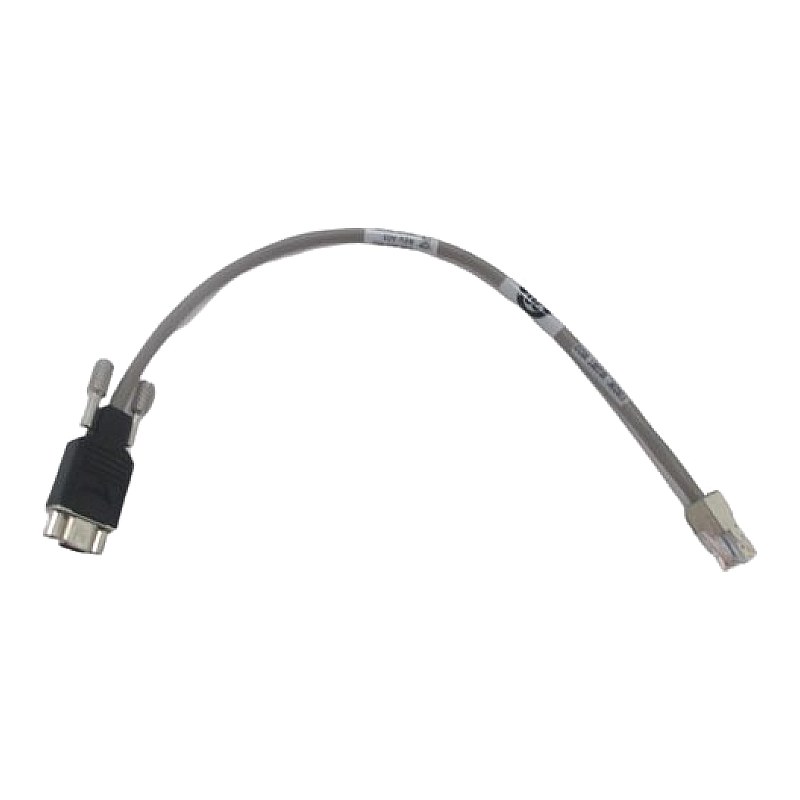
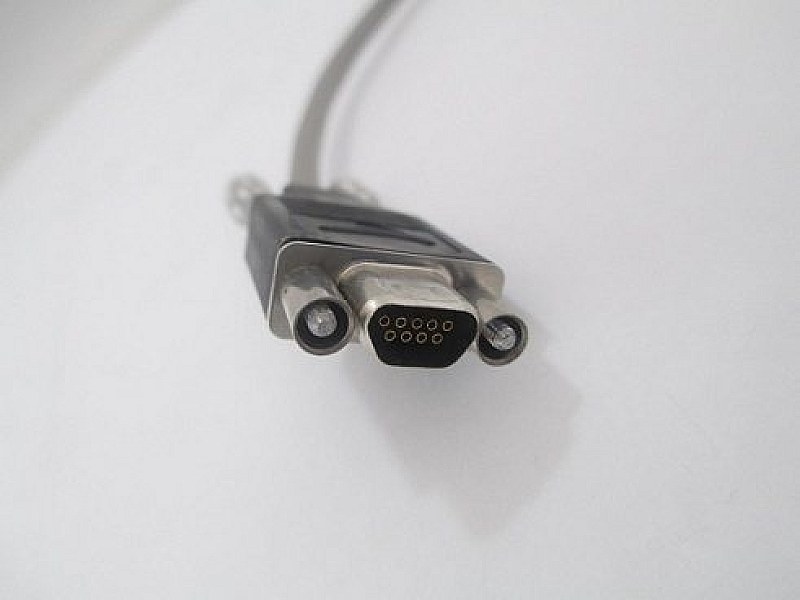
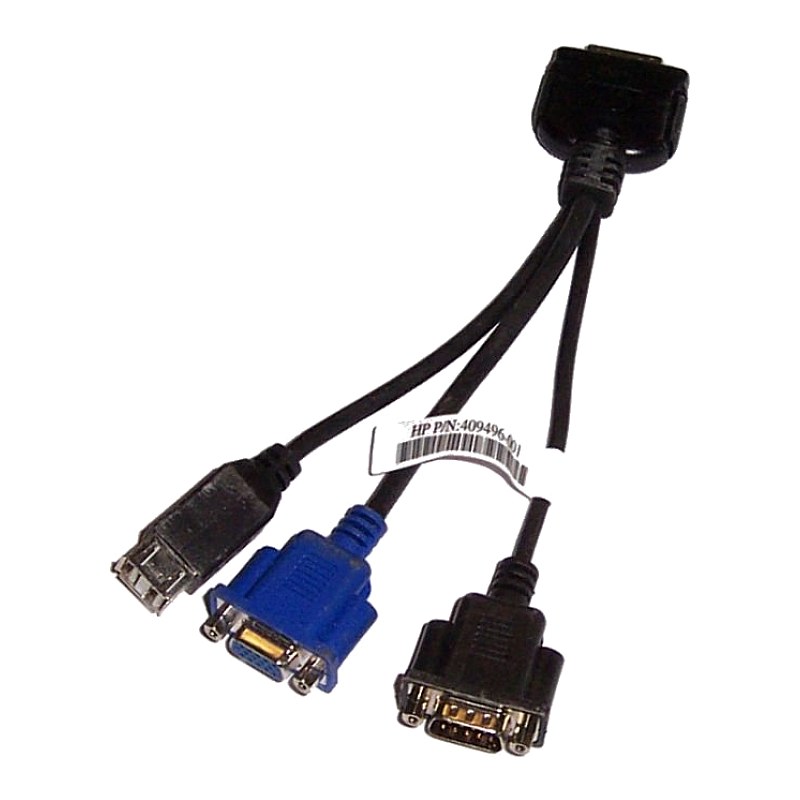
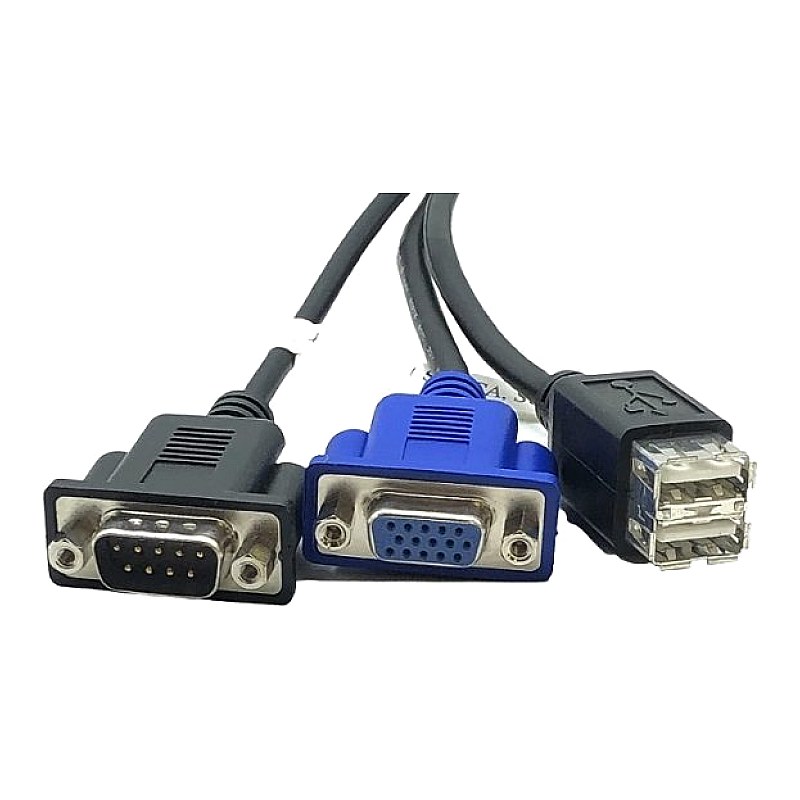
418568-001 HP TFT7600 KVM Cable Kit

R1 645.02
was
Includes VAT
Email me when it's back
Tell me if the price drops
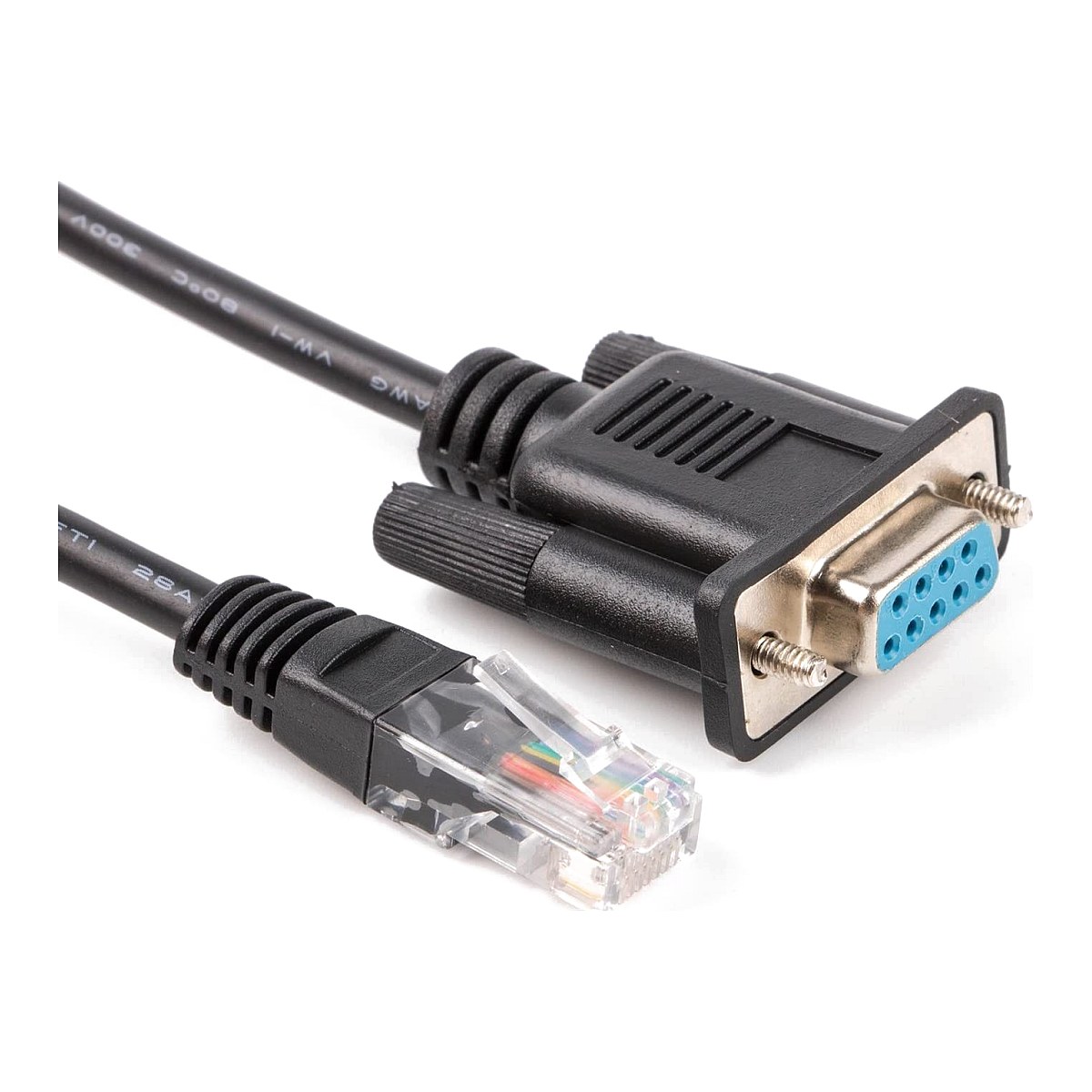
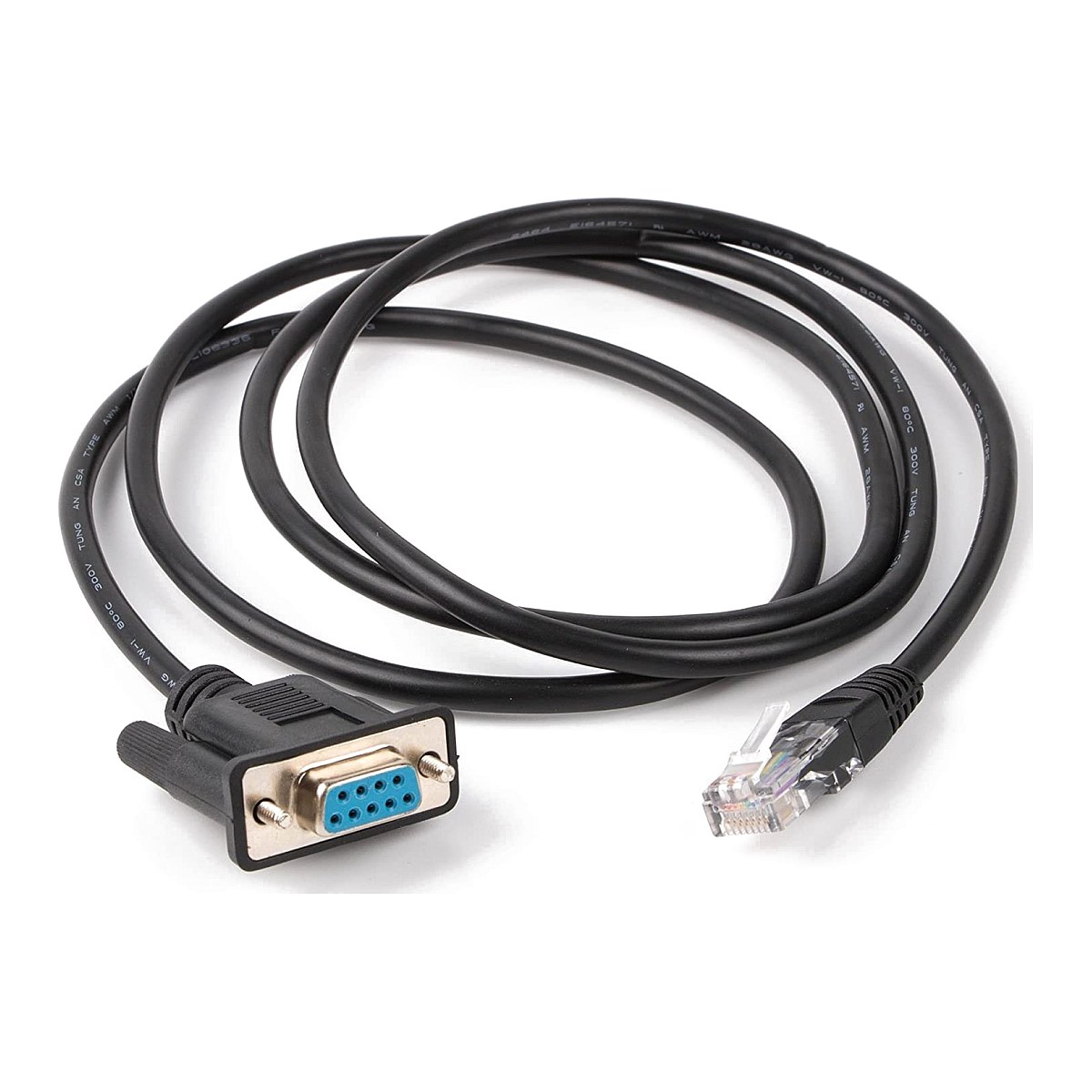
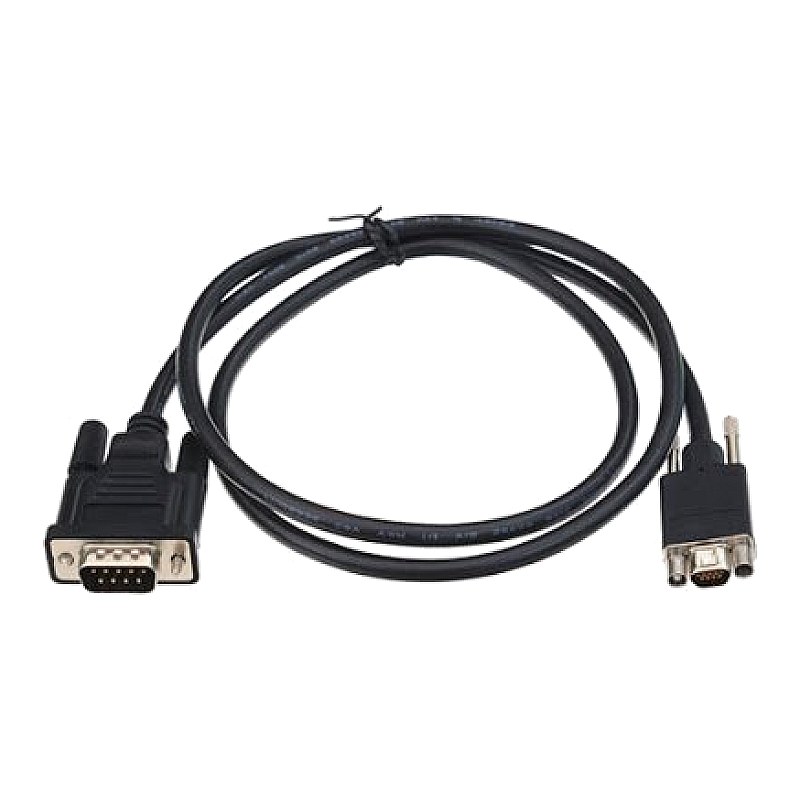
HP KVM Cable Kit for TFT7600 Rack Console Contains a USB Cable a Keyboard Cable and Mouse Cable HPN: 418568-001
- Brand: HPE
- Part #: 418568-001
- Specs:-
- :: Type: Rack console cable kits
- Cable Kit Composition:
- :: HPE Cable kit - Contains a USB cable, a keyboard cable, and mouse cable
- Compatibility:
- HPE ProLiant DL380 G5 Server
- :: SD760A
- HPE 10000 G1 Series Racks
- :: AL590A
- :: AM856A
- :: AR118A
- :: AS273A
- :: BL547A
- HPE 1U Rackmount Keyboard with USB
- :: AG072A
- HPE Advanced LCD Consoles
- :: AF630A
- :: AF631A
- :: AF632A
- :: AF633A
- :: AF642A
- :: AF643A
- :: AF644A
- :: AF645A
- :: P01041-B21
- HPE HIPES Solutions
- :: AH851A
- :: AH852A
- HPE Integrity rx3600 Server
- :: AB463A
- :: AB463AR
- :: AB596A
- :: AB596AR
- HPE Integrity Superdome 2 Server
- :: AH337A
- :: AH337AR
- :: AH352A
- :: AH353A
- :: AH406A
- HPE KVM Console Kits
- :: AG052A
- :: AG053A
- :: AG054A
- :: AG055A
- :: AG056A
- :: AG057A
- :: AG058A
- :: AG059A
- :: AG060A
- :: AG061A
- :: AG062A
- :: AG063A
- :: AG064A
- :: AG065A
- :: AG066A
- :: AG067A
- :: AZ870S
- HPE Server Rack Options
- :: R2X57A
- HPE StorageWorks 4400 Scalable NAS File Services
- :: AN595A
- :: AN596A
- Network Functions Virtualization (NFV) System
- :: N0T78A
- :: N0T79A
- Condition: New
- Warranty: 1 (one) year Tekmart Africa warranty
Key points to note here on these 418568-001 HP KVM Console cables:-
When connecting and routing the cables through the cable management arm and cable tray to the HP TFT7600 KVM Console, use the following cable-routing method to ensure that the cables fit into the tray.
1. Use either the PS/2 cables or USB keyboard/mouse cable when connecting the unit to a device. Do not use both.2. The PS/2 cables use the same cable-routing method as the USB keyboard/mouse cable.
- Free collection from our store
- Secure checkout