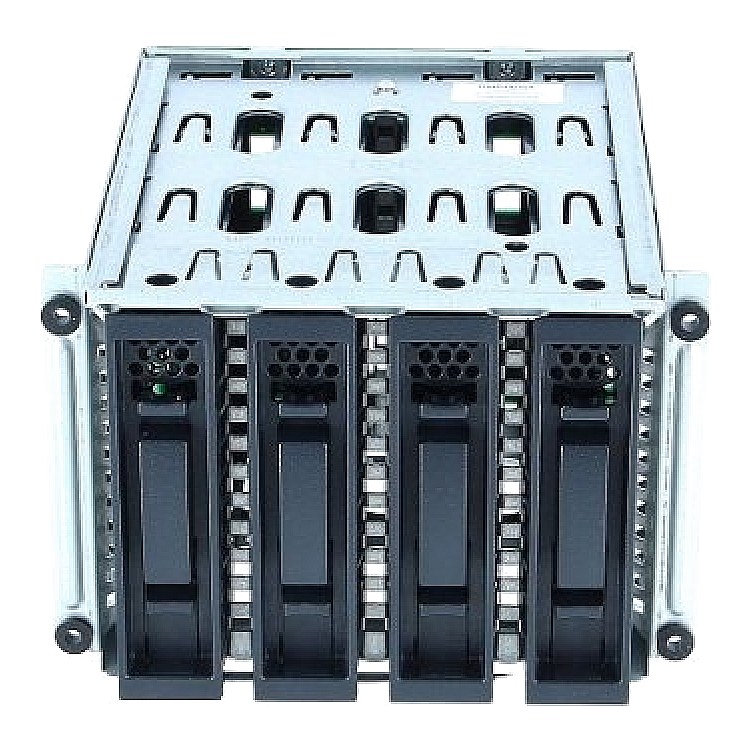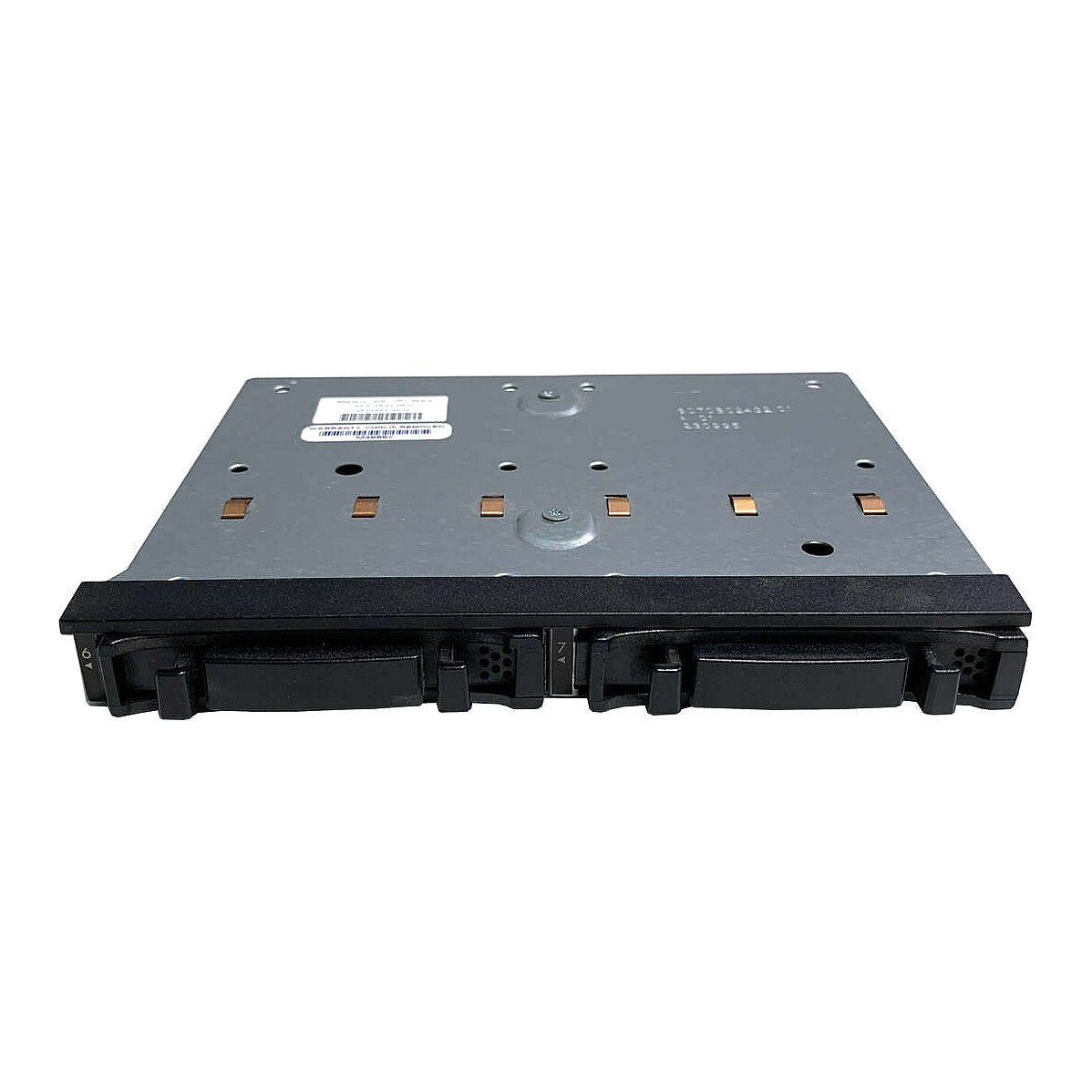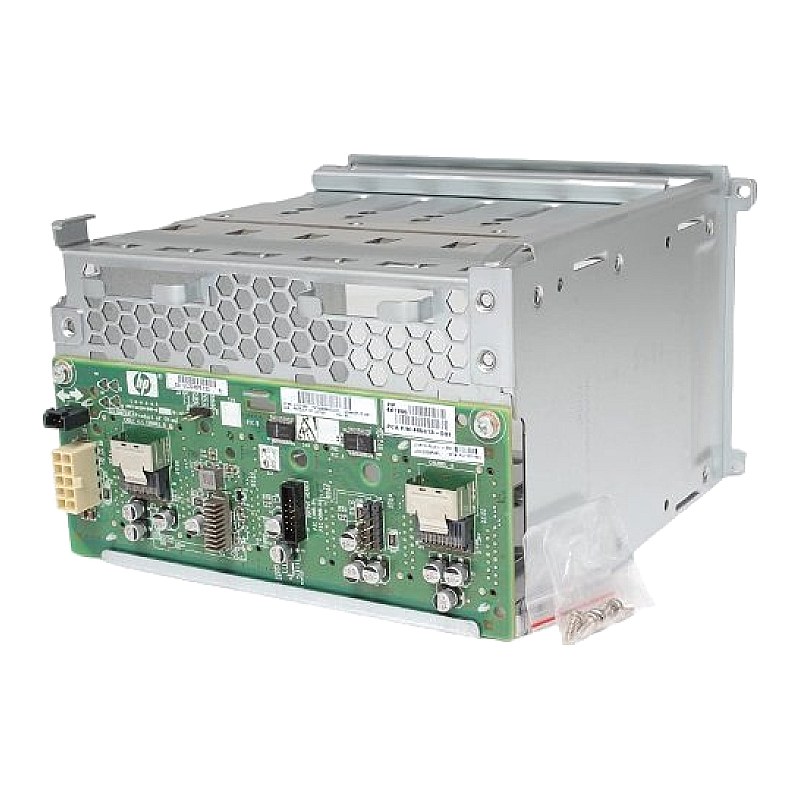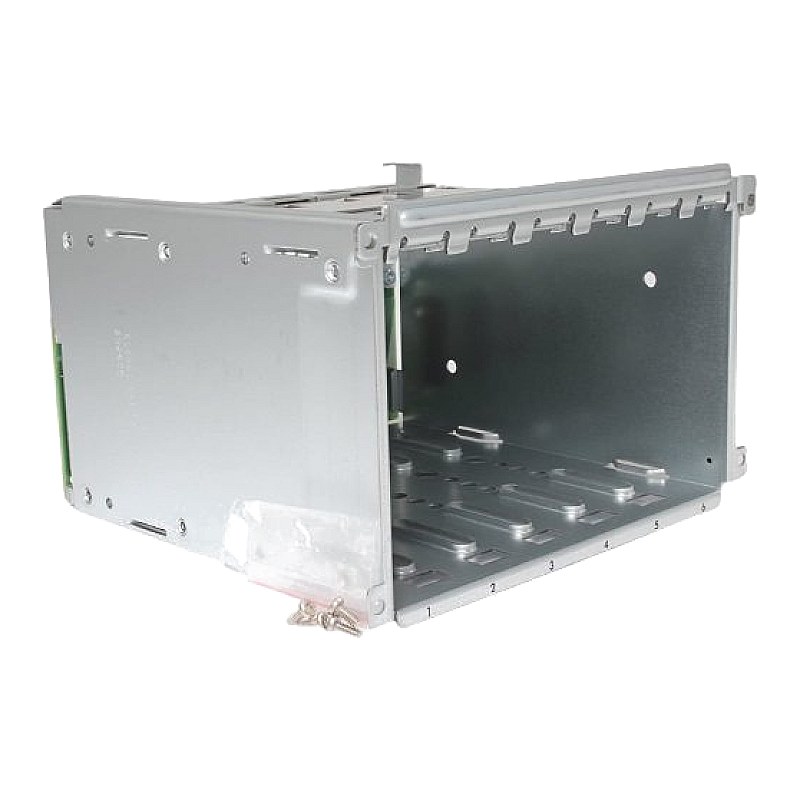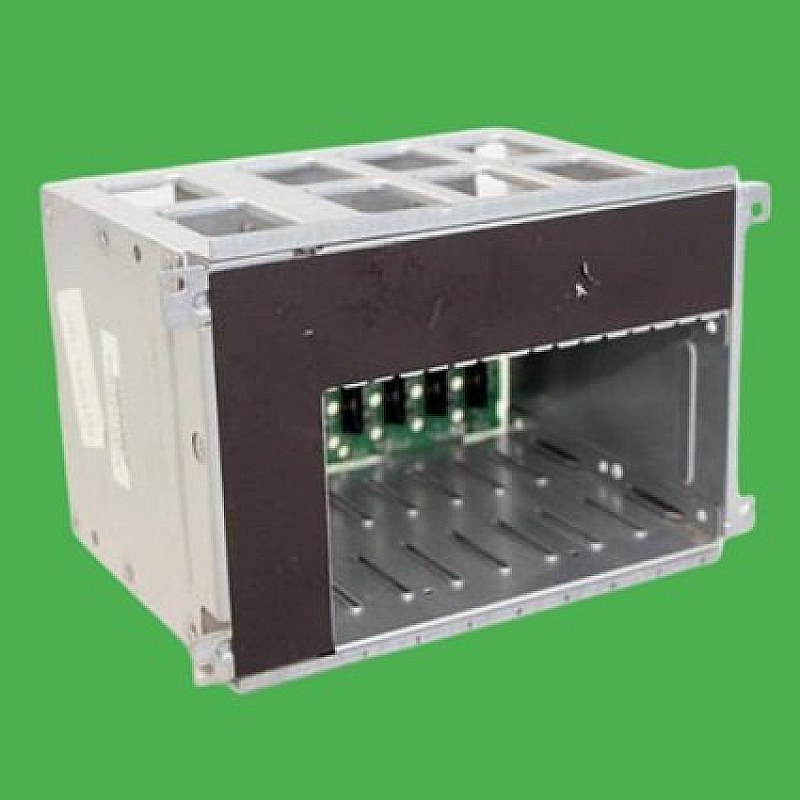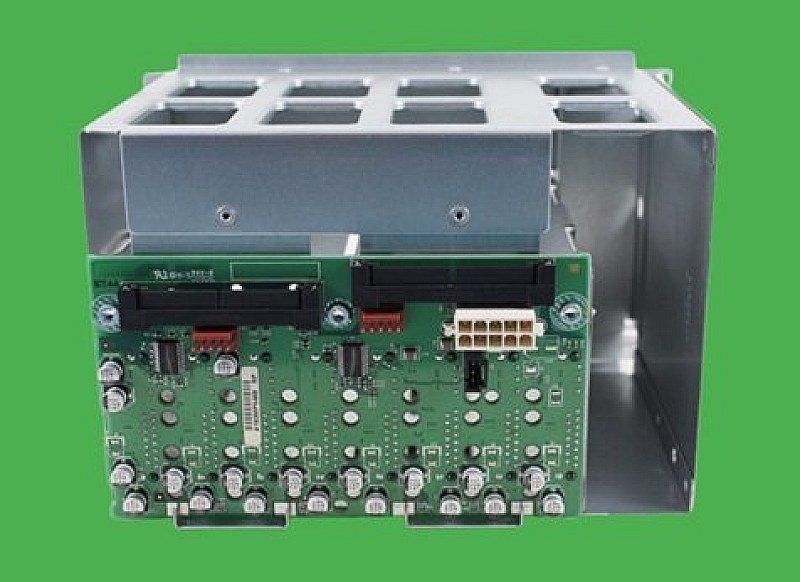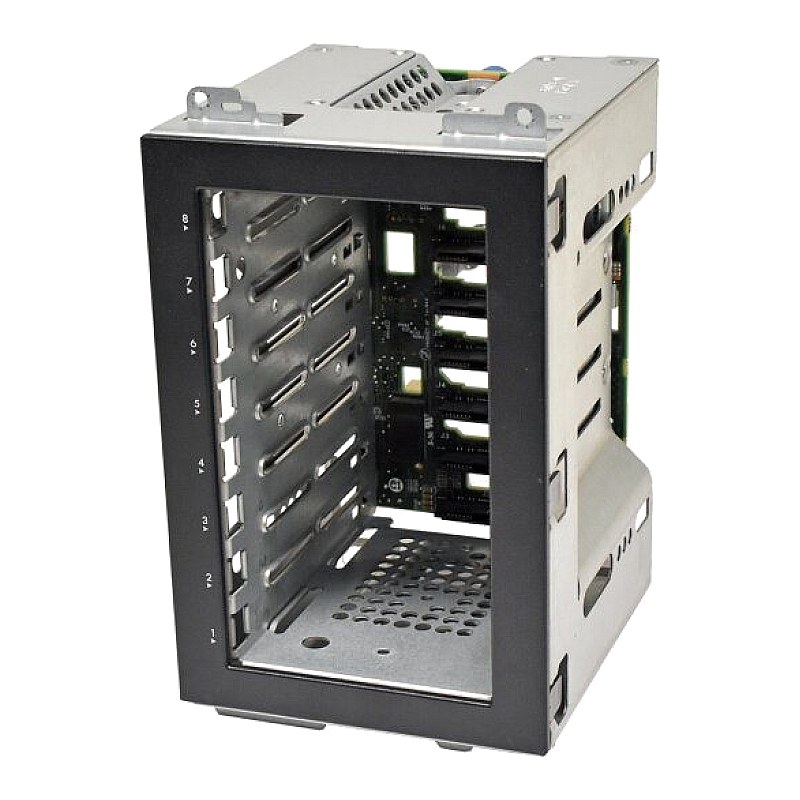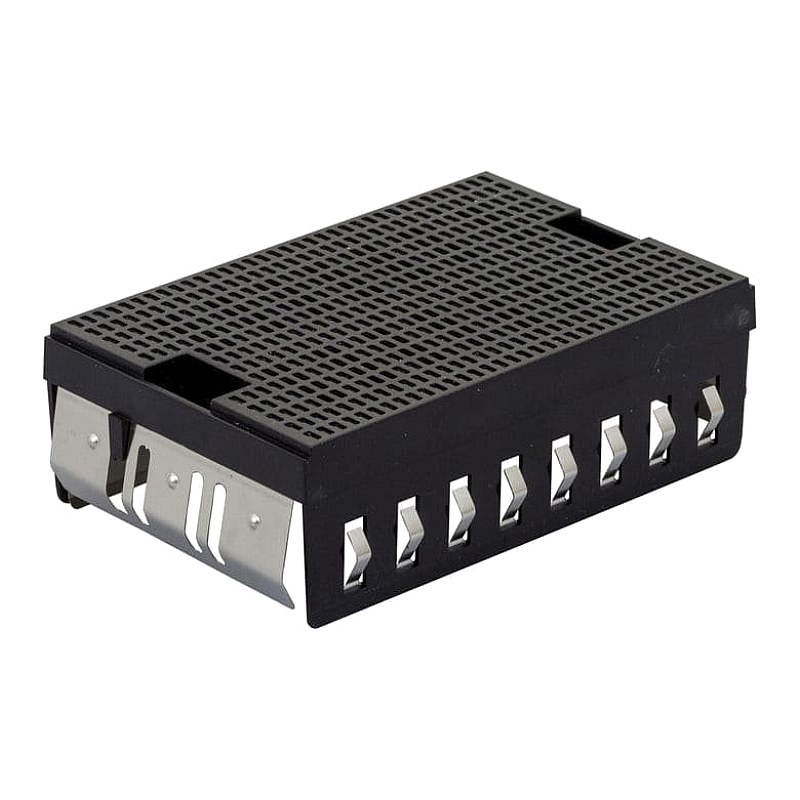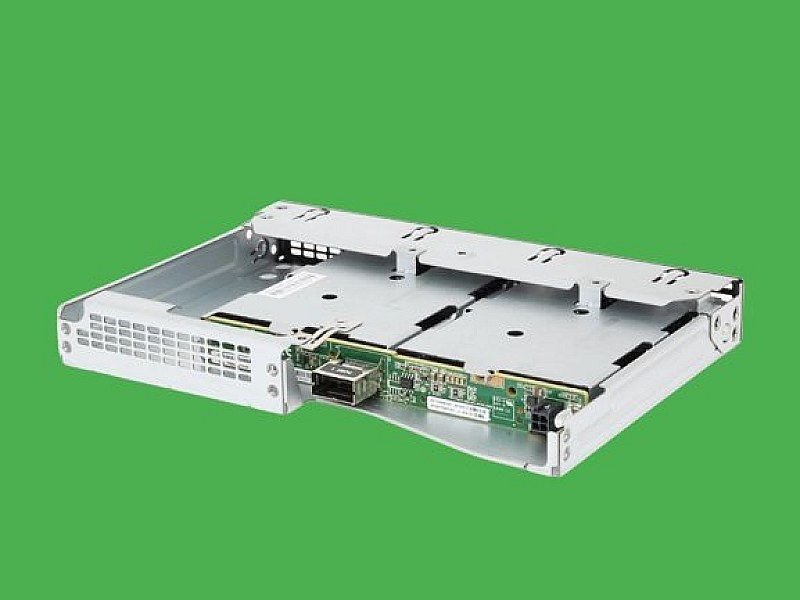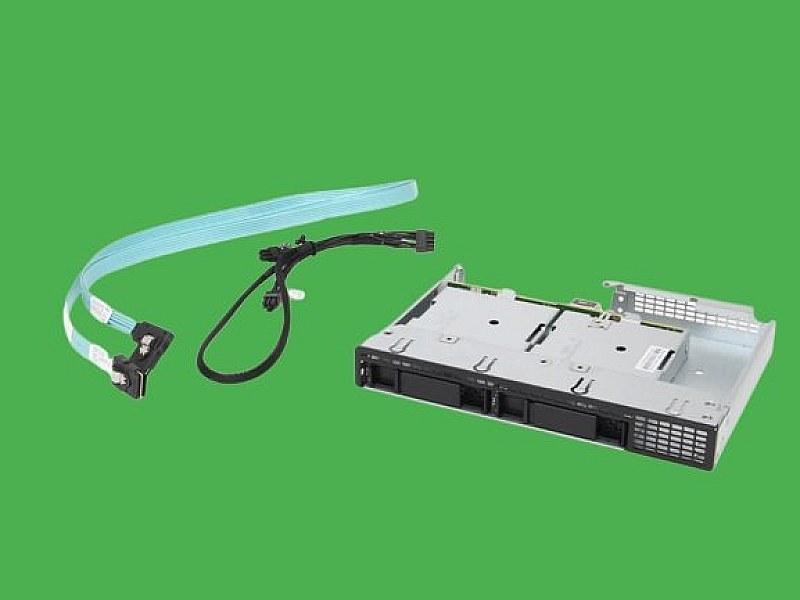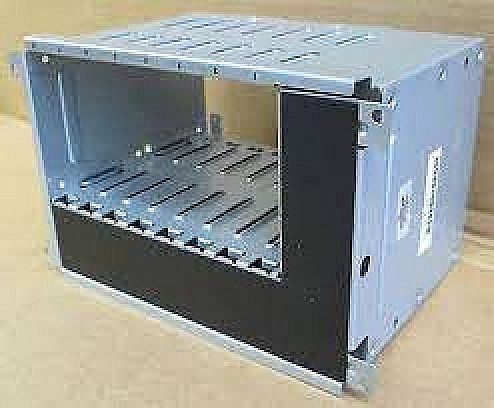
499263-001 HP SFF 2.5Inch HDD Cage with Backplane for ML350 G6

R1 373.60
was
Includes VAT
Tell me if the price drops
HP Small Form Factor 2.5 Inch HDD Cage with Backplane for ML350 G6 HPN: 499263-001,511782-001
- Brand: HP
- Part #: 499263-001,511782-001
- Specs:-
- :: Type: Tower Server 8-Bay Expansion Hdd Cage
- :: Form Factor: 2.5 Inch
- Compatibility:
- :: HP Proliant ML350 G5
- :: HP Proliant ML350 G6
- Condition: Refurbished
- Warranty: 1 (one) year Tekmart warranty
Key points to note on these 499263-001 HP Hard Drive Cages:-
This is a genuine OEM HP 8-Slot SFF Hard Drive Cage Assembly for ProLiant ML350 G6 Servers with Part #(s): 499263-001,511782-001.
Eight-bay SFF drive cage removal short instructions:-
- Review the safety considerations before performing the steps listed below. CAUTION: Failure to comply with the precautions could result in damage to your product or loss of data.
- Power down the server.
- Do one of the following :: Extend the server from the rack.:: Remove the tower bezel.:: Place the tower server on its side.
- Remove the access panel.
- Remove all hard drives.
- Disconnect all cables from the rear of the hard drive cage.
- Using a T-15 Torx screwdriver, remove the four screws securing the drive cage to the chasis.
- Slide the cage forward out of the chasis.
Eight-bay SFF drive cage replacement
- Replace the eight-bay SFF drive cage.
- Replace the Hard drive.
- Replace the access panel.
- Replace the tower bezel.
- Power ON the server.
- Free collection from our store
- Secure checkout