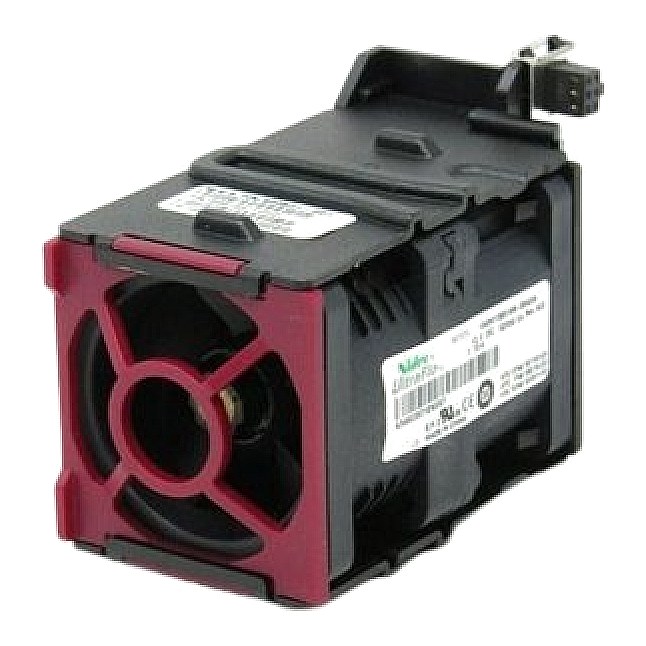
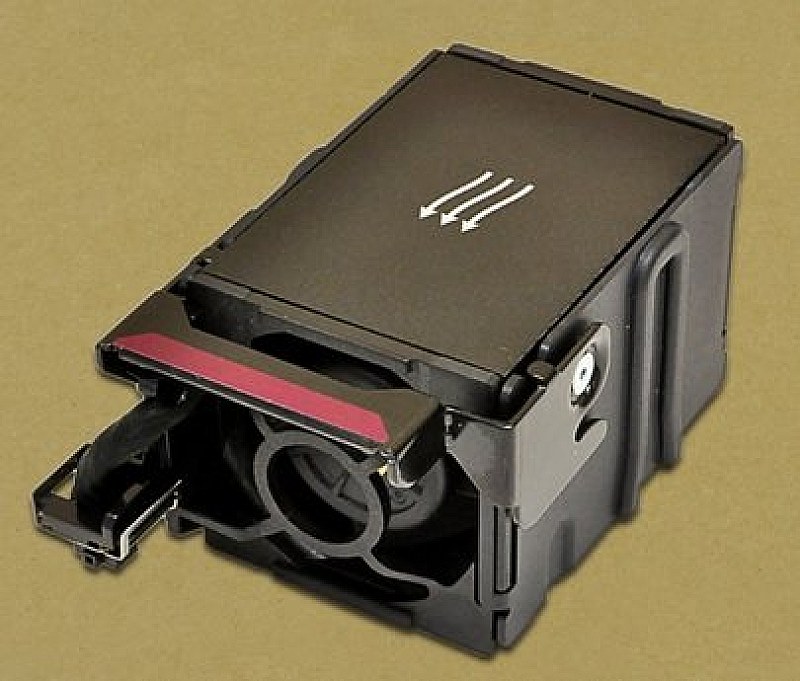
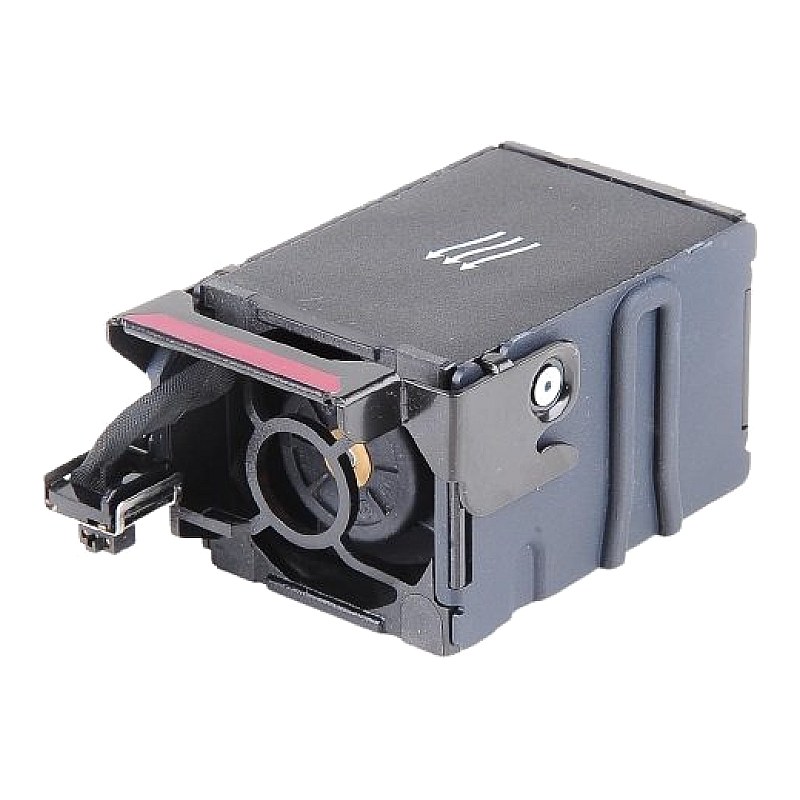
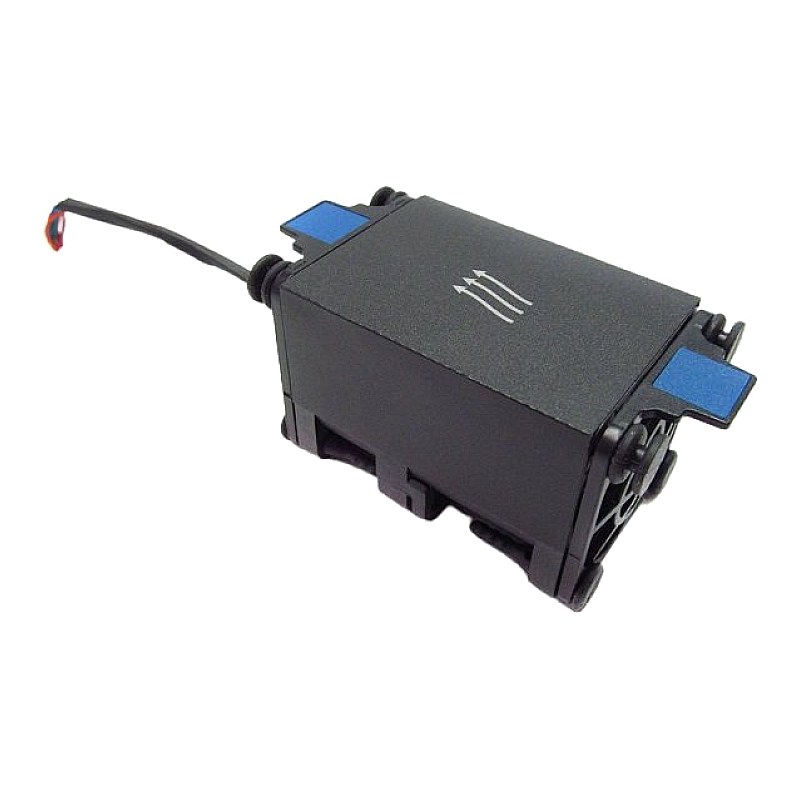
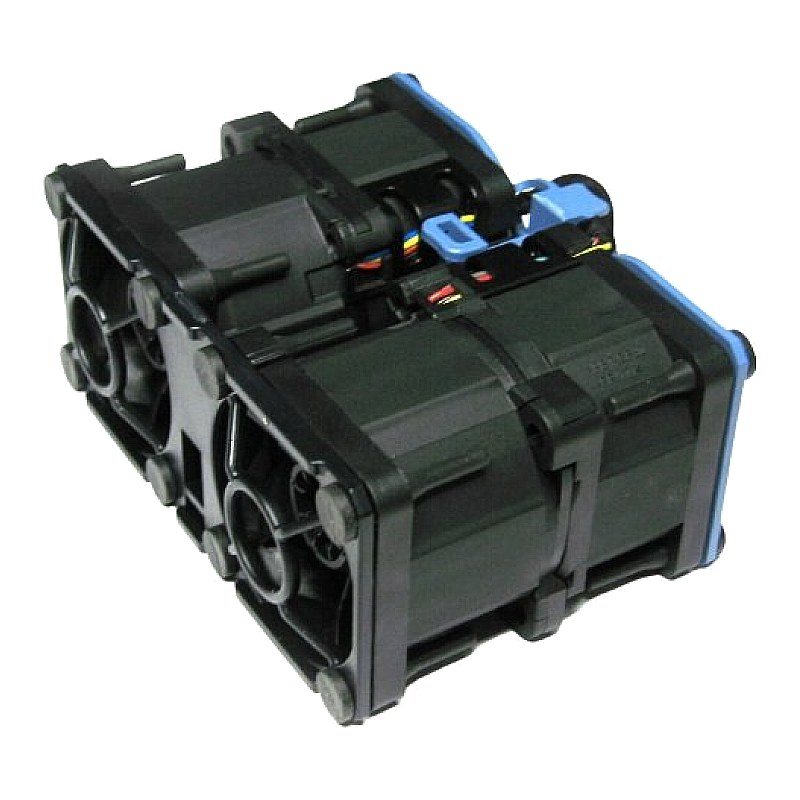
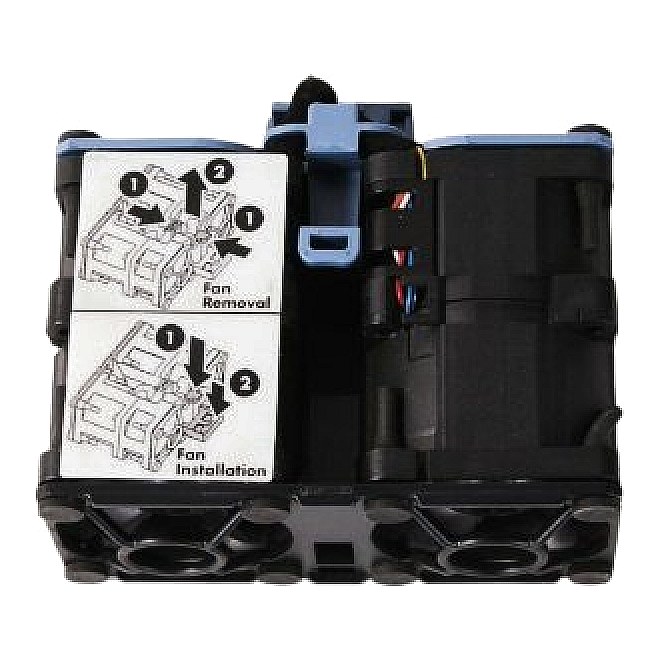
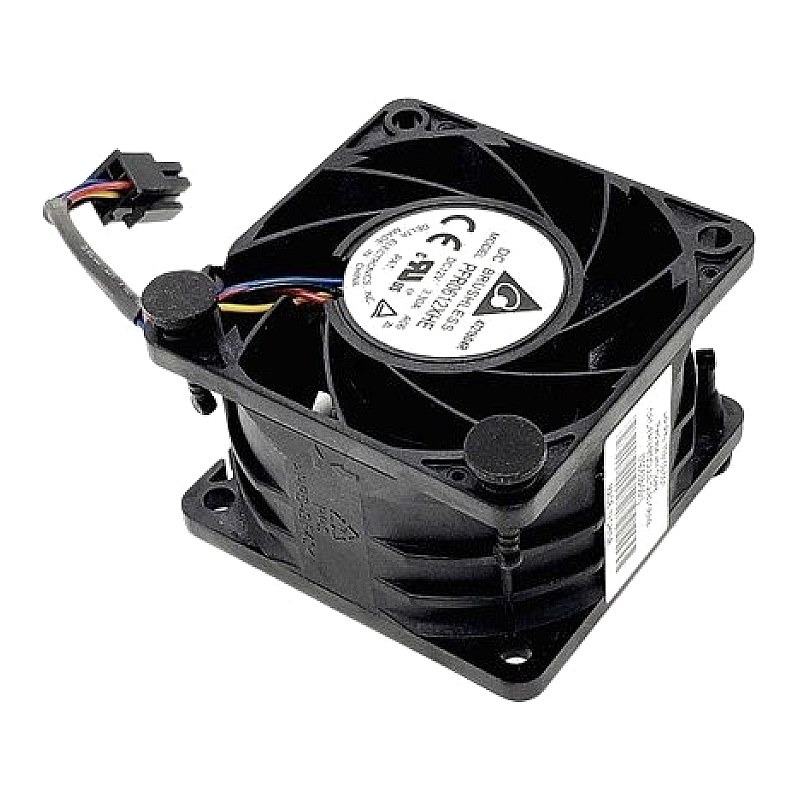
873580-001 HPE DL360 Gen10 Standard Cooling Fan Module

R1 288.18
was
Includes VAT
Tell me if the price drops
Standard Fan Module for HPE ProLiant DL360 DL360p Gen10 G10 HPN: 875283-001,879656-001,873799-001,873581-001
- Brand: HPE
- Manufacturer Part #: 873580-001
- Alt. Part #(s):
- :: 875283-001
- :: 879656-001
- :: 873799-001
- :: 873581-001
- Specs:-
- :: Type: Server Cooling module
- :: Details: DC12V, 1.50A, Nidec UltraFlo model: V40W12BS2N5-08T06HF, Delta model: PFM0412HS -BM5
- :: Connector: 6-Pin
- :: Product Type: Standard Fan Module
- :: Plug Type: Hot Pluggable
- Compatibility:
- HPE ProLiant DL Series:
- :: DL160 Gen10
- :: DL160p Gen10
- :: DL180 Gen10
- :: DL180p Gen10
- :: DL360 Gen10
- :: DL360p Gen10
- :: DL560 Gen10
- :: DL560p Gen10 Servers
- :: HPE Storage File Controllers
- :: HPE StoreEasy 1000 Storage
- :: HPE Cloudline CL2600 Gen10 Server
- Condition: New
- Warranty: 1 (one) year Tekmart Africa warranty
INT211125DK2025Eligible for immediate collection / shipping upon order confirmation***
The SKU:873580-001 is an HPE part number corresponding to an HPE Standard Fan Module for the ProLiant DL360 Gen10 server.
As this is a cooling component (a fan), the signs that it needs replacement are related to noise, rotation, and, most critically, system temperature alerts.
Critical tell-tale failure signs (immediate replacement) that you should replace this fan(s) on your derver:-
1. Server Overheating and Shutdown
This is the most critical sign. If the fan has failed completely, the server's thermal protection will trigger:
- ::iLO/System Event Log (SEL) Alerts: You will see repeated, critical Temperature Threshold Exceeded warnings.
- ::Automatic Shutdown: The server will automatically power off to protect the CPU and components from permanent damage.
2. Physical Failure Indication
- ::"No Fan" Alert: The server's POST (Power-On Self-Test) or iLO will report a missing or failed fan module in the specific bay where the 873580-001 is installed.
- ::Fan Fault LED: The individual fan module may have a fault LED (usually amber or red) illuminated, indicating it has failed its internal health check.
Warning Signs (Predictive Replacement)
3. Abnormal Noise or Vibration
A fan failure is often preceded by mechanical wear.
- ::Loud Grinding/Rattling: Indicates a failure of the fan's bearing system.
- ::High-Pitched Whine or Buzz: Could be due to an imbalance or an electrical issue within the fan motor.
- ::Intermittent Noise: The noise might come and go, signaling that the bearing is failing and the fan is struggling to spin properly.
4. Excessive Fan Speed (without load)
If you notice the remaining healthy fans in the server constantly running at unusually high RPMs, even when the CPU utilization is low, it suggests:
- ::A neighboring fan has failed (the 873580-001), forcing the surviving fans to compensate to maintain airflow.
- ::The server's sensors detected inadequate airflow, ramping up the remaining fans to prevent the overheating (Sign #1).
5. iLO Predictive Failure Alert
HPE's Integrated Lights-Out (iLO) management interface is designed to catch failures before they become critical.
- ::Fan Status: Check the System Information > Fans section in iLO. A fan's status may change from "OK" to "Degraded," "Failed," or "Predictive Failure." This is the best time to replace the part before a total failure occurs.
- Free collection from our store
- Secure checkout