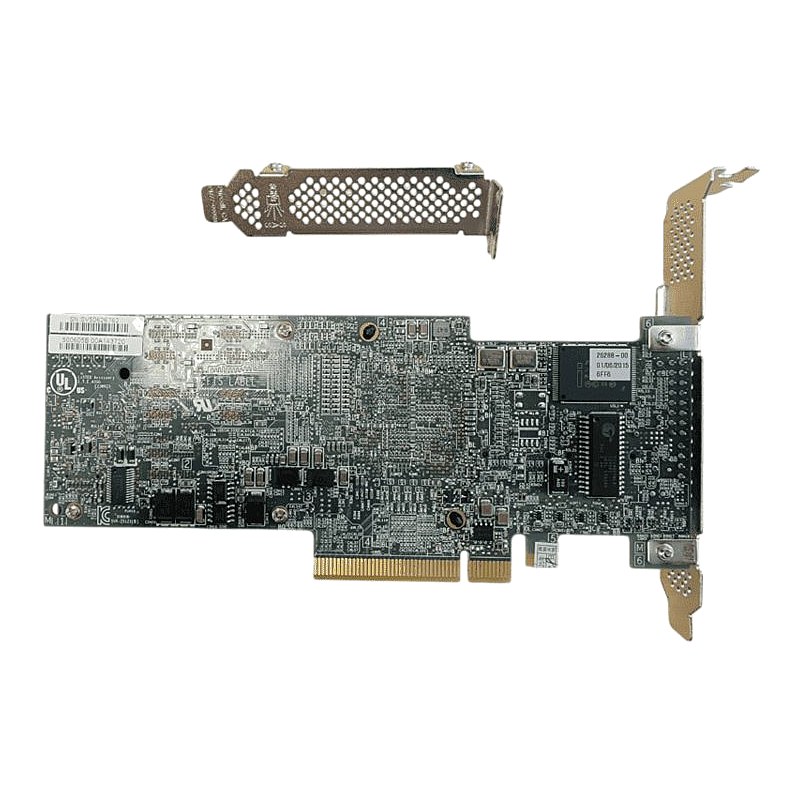
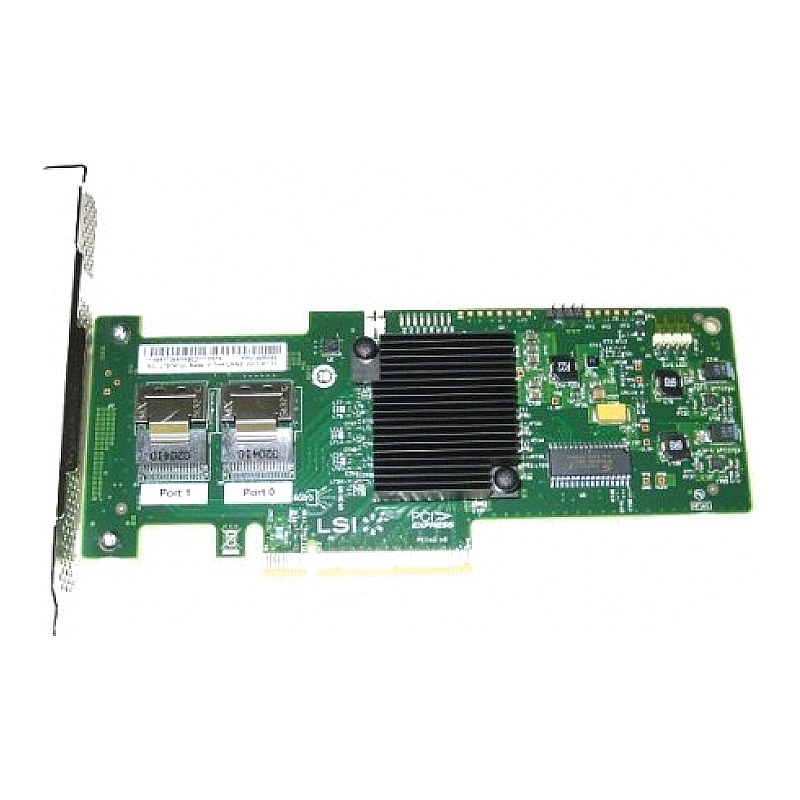
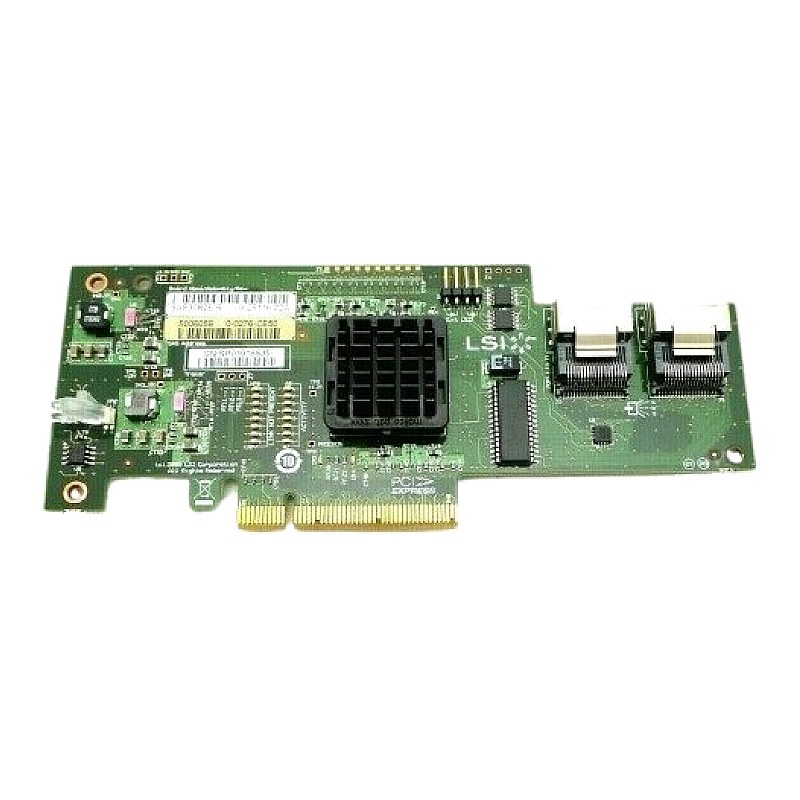
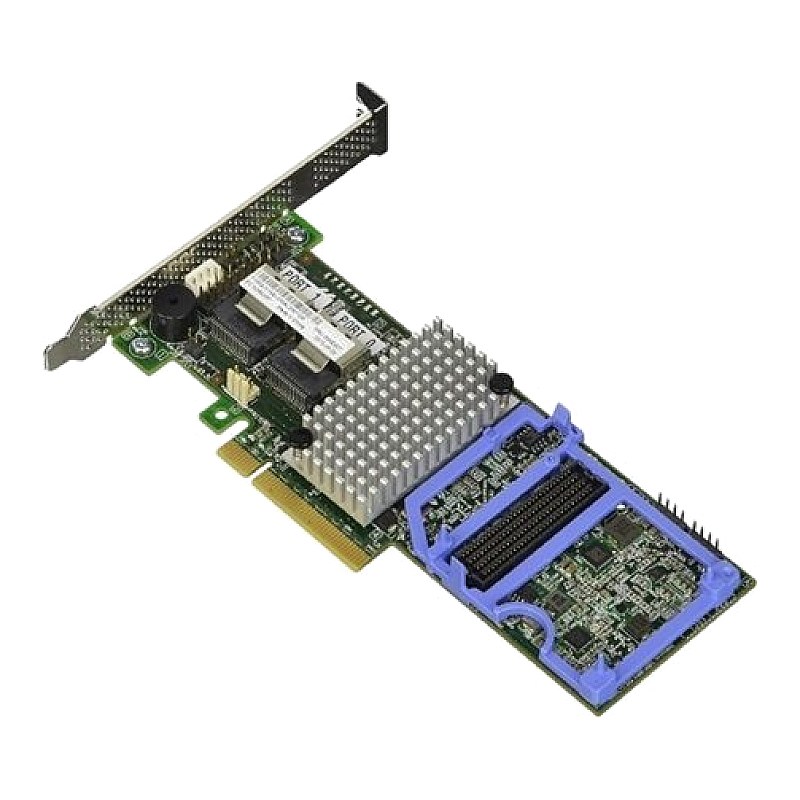
IBM ServeRAID M5014 SAS RAID Controller FRU: BY5987
Brand: IBM
FRU #: BY5987
Model: M5014
ServeRAID M5014 controller- Support for 256-Mbyte 40-bit DDR2 800 MHz on-board SDRAM intelligent battery backed module
ServeRAID M5015 controller- Support for 512-Mbyte 72-bit DDR2 800 MHz on-board SDRAM intelligent battery backed module
Specs:-
:: PCI Express x8 lane width
:: Host Interface: SAS
:: SAS speed: 6.0 Gb/s
:: SATA II speed: 3.0 Gb/s
:: Support for RAID levels 0, 1, 5, 10, and 50
:: Controller support: SAS devices, SATA II devices
:: SSP enables communication with other SAS devices
:: SATA II enables the controller to communicate with other SATA II devices.
:: Controller limitations:
:: The ServeRAID M5014 and ServeRAID M5015 controllers have the following limitations:
:: You can connect only one device per SAS PHY unless you use an expander
:: You can use a maximum cable length of six feet (using shorter cables is preferred)
:: Cables have to meet the SAS specification
:: You cannot mix SAS drives and SATA drives in the same virtual disk
:: You cannot mix SAS or SATA Solid State Drives (SSDs) and legacy mechanical drives (SAS or SATA) in the same virtual disk
:: You cannot mix Solid State SAS drives and Solid State SATA drives in the same virtual disk
Condition: New, factory sealed spare part
Warranty: 1(one) year Tekmart replacement warranty
Overview of these M5014 IBM ServeRaid controllers:
The ServeRAID M5014 SAS/SATA Controller for IBM System x is the next-generation 6 Gbps SAS 2.0 RAID controller.
The adapter has two internal mini-SAS connectors to control up to 32 devices and support global and dedicated hot-spare drives.
These ServeRAID M5014 SAS/SATA Controllers offer a cost-effective enterprise-grade RAID solution for internal HDDs and integrate emerging SAS technology into an organization's storage infrastructure.
Free collection from our store
Secure checkout
Customer reviews
5.0 / 5 from 1 review
★★★★★
If you are installing this card on older server hardware, to configure your RAID arrays, you will must first tell and alert the BIOS to open the boot device selection window, then on the LSI menu hit Ctrl+H to open the WebBIOS; on the BIOS device selection you will see a new item for the RAID controller, when you open this then you will be able to configure the drives and arrays as needed. That should be it !