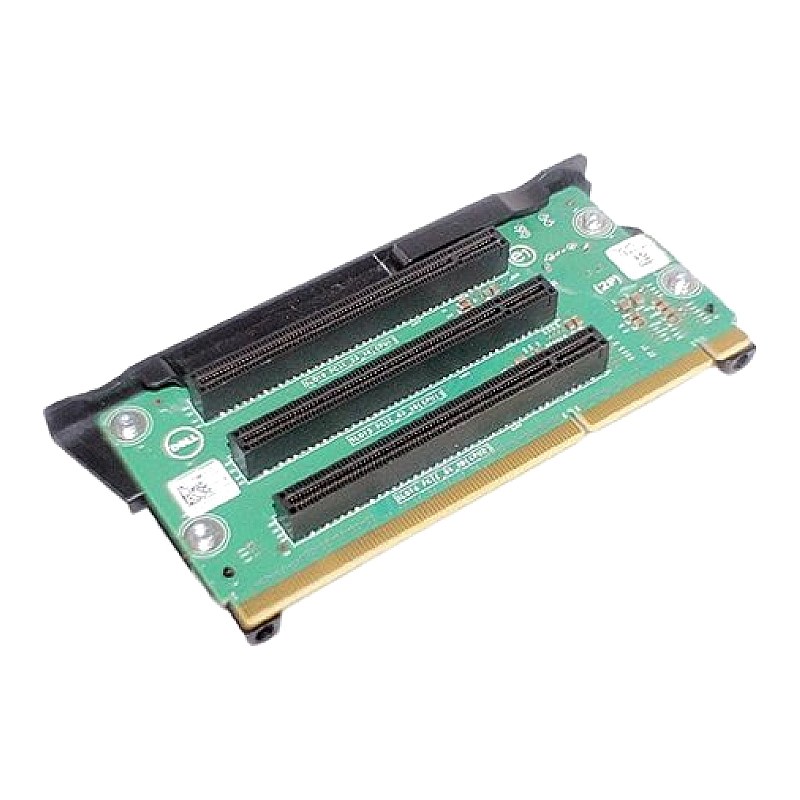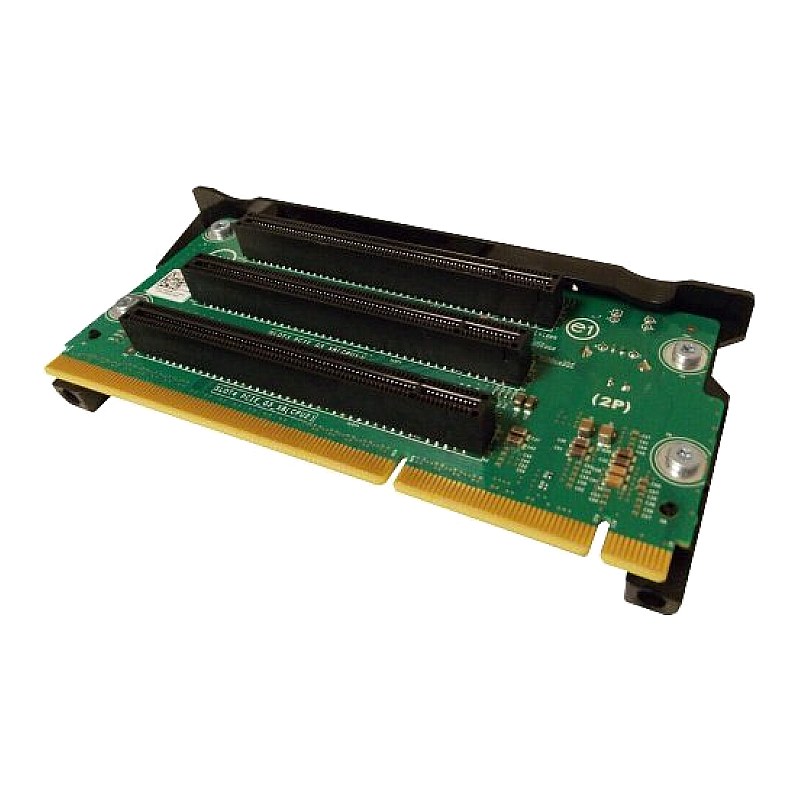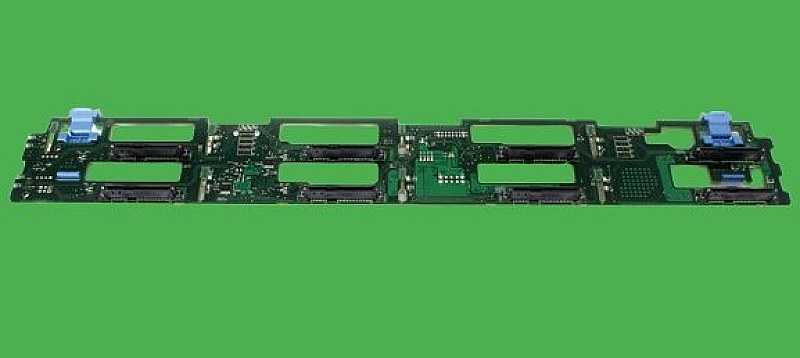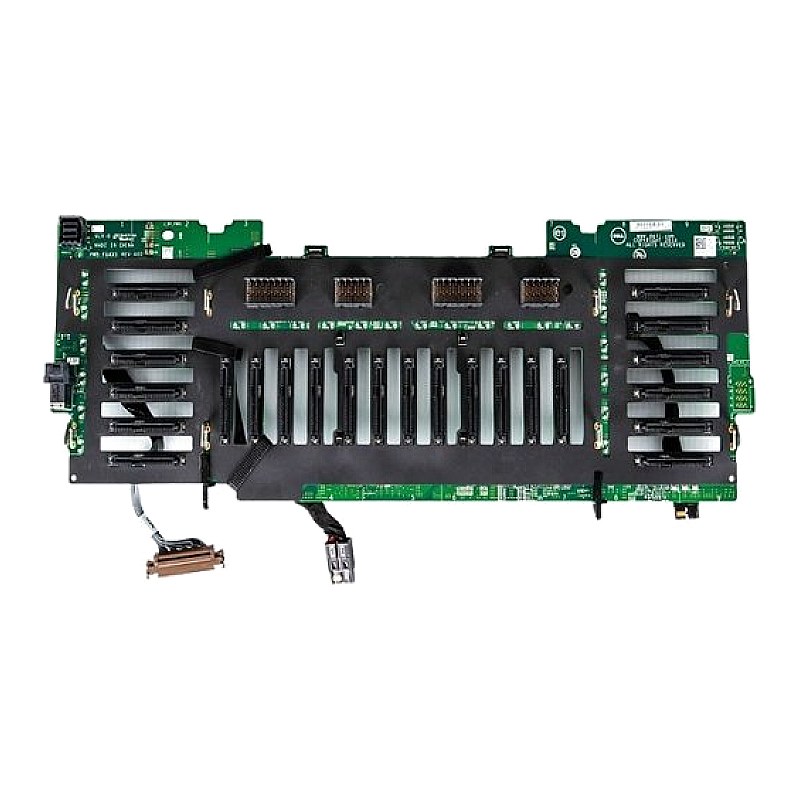
0X1T22 Dell PowerEdge R920 24-Bay 2.5inch HDD Backplane

R8 385.28
was
Includes VAT
Tell me if the price drops
Dell PowerEdge R920 / R930 24-Bay for 2.5inch FF HDD Backplane DPN: X1T22,0X1T22,JXR3K,0JXR3K
- Brand: Dell
- Part #(s): X1T22,0X1T22,JXR3K,0JXR3K
- Specs:-
- :: Type: Server Backplane Board
- :: No. of Drive Bays: 24
- :: Form Factor: 2.5inch
- Servers that these Dell server backplanes are compatible with:
- :: Dell PowerEdge R920
- :: Dell PowerEdge R930
- Condition: New; open box
- Warranty: 1 (one) year Tekmart Africa warranty
Key points to note on these X1T22 Dell R920 / R930 Backplane Upgrade Kits:-
These are the OEM DELL R920 / R930 24-port hard drive backplane hard drive upgrade kits.
- To prevent damage to the drives and backplane, you must remove the hard drives from the system before removing the backplane.
- You must note the number of each hard drive and temporarily label them before removal so that you can replace them in the same locations.
Figure 1. Removing and Installing the 2.5 Inch (x4) SAS/SATA Backplane
- release tab
- system board miscellaneous signal cable
- SAS connector
- hard drive connector
- backplane hook (4)
- backplane power cable
Figure 2. 2.5 Inch (x4) SAS/SATA Backplane—Front view
- SAS connector on the backplane
- hard drive connector
- backplane hook (4)
Figure 3. 2.5 Inch (x4) SAS/SATA Backplane—Back view
- backplane power cable
- system board miscellaneous signal cable
Figure 4. Removing and Installing the 2.5 Inch (x24) SAS/SATA Backplane
- release tab (2)
- backplane jumper connector
- backplane jumper connector for the expander daughter card
- backplane power cable
- SAS connector
- hard drive connector
- backplane hook (8)
- backplane power cable
Figure 5. 2.5 Inch (x24) SAS/SATA Backplane—Front view
- jumper connector
- hard drive connector
- SAS connector
- hard drive connector
- backplane loops
- backplane hook (8)
- backplane jumper connector
Figure 6. 2.5 Inch (x24) SAS/SATA Backplane—Back view
- backplane power connector 1
- backplane power connector 2
- system board miscellaneous signal cable
Figure 7. Removing and Installing the 2.5 Inch (x16) SAS/SATA and (x8) PCIe SSD Backplane
- release tab (2)
- backplane jumper connector
- system board miscellaneous signal cable
- primary PCIe SSD extender mini-SAS HD connector (4)
- SAS connector
- secondary PCIe SSD extender mini-SAS HD connector (4)
- backplane hook (8)
- backplane power connector
Figure 8. 2.5 Inch (x16) SAS/SATA and (x8) PCIe SSD Backplane—Front view
- hard drive connector
- SAS connector
- hard drive connector
- backplane loop (2)
- backplane hook (8)
- jumper connector to the expander daughter card
Figure 9. Cabling—2.5 Inch (x4) SAS/SATA Backplane with PERC 9
- SAS cable connector on the integrated storage controller card
- integrated storage controller card (PERC 9)
- system board
- cable management tray
- x4 hard drive backplane
- SAS connector on the backplane
Figure 10. Cabling—2.5 Inch (x24) SAS/SATA Backplane with PERC 9
- SAS (A&B) cable connector on the integrated storage controller card
- integrated storage controller card (PERC 9)
- system board
- cable management tray
- x24 hard drive backplane
- SAS B cable connector on the expander daughter card
- backplane jumper cable connector on the expander daughter card
- SAS jumper cable connector on the expander daughter card
- SAS A cable connector on the expander daughter card
- SAS jumper cable connector on the backplane
- backplane jumper cable connector on the backplane
Figure 11. Cabling—2.5 Inch (x16) SAS/SATA and (x8) PCIe SSD Backplane (left and right side)
- SAS (A&B) cable connector on the integrated storage controller card
- integrated storage controller card
- system board
- cable management tray
- secondary PCIe SSD extender mini-SAS HD connector (A to D)
- x24 hard-drive backplane
- SAS B cable connector on the expander daughter card
- SAS jumper cable connector on the expander daughter card
- SAS A cable connector on the expander daughter card
- SAS jumper cable connector on the backplane
- primary PCIe SSD extender mini-SAS HD connector (A to D)
Figure 12. Cabling— x24 Backplane With Dual PERC And Dual SAS Expander Cards
- SAS cable connector on the primary integrated storage controller card
- integrated storage controller card (primary card)
- integrated storage controller card (secondary card)
- SAS cable connector on the secondary integrated storage controller card
- x24 hard drive backplane
- primary daughter card SAS B connector
- primary daughter card SAS A connector
- secondary daughter card SAS B connector
- secondary daughter card SAS A connector
- Free collection from our store
- Secure checkout